A Springboot Company-Team management assignment for creating, and retrieving company information along with team details from the database.
Clone the github repo
git clone https://github.com/snehilms/Company-management.gitRun the SpringBoot application in an IDE(STS, Intellij)
Mysql Db is required for the Project running on port: 3306 First hit the login Api. (All Apis are Forbidden by Default) Before hitting the login api ensure that the username and password fields are set. Usecase provided already are:
Eg: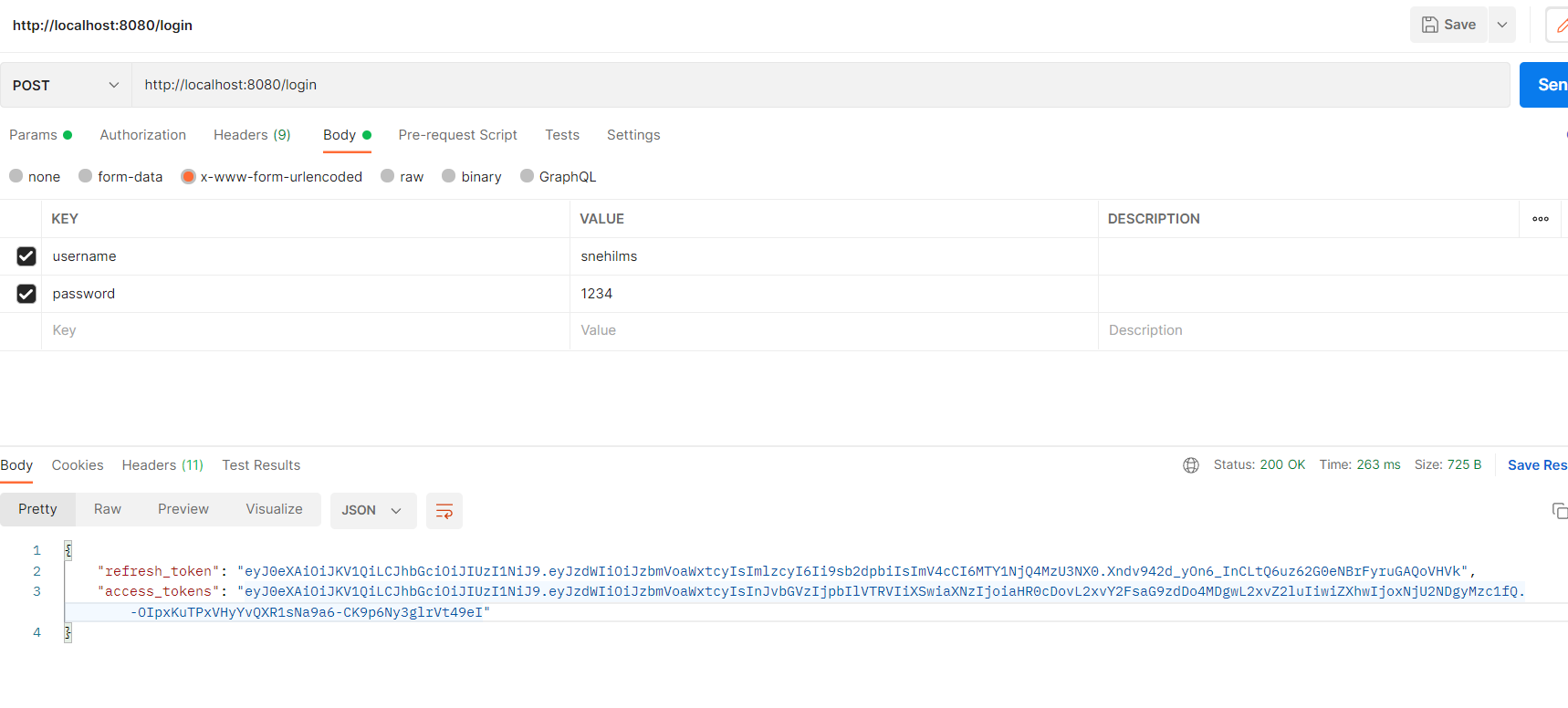
After successfully hitting the login api, an access token and refresh token will be generated which can be used for accessing the other apis
by using the authorization bearer header as : Bearer <access_token>
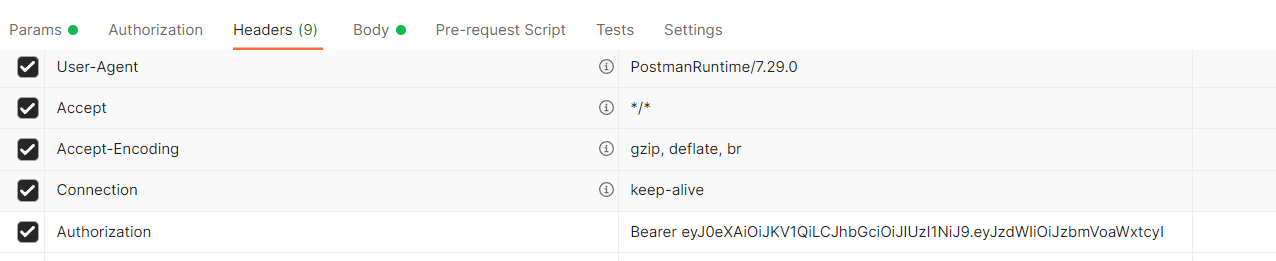
All APIs will be accessible now depending upon the role of the user.
(Dockerizing the springboot and mysql in progress...)
http://localhost:8080/ - If running on the local machine. (Recommended for now)
POST /login| Parameter | Type | Description |
|---|---|---|
| No Parameter | - | The login is initially required for getting access and refresh token |
POST /company/create_company| Parameter | Type | Description |
|---|---|---|
| company Name, CEO, Date, Company Address | Json | Create a new company |
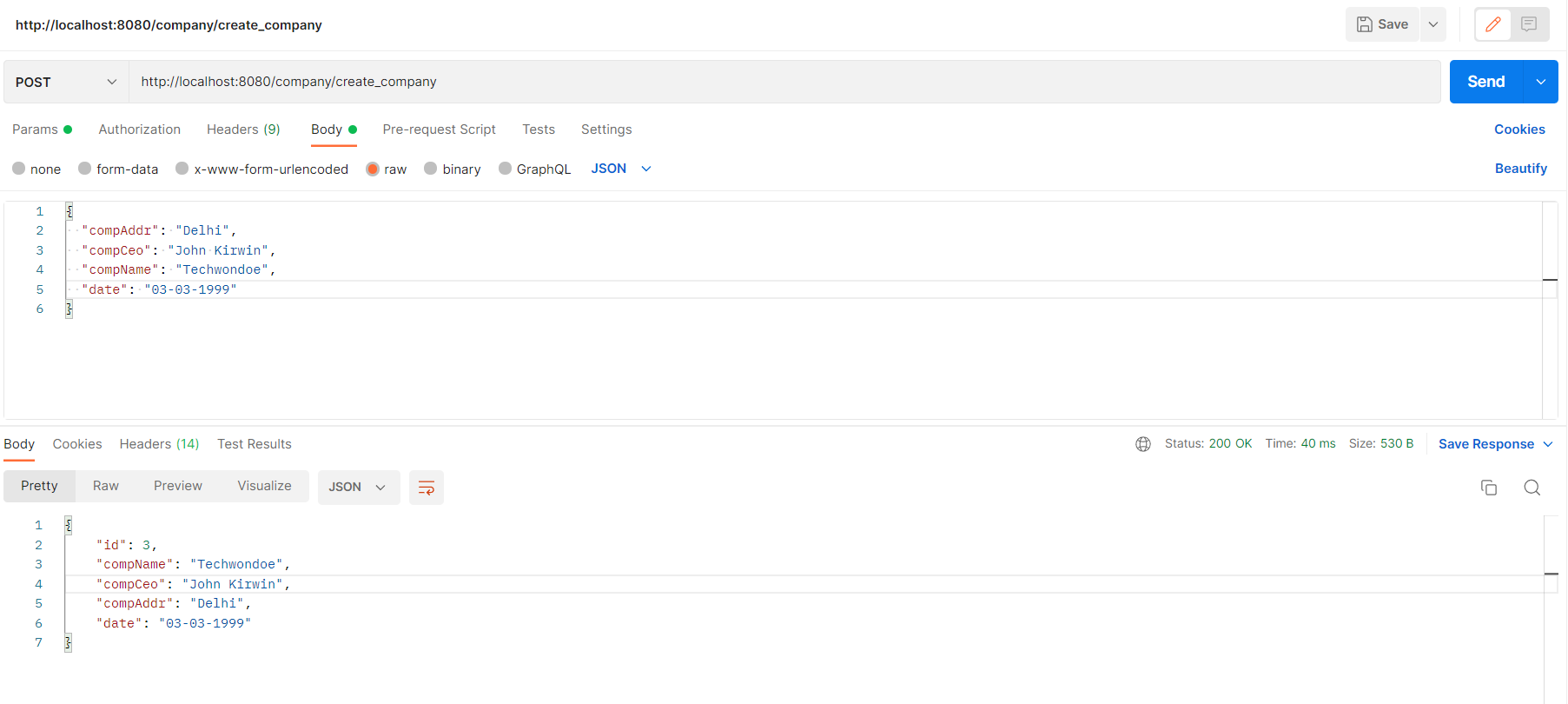
GET /company/get_companies| Parameter | Type | Description |
|---|---|---|
| No Parameter required | - | Get the list of the companies present in the database |
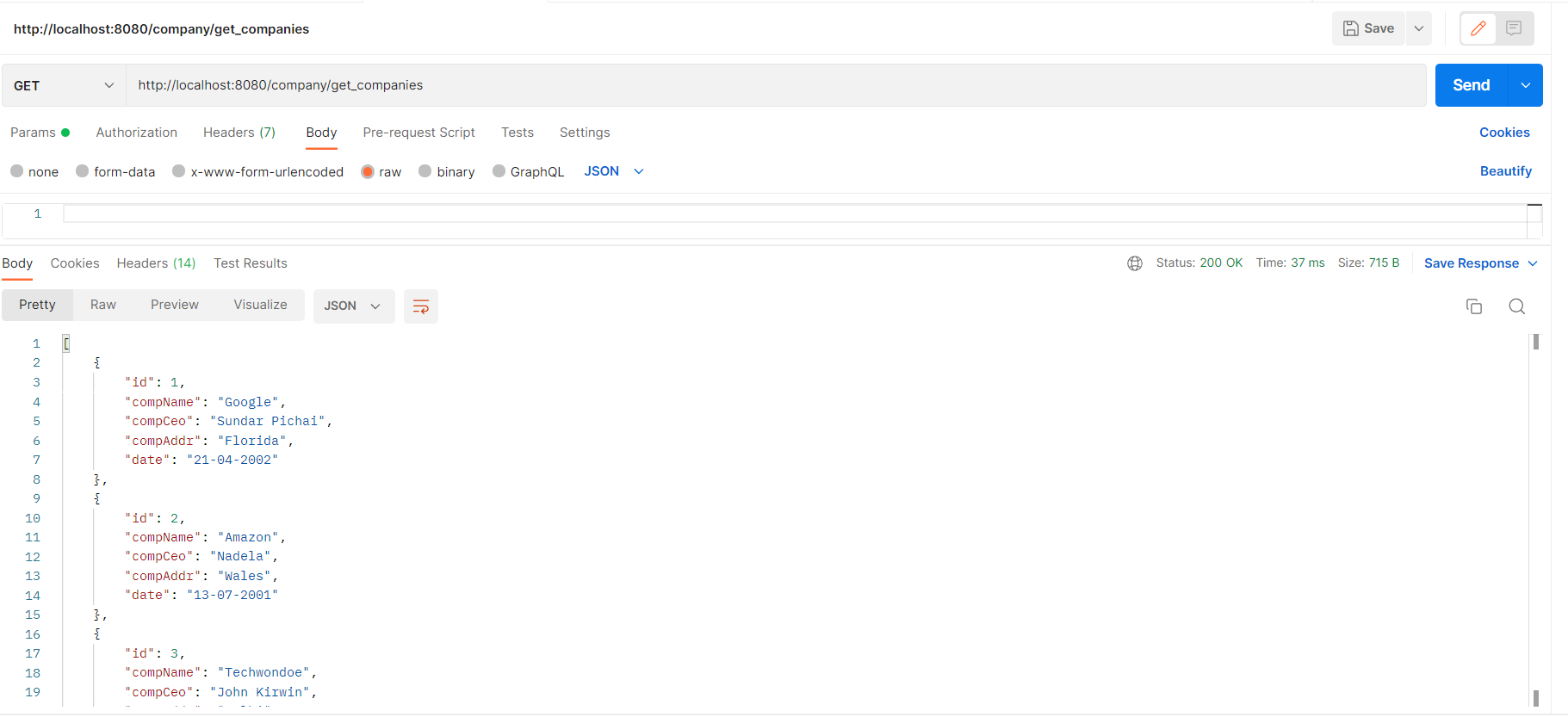
GET /company/get_company_id/{id}| Parameter | Type | Description |
|---|---|---|
| id in path | Numeric | Get Company by the provided id from the database |
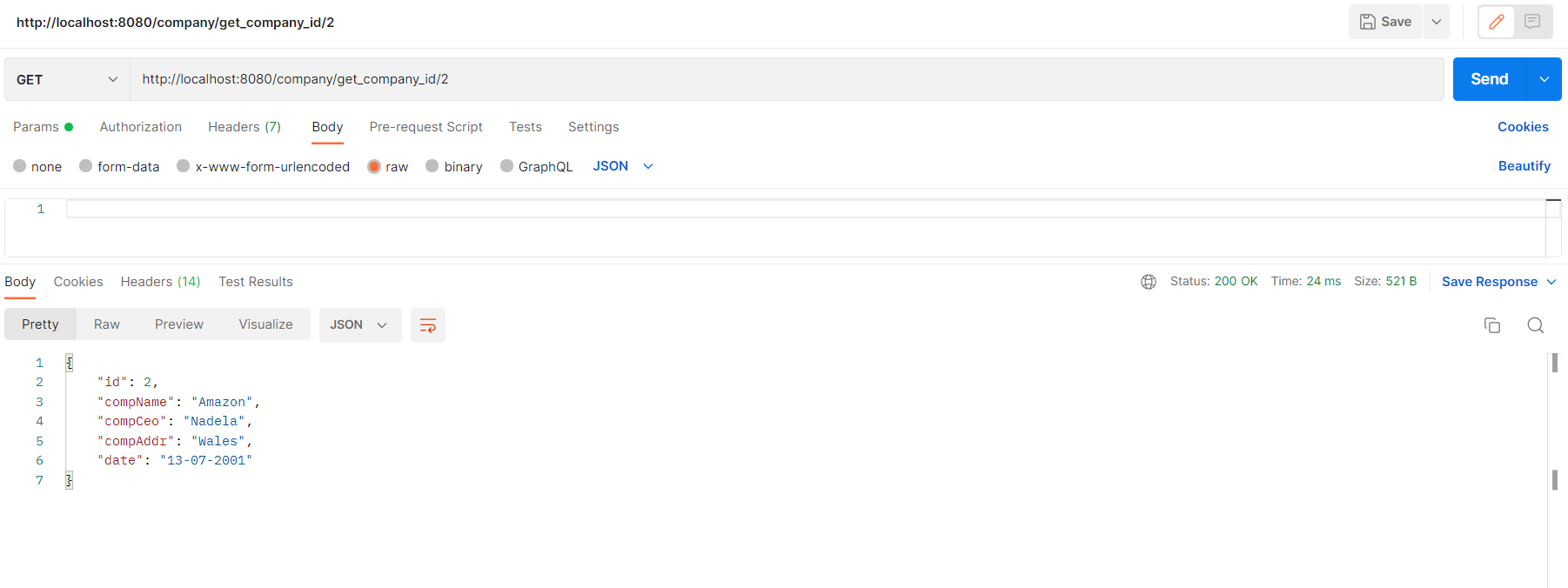
GET /company/get_company_name/{comp_name}| Parameter | Type | Description |
|---|---|---|
| Name of company | String | Get the company by Name from the database |
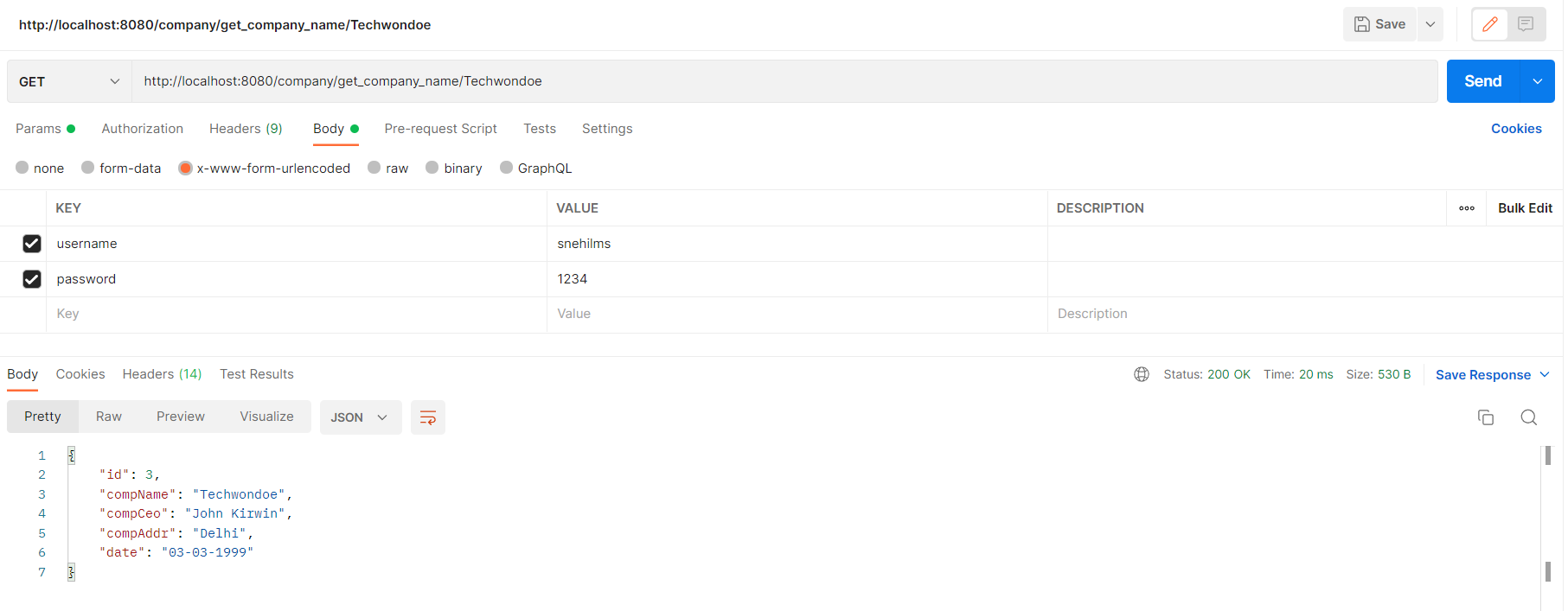
POST /team/create_team/{comp_id}| Parameter | Type | Description |
|---|---|---|
| Team leadName, Company id in path | - | Creates a new team with the leadName and company |
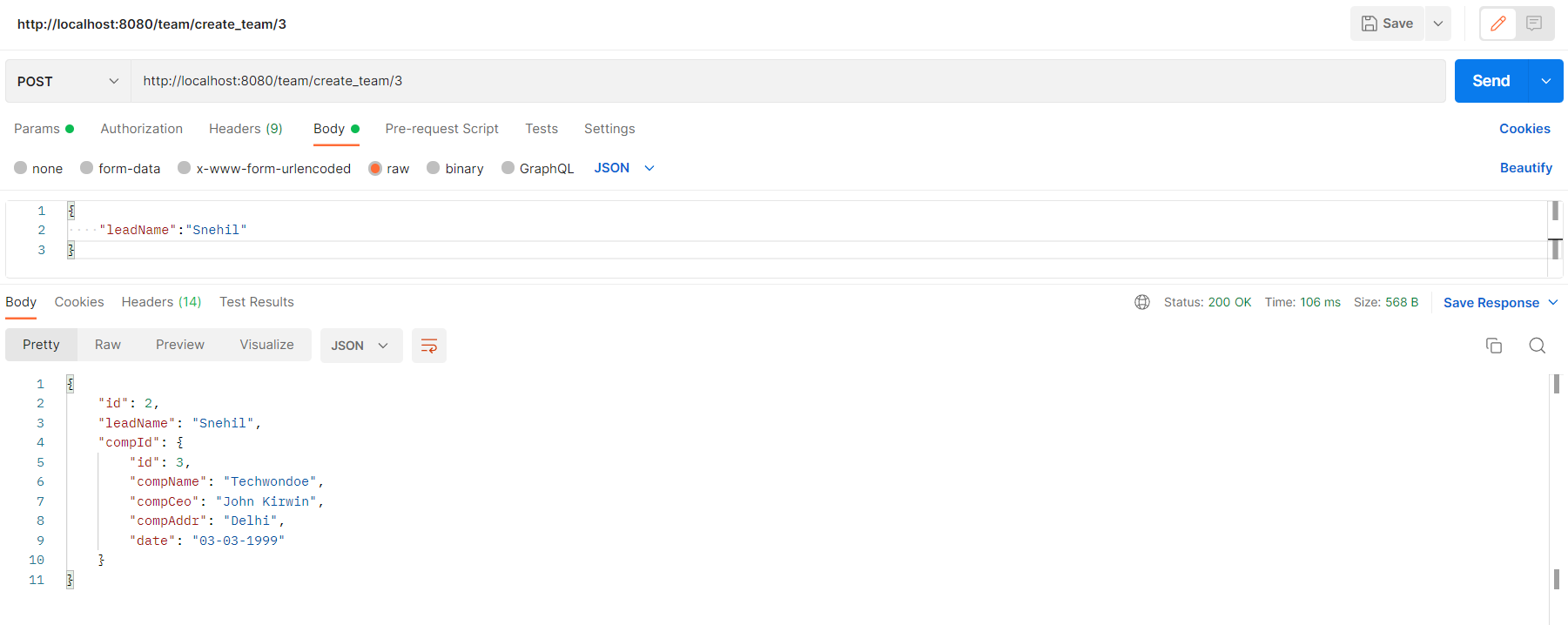
GET /team/get_teams| Parameter | Type | Description |
|---|---|---|
| No Parameter required | - | Get the List of company along the array of teamLeads |
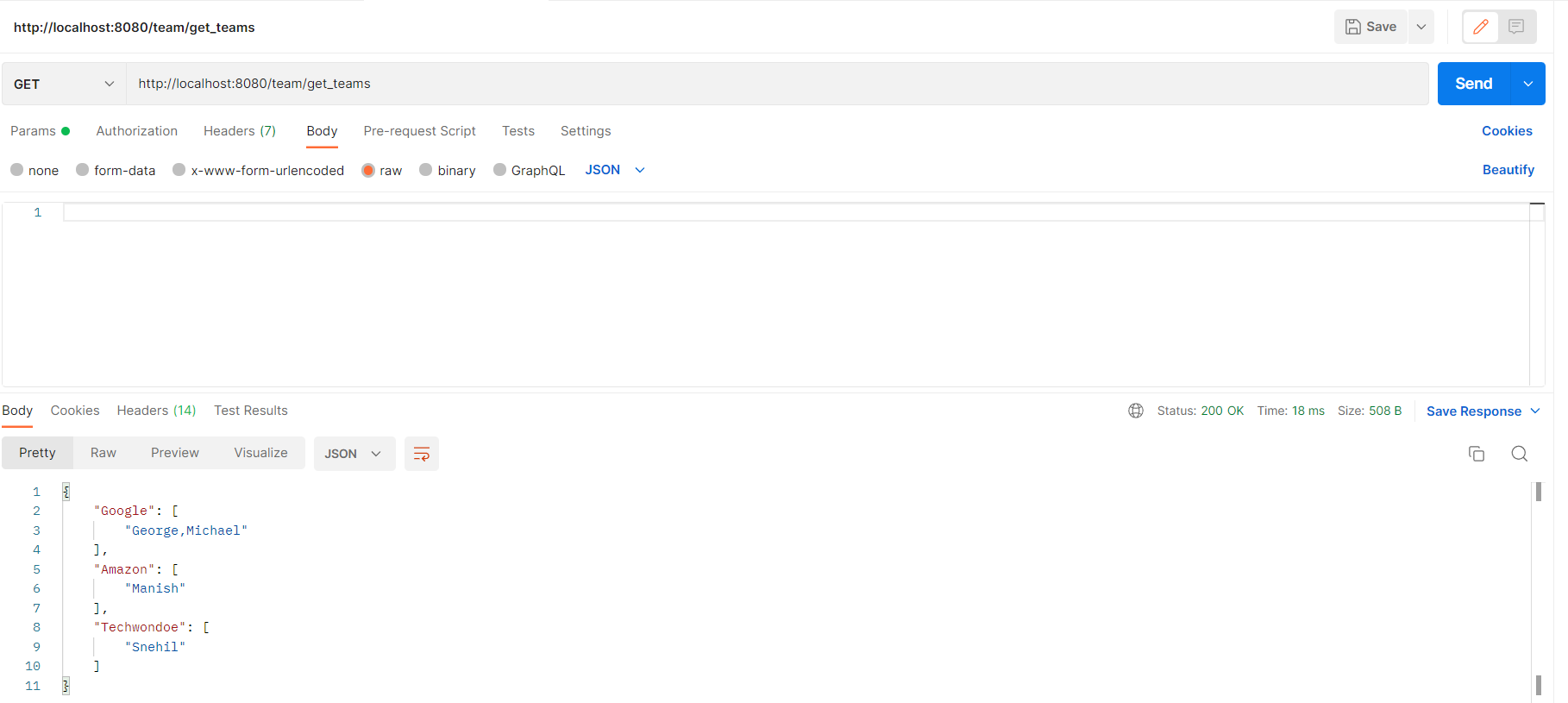
After running the application the documentation can be seen here Documentation (http://localhost:8080/swagger-ui.html)