By:
- Rodolfo Gil-Pereira
- Anastasia Zaharia
- Sebastian Nieto
This application enables airline employees to efficiently manage passenger seat assignments and update passenger information. It supports adding and removing passengers, with all data stored in a straightforward text file format. The application is designed to simplify the management of passenger data, ensuring a smooth and organized workflow for airline operations.
To set up and run the application, follow these steps:
-
Compilation:
- Open a Cygwin terminal and navigate to the project directory.
- Compile the application using the following command:
g++ main.cpp -o main
-
Running the Application:
- Execute the compiled program with:
./main
- Execute the compiled program with:
-
Testing the Application:
- To change the testing file, delete the current
flight_info.txtfile and replace it with your own file formatted similarly to the example.
- To change the testing file, delete the current
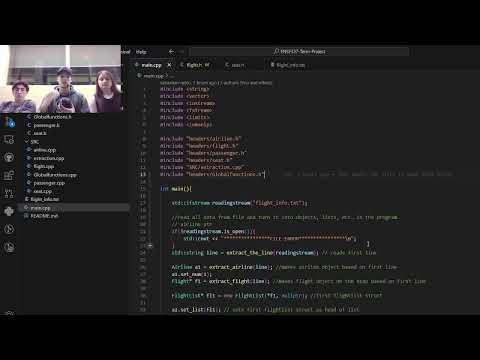
Watch the demo on YouTube.