The Relocate Buildings And Farm Animals mod allows you to relocate buildings and farm animals from one buildable location to another.
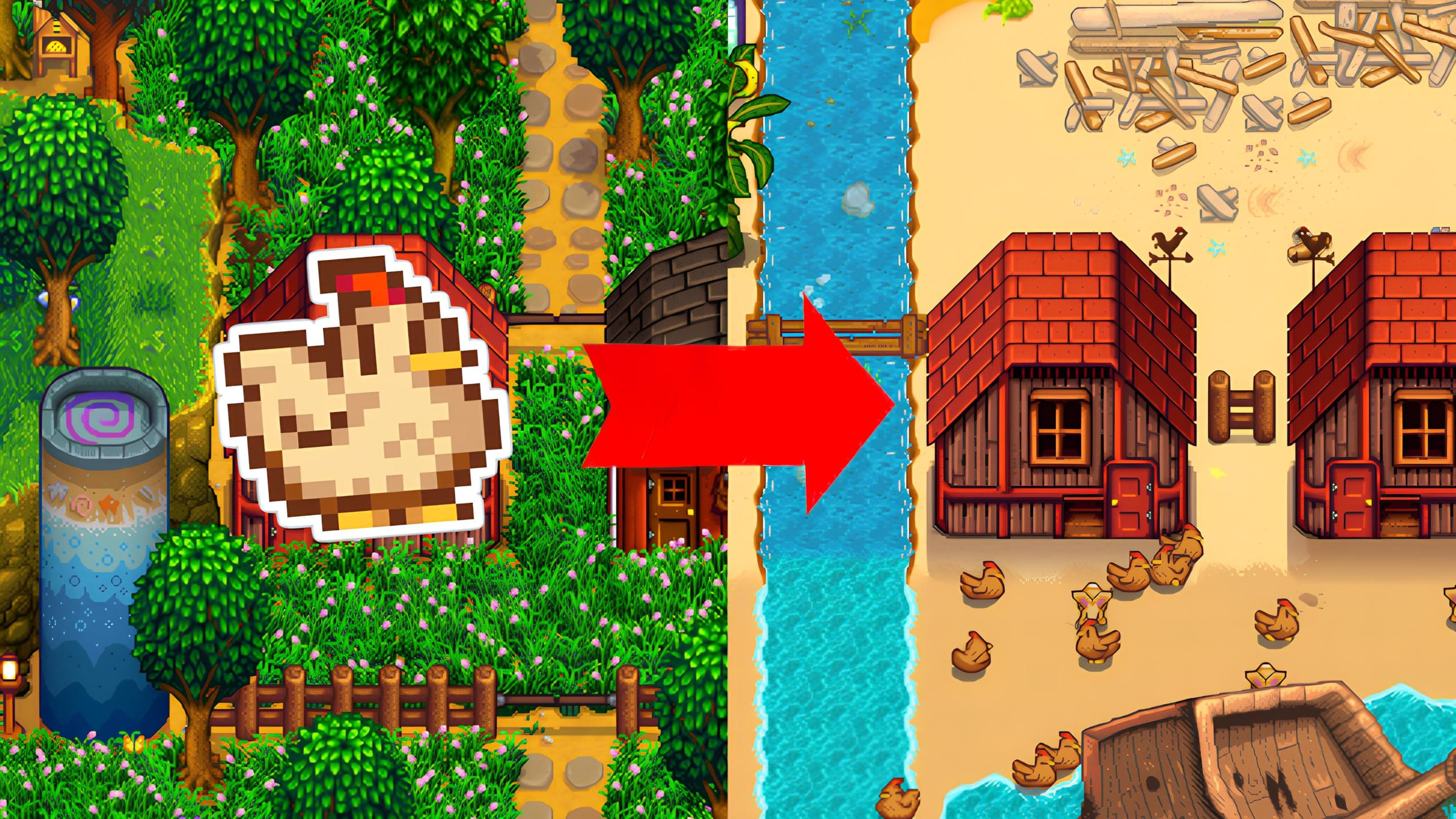
- Install the latest version of SMAPI.
- Download this mod and unzip it into
Stardew Valley/Mods. - Run the game using SMAPI.
Select either Robin's or the Wizard's construction menu, and then click the move button (☩) to access a view of your farm. From there, you can hover over a building and right-click (or press Ⓧ on a controller). A dialog box will open, allowing you to select the location where you want to relocate the building. Choose the desired location, then click to place the building!
Demo-01.mp4
Click on an animal to pet it, then click on it again to open the animal's menu. In this menu, click on the "Change Home Building" button. A dialog box will then open, allowing you to select the location to relocate the animal to. Choose the desired location, then click on a building to assign the animal to it. There you go!
Demo-02.mp4
English and French translations are included in the base mod, and contributions are welcome. To contribute, please submit a pull request on the GitHub repository.
Relocate Buildings And Farm Animals is compatible with Stardew Valley 1.6.0+ on Linux/Mac/Windows, both single-player and multiplayer.
- Can I use this mod on an existing save?
Yes, no problem at all. - Can I uninstall this mod without any issues?
Yes. However, if you have relocated the greenhouse outside the main farm, it is recommended to move it back to the main farm before uninstalling the mod. Otherwise, the game will automatically build another greenhouse.