Contents
Log in through Google login

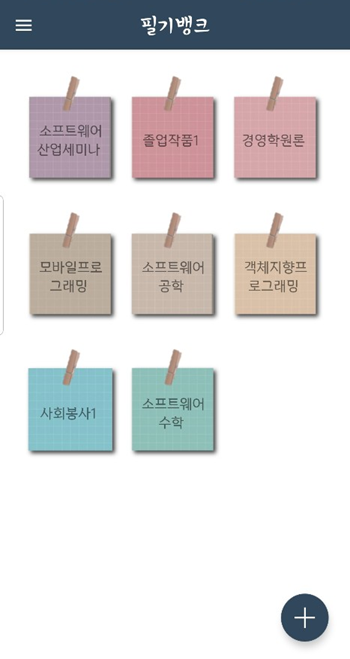
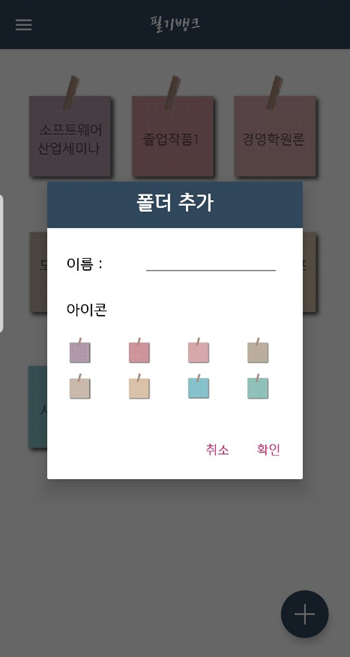
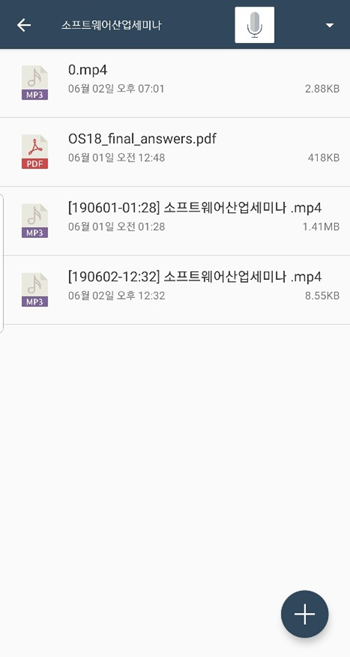
Add the folder -----> Screen that added the folder.
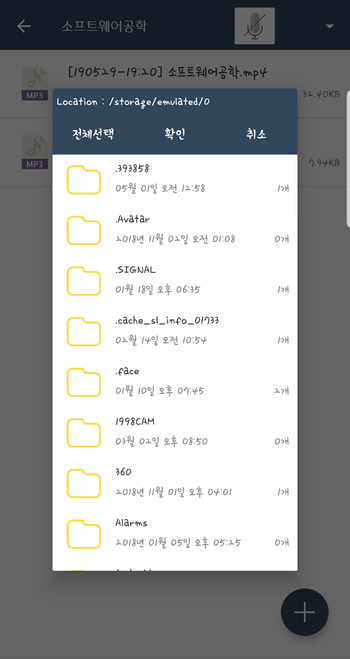
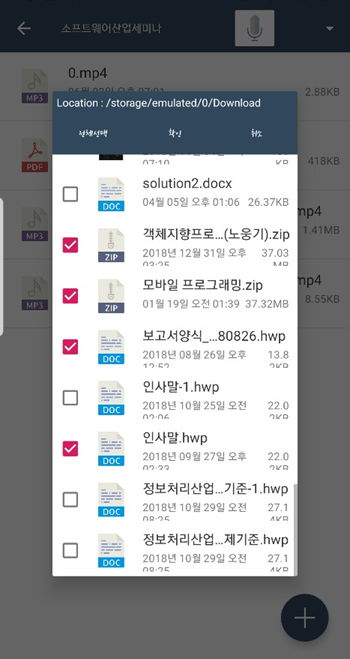
Call up a file in a folder on your phone.
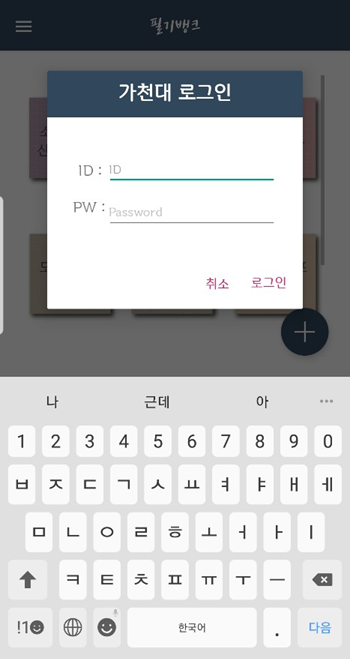
Login with Gachon University ID
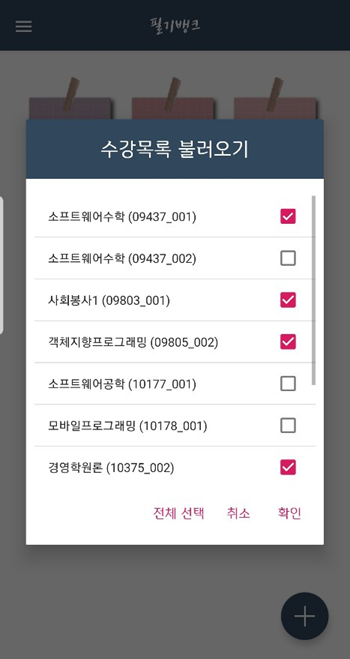
--> The folder name can be automatically generated after selecting the list of classes you are taking.
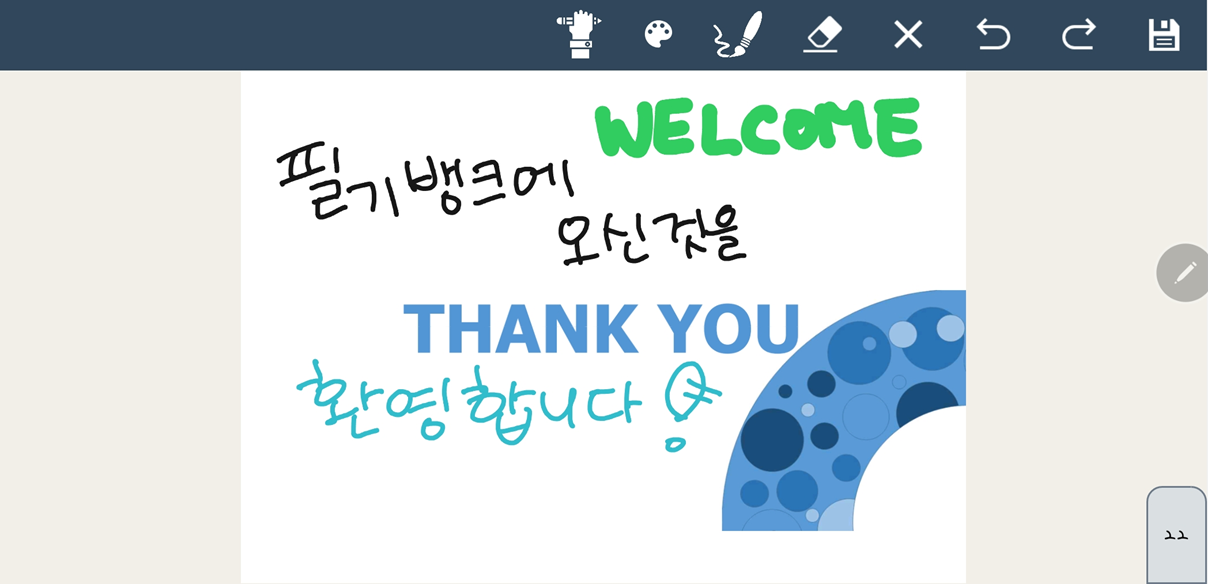
**Open the PDF File -----> Can be written brush **
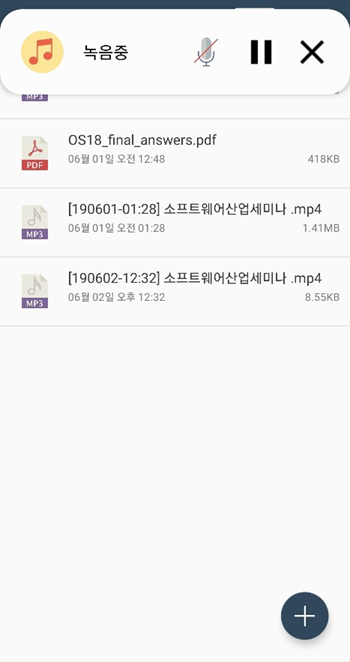
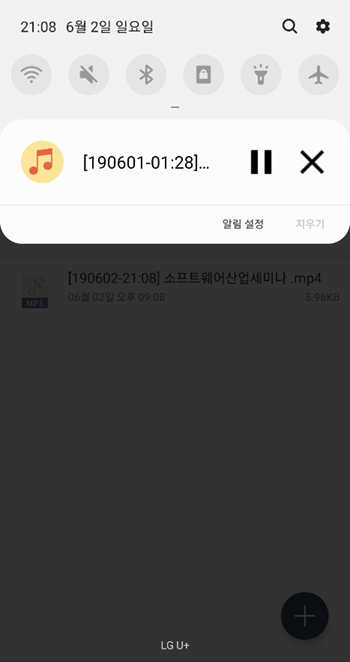
In the background, it is also possible to write and record at the same time.
--->The recording name is saved as the [Date]folder name.
Make test papers with PDF.