Final Content
Click where you go to section.
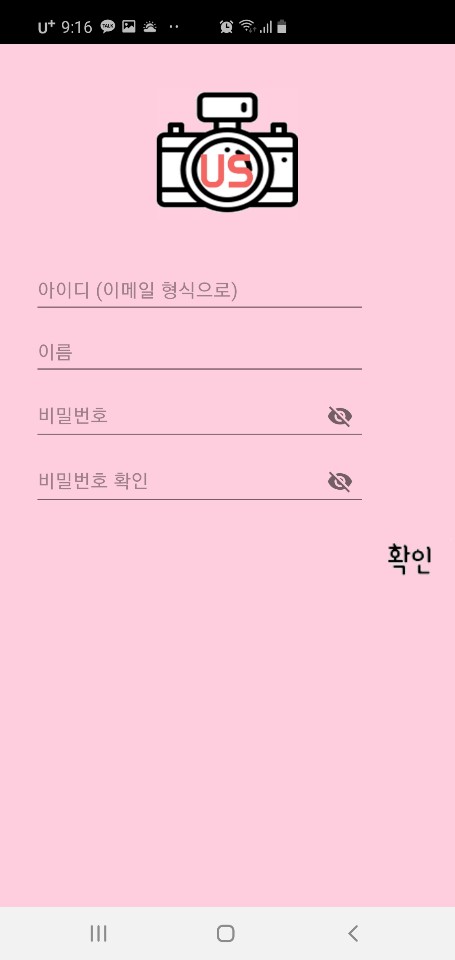
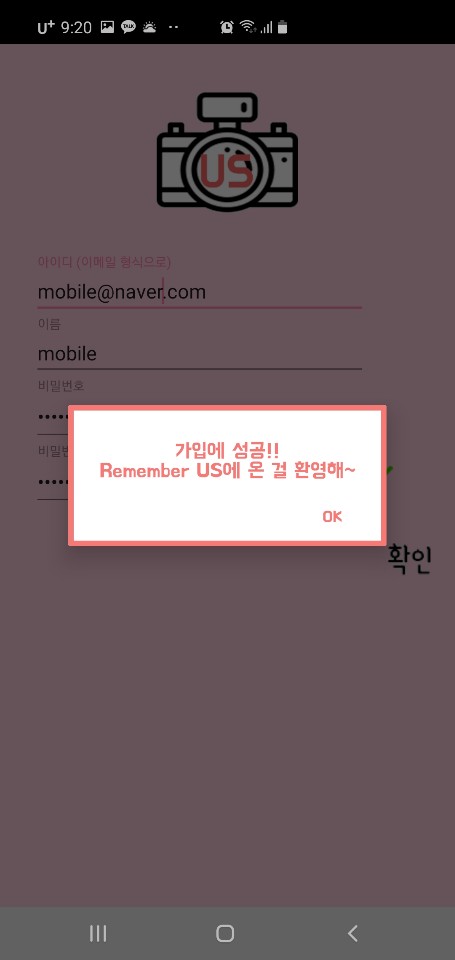
- User must sign up to use this app. (register info: name, id, password)
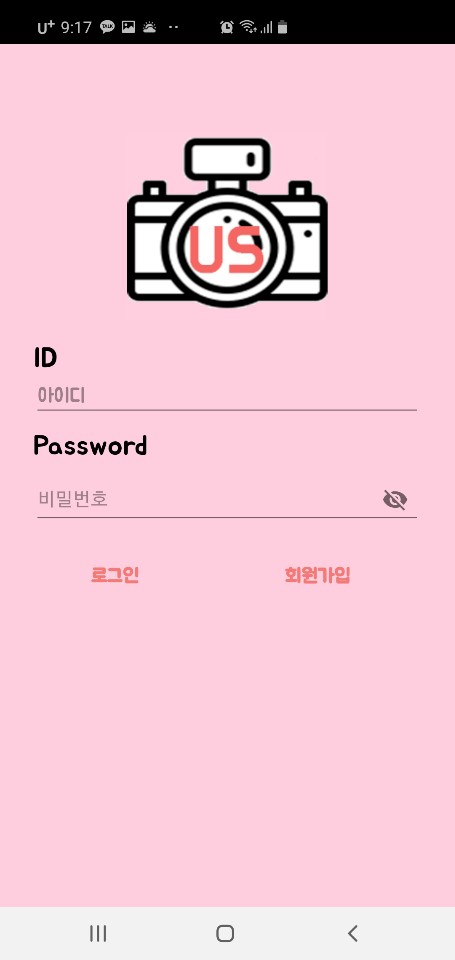
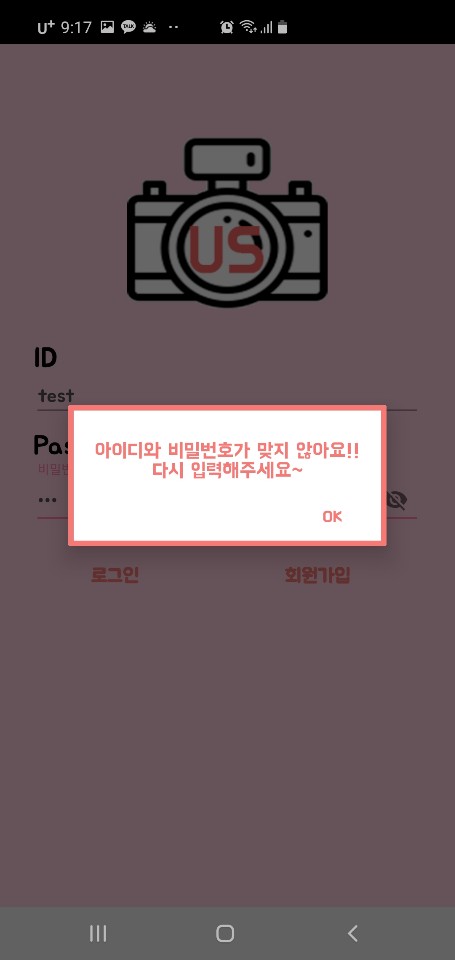
- Login
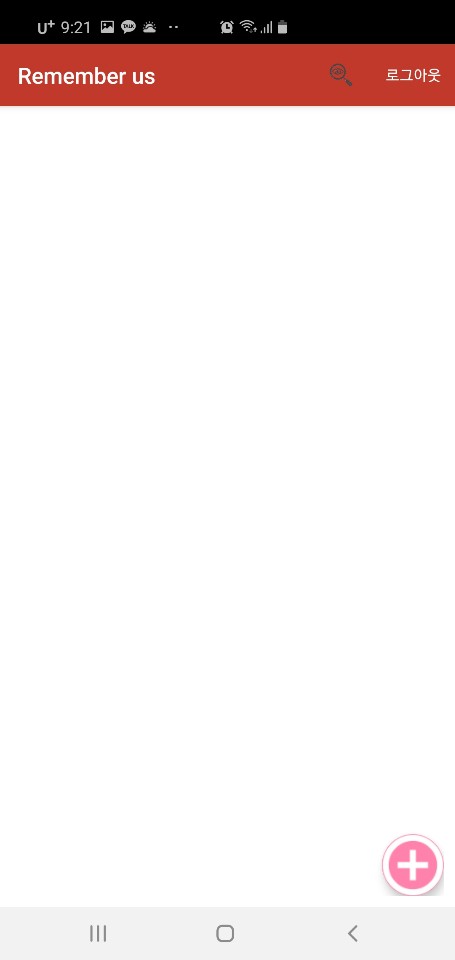
- After user login, this UI appear.
- User can
make diaryby pressing add button which is located at bottom. - User can
search diaryby pressing search button which is located at top. - User can
delete diaryby pressing long click each of diary
-
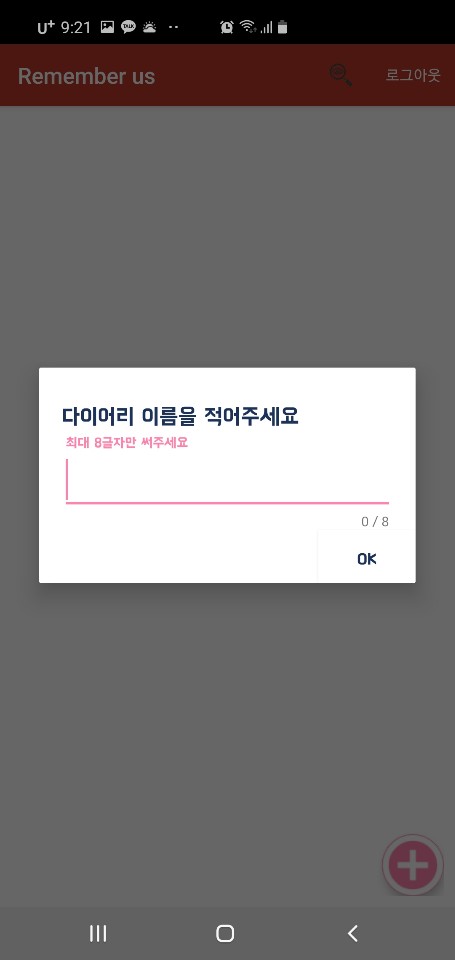
user push add button, user enter diary name
-
Then diary album is done.

-
Then share this pin number to friends

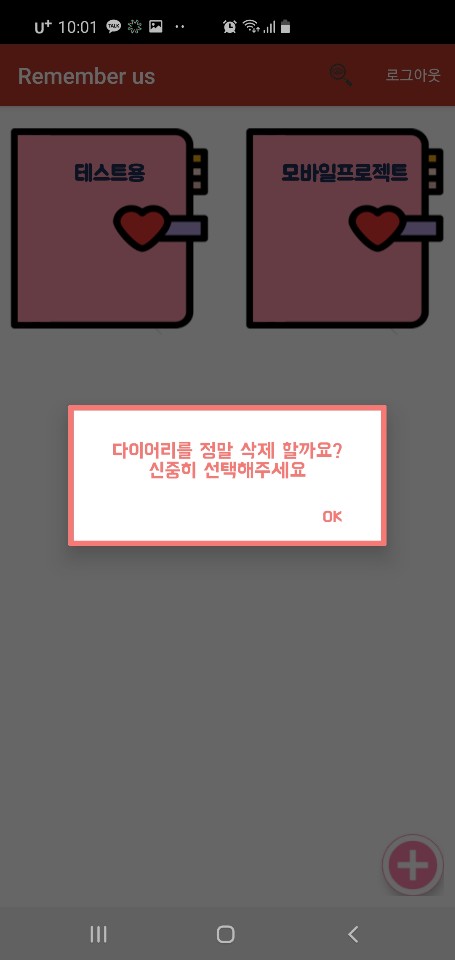
- User can
delete diaryby long click each of diary
- User can
make memoryby pressing + button

- User can
write memory titleon the top - User can
upload the pictureby pressing adding photo button - User can
select the weatherby long click the weather icon - User can
write sentenceson the underline
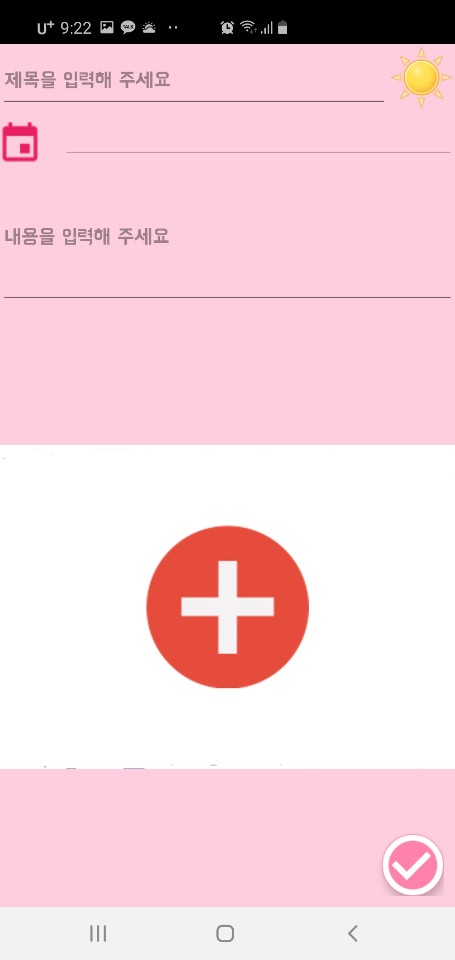
- After uploading the photo, the location is automatically store
But if photo doesn't have metadata then user enter address
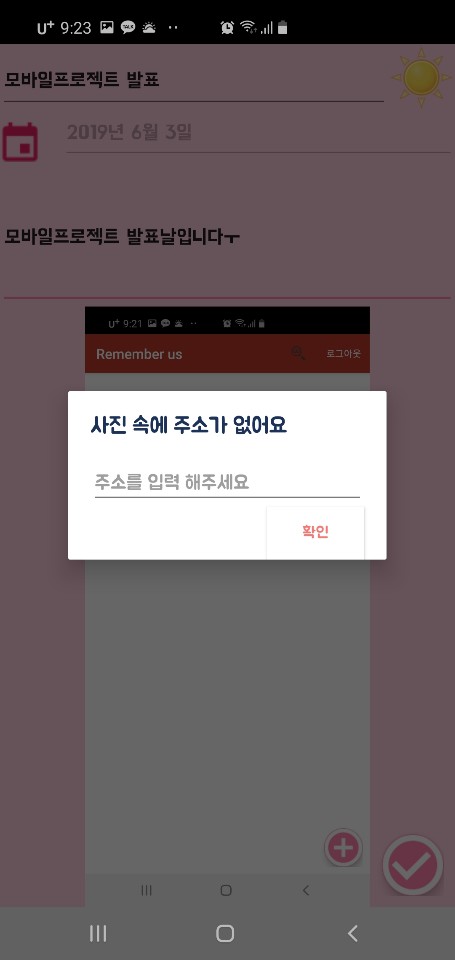
* Then memory create
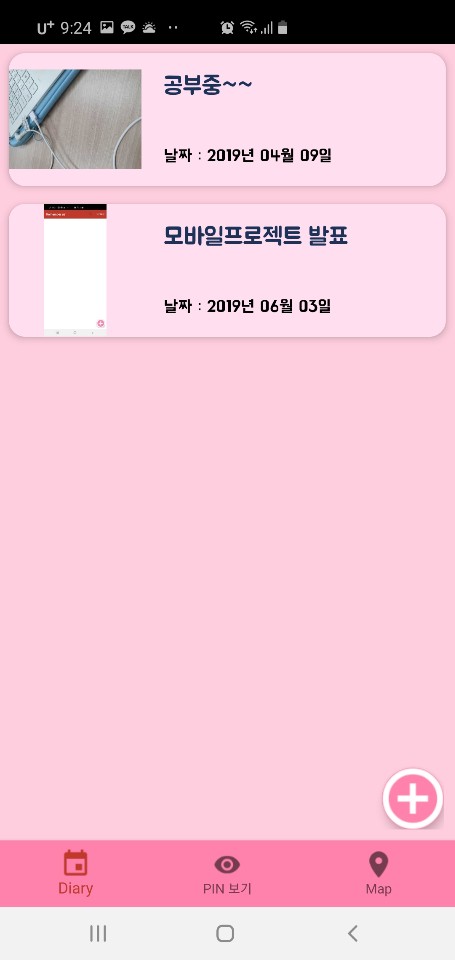
-
User can
edit memoryby long click each of section(title, content, photo) then click edit button -
User can
delete memoryby click delete button
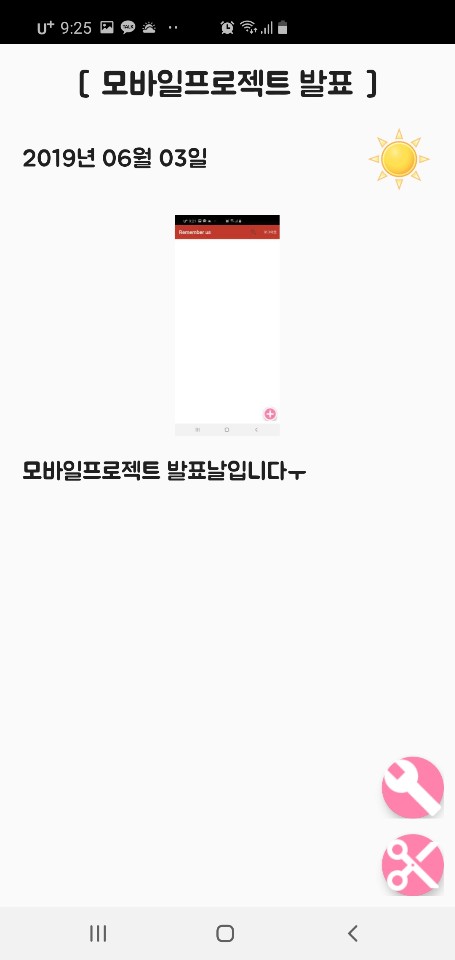
- User can
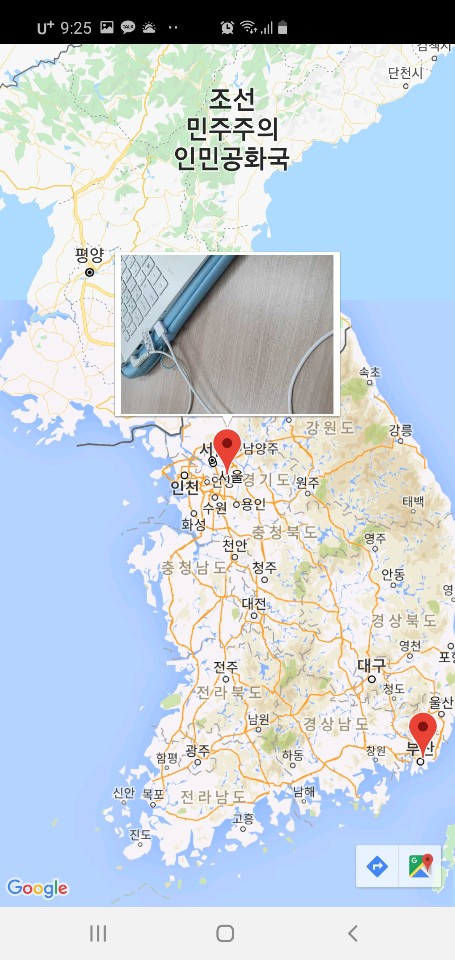
show mapby pressing 'map' button
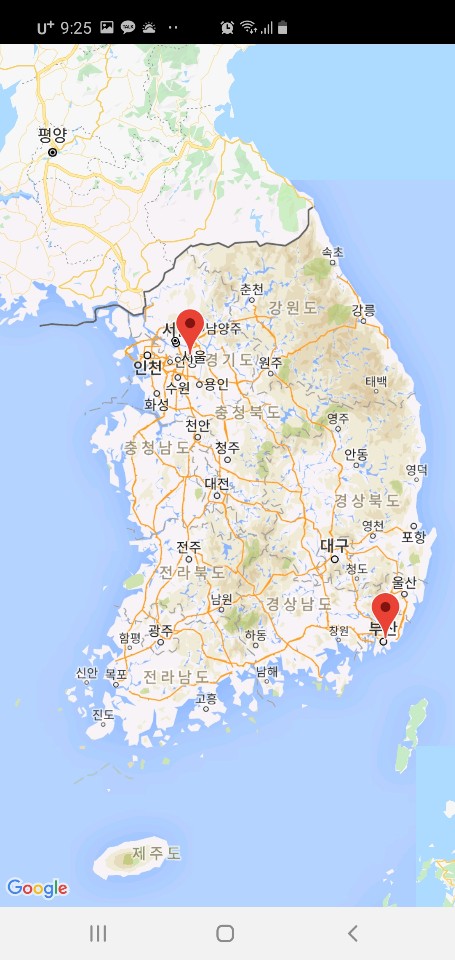
- It will get the information from the photo and the location will appear on the map
- If you click the area, you can see the picture