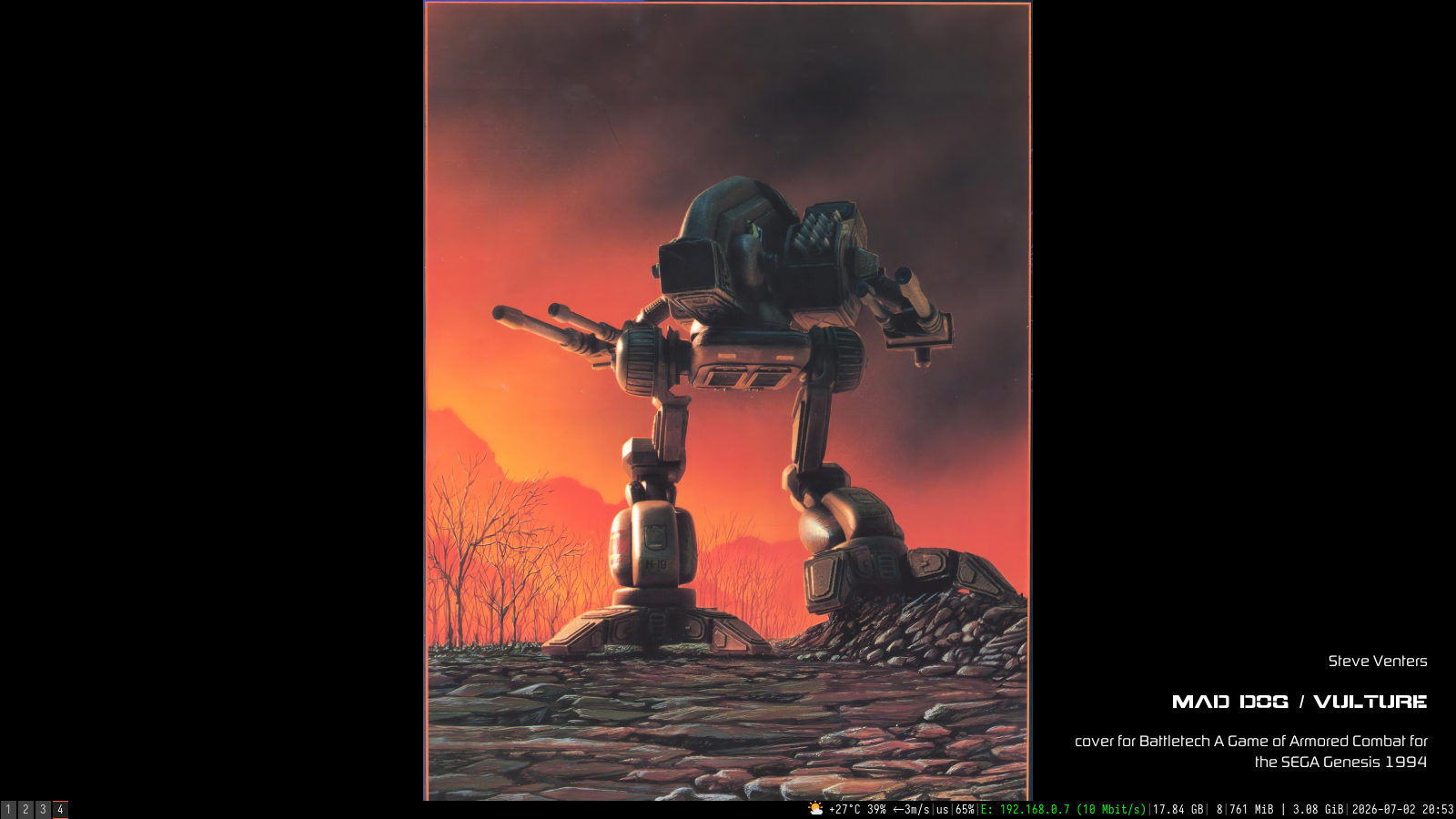
I needed this program because I couldn't find any OSD with decent text formatting for my wallpaper script and manually formatting text for something like conky is clunky and not ideal. It has no autonomous scripting or data polling - you simply launch it and then periodically send new data by invoking it again wuth -u option. Solves the problem of syncronizing wallpaper image and info plaque for the image without needing to kill and restart conky or doing some scripting magic.
The program supports font tags, text alignement, text-shadow, background and overall opacity, (L,R,M) mouse click commands. The commands are configured in the config file, but you can send one parameter for the command - for example send current desktop background filename to a script to open the image in a viewer. Supports single screen though.
plaque -c /path/to/config -t "your text to display" -o <opacity> --LMB "parameter for the LMB script"
To update the state of the running program use -u,--update option and -t, -o or --*MB command you want to update (see how I use it in the script)
{left|right|center|justify|justify-right}{font:Font Name <size>}...{/font}{/left|right|center|justify|justify-right}
example:
{right}{font:Digital Sans Now ML Pro 13}Ken Coleman{/font}{/right}{right}{font:Battletech 14}\nGargoyle (Man O' War){/font}{/right}{justify-right}{font:Digital Sans Now ML Pro 13}\nShrapnel issue #3 cover artwork 2020{/font}{/justify-right}
Default path is ~/.config/plaque/config.
  -c,--config	Path to config file.
  -t,--text	The text to display. Supports alignment and font tags.
  -u,--update	Enables update mode; sends data to an existing Plaque instance. Updates -t, -o, mouse command argumets
  -o,--opacity	Sets the global window opacity (0.0 to 1.0).
  --LMB	Extra argument for the Left Mouse Button command.
  --MMB	Extra argument for the Middle Mouse Button command.
  --RMB	Extra argument for the Right Mouse Button command.
  --LMB-double	Extra argument for the LMB double-click command.
  --MMB-double	Extra argument for the MMB double-click command.
  --RMB-double	Extra argument for the RMB double-click command.
Warning
The source code is AI generated. The readme is hand-written though. Mostly
Requires x11 cairo pango pangocairo fontconfig glib-2.0 to compile.
- clone the repo, changedir
- make
- sudo make install - to /usr/local/bin
- you could either manually create the .config folder and file, or run make install-config (for one user) or install-config-system to put it in /etc/... The config settings are self-explanatory.