Commands
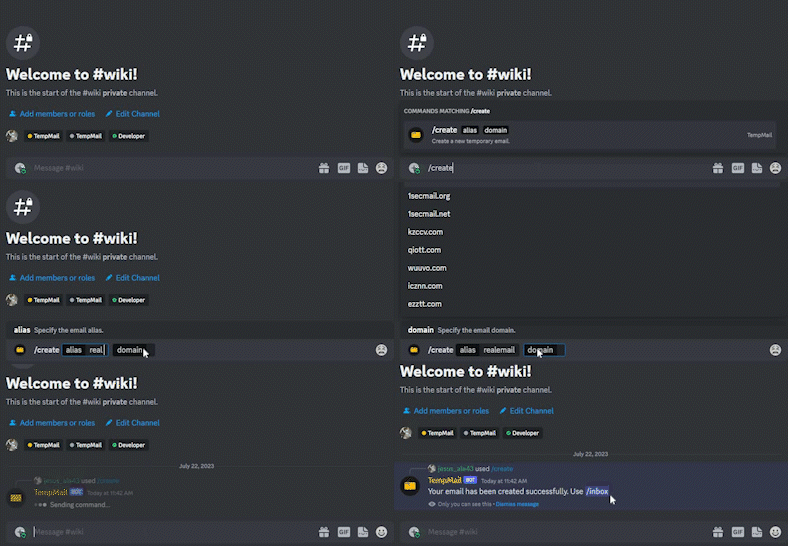
This command is used to create a new temporary email address.
| Command information |
|---|
| Ephemeral: True |
| Owner Required: False |
| Required Permissions: None |
| Option | Optional | Usage | Example |
|---|---|---|---|
| alias | False | The alias of the temporary email address you want to create. | /create alias: realemail |
| domain | False | The domain of the temporary email address you want to create. | /create domain: 1secmail.com |
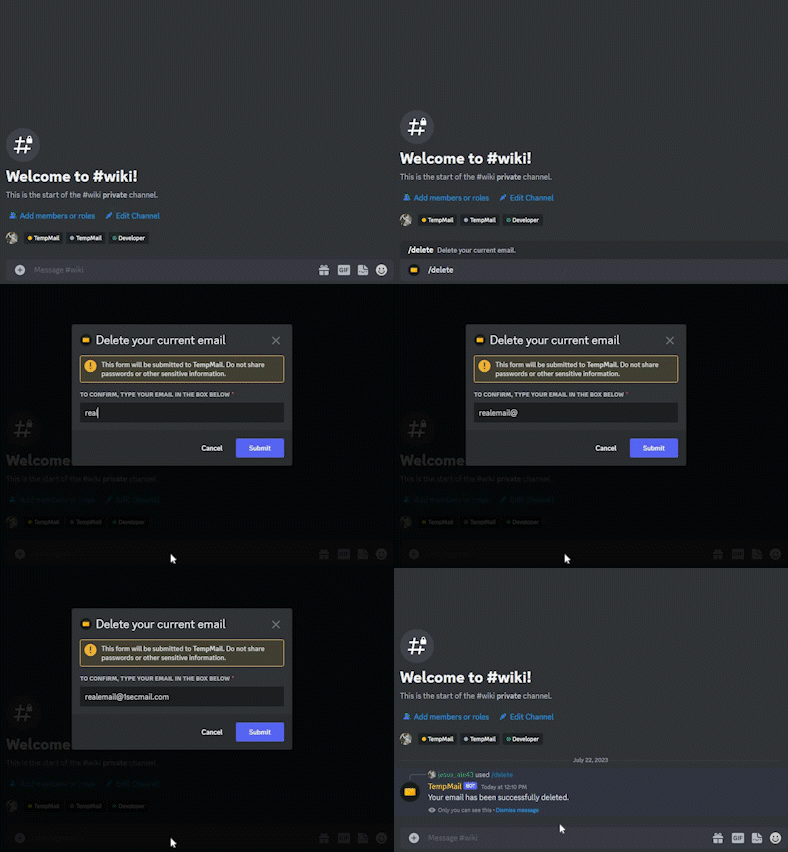
This command is used to delete a created temporary email address.
| Command information |
|---|
| Ephemeral: True |
| Owner Required: False |
| Required Permissions: None |
This command has no options.
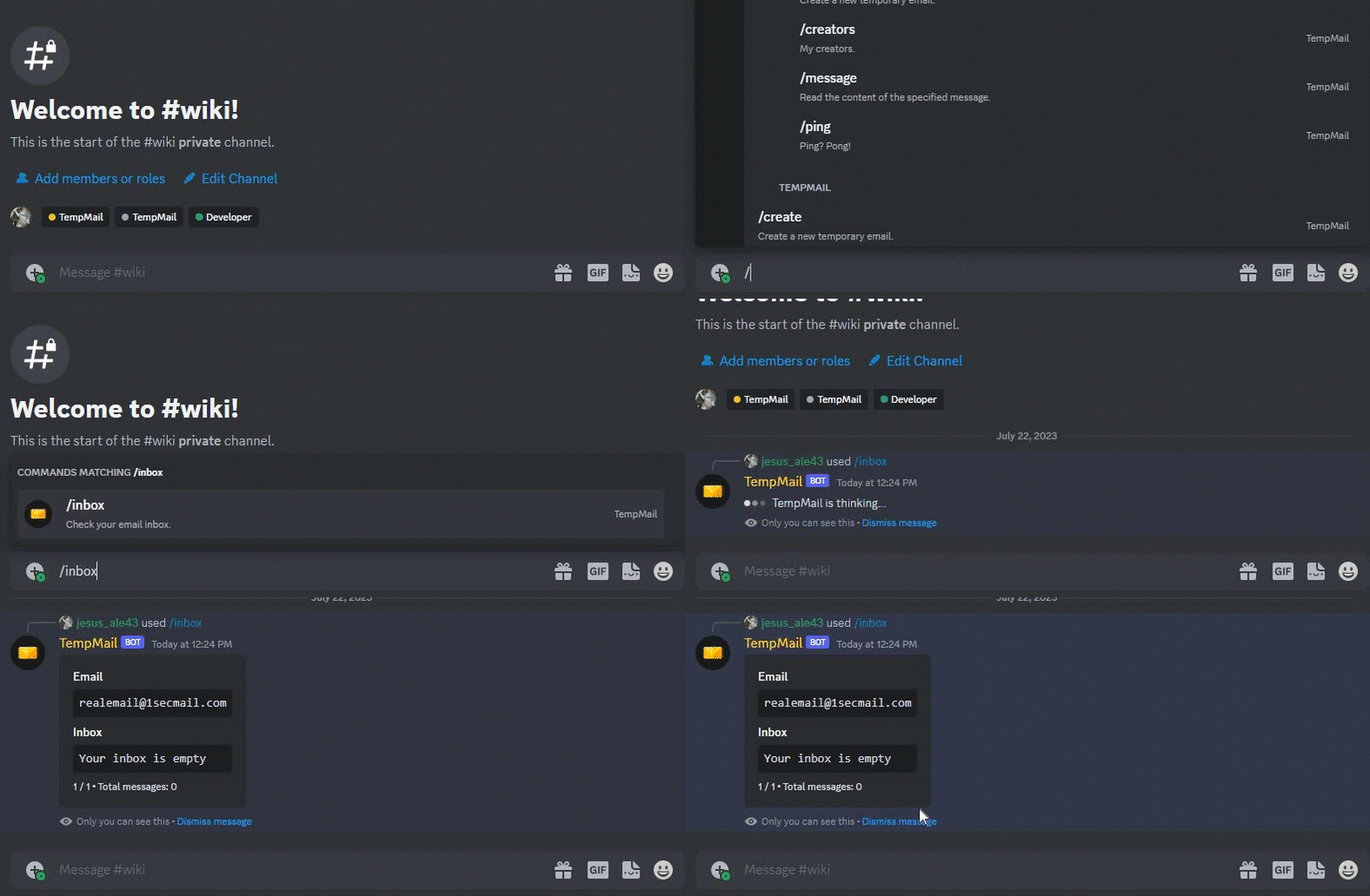
This command is used to view the inbox of the temporary email address.
| Command information |
|---|
| Ephemeral: True |
| Owner Required: False |
| Required Permissions: None |
This command has no options.
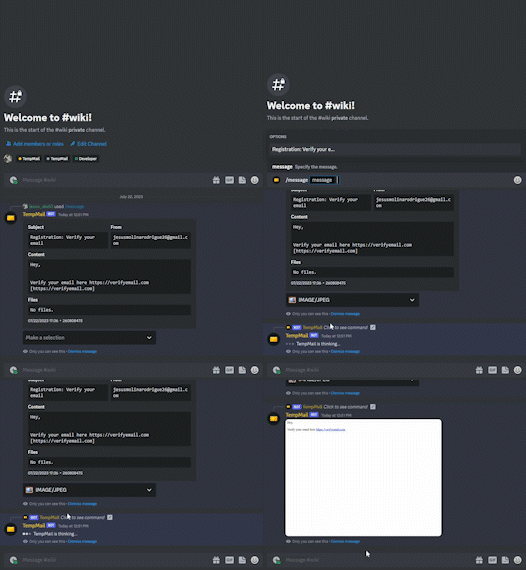
This command is used to view the content of a specific message.
| Command information |
|---|
| Ephemeral: True |
| Owner Required: False |
| Required Permissions: Attach Files |
| Option | Optional | Usage | Example |
|---|---|---|---|
| message | False | The message you want to see. | /message message: Registration: Verify your email |