Home
- Shon Jae Ho
Gachon Univ.
[email protected] - Park Seo Yun
Gachon Univ.
[email protected]
An automatic scoring project has been launched to help professors, teachers, part-timers and assistant teachers.
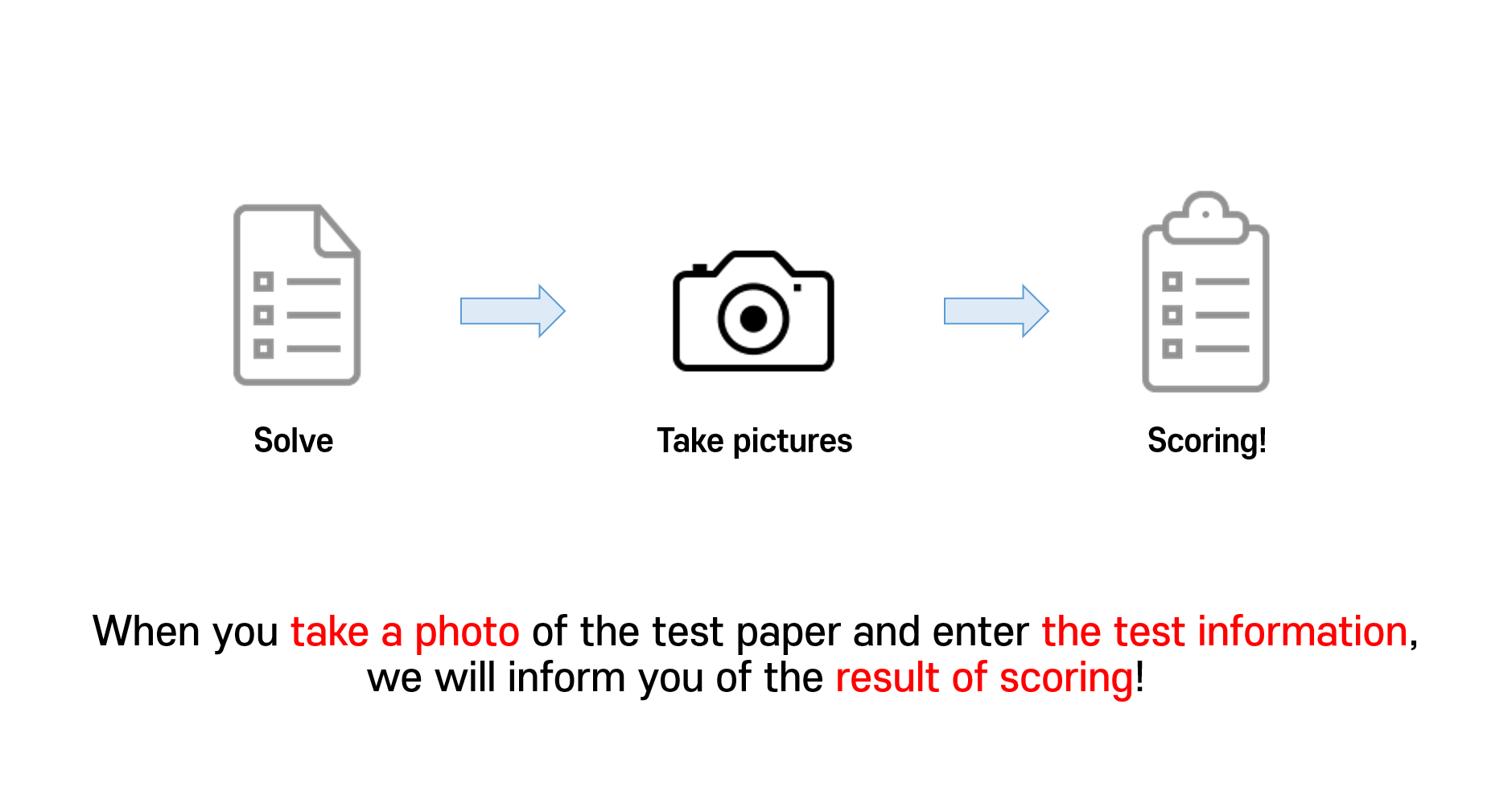
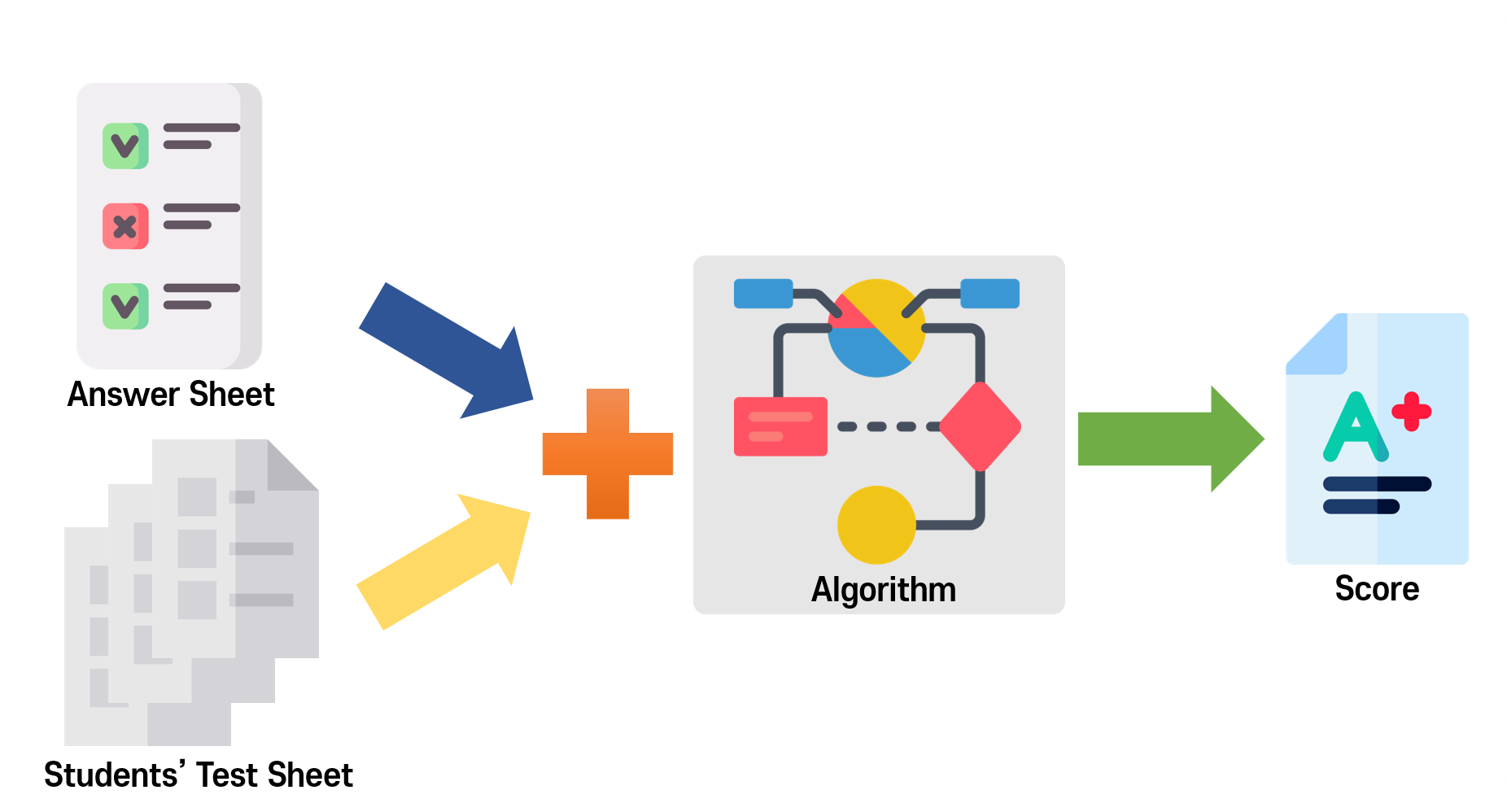 First of all, there is the same test paper that many students took.
And then there's the answer sheet, and there's the metadata that's processed the answer sheet.
If you combine this with the algorithm, all the students' scores will come out.
First of all, there is the same test paper that many students took.
And then there's the answer sheet, and there's the metadata that's processed the answer sheet.
If you combine this with the algorithm, all the students' scores will come out.

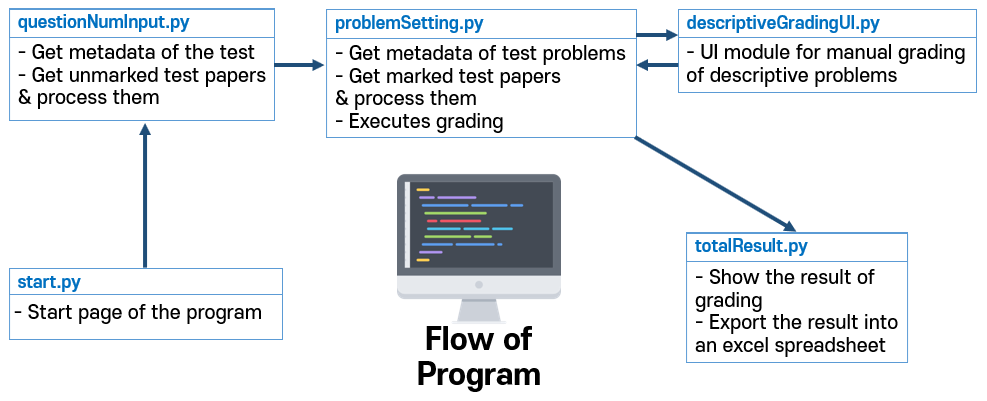
- Enter the number of questions
- Input unmarked test paper
- Designate 4 edges of the paper by clicking it
- Paper normalized
- Input each problem’s metadata
- Designate each problem choice’s area by dragging,After that, press corresponding key to determine whether it must be checked or unchecked.
- Calculate the difference between normalized marked/unmarked paper and grade!
- (option) Show the picture of marking so that the grader can grade descriptive problems
- Figure out the result
- Resize
- Get clicked / Dragged coordinates
- Grayscale
- GaussianBlur
- Compare marked/unmarked papaers (SSIM index comparison)
- Normalize difference image by threshold
- Generate the '.ui' extension file
- Convert to '.py' extension file
- Merge the '.py' extension file (front-end) with back-end file.
- Resize
- Grayscale
- GaussianBlur (Smoothing)
- Result of text file
 Go to see the details... https://github.com/jackinsjh/Automatic_Scoring_Program/wiki/Documentation