Home
Welcome to the video-sampler wiki!
Derivative's Touchdesigner build 2021.16410 64 bit : this is the build in which I wrote the project files
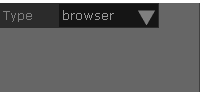
The source for the video is basically 3 types (a web browswer, a local video file or one of your displays/screens). The type is chosen from the drop down in the upper left corner
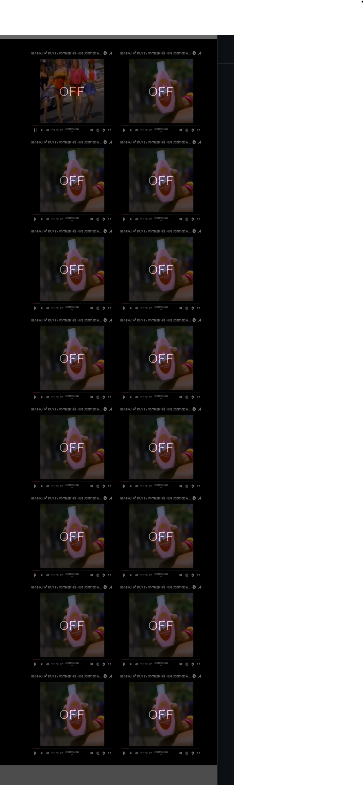
There are 16 banks where you can store fresh samples or local saved samples. The banks are along the right hand side:
Along the bottom. you'll see the controls for the sampler and options for each sample.

The main window or center shows the type of video currently chosen
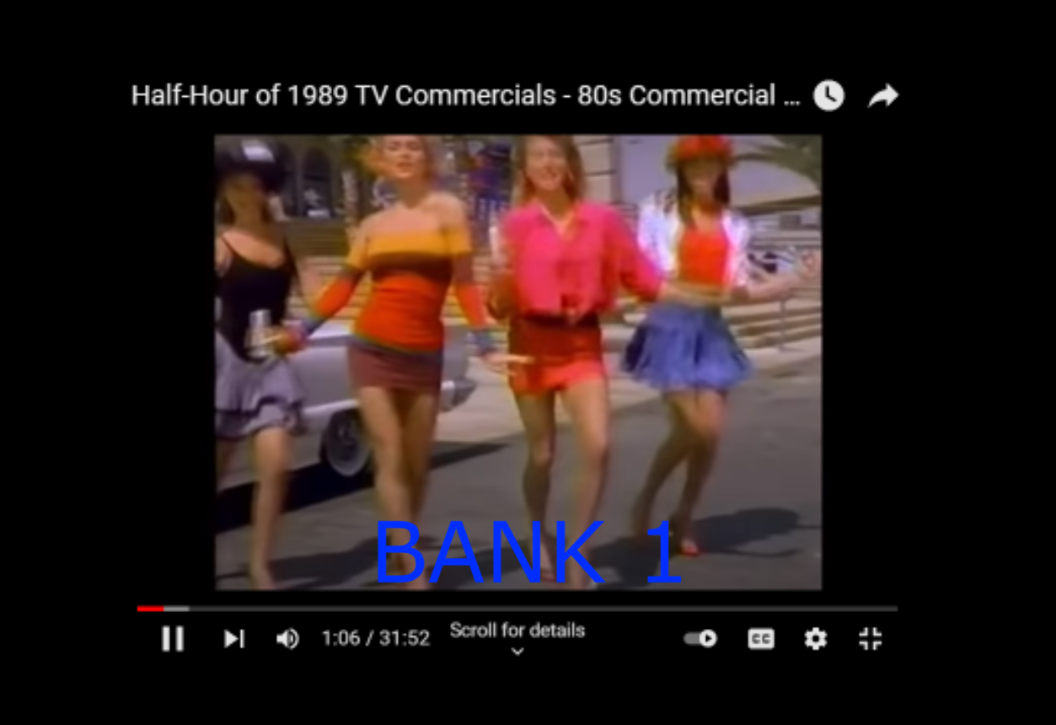
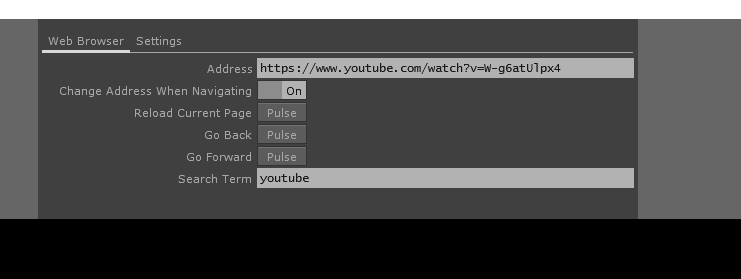
At the top, you'll see options for the web browser
You'll probably need to setup the MIDI, Audio first. Then probably hit Reset just to clear it.
Note: the banks have to be OFF for the browser to respond to clicks/input.
- select the type of video you want (browser, (local) file or screen)
- make sure all the banks are set to OFF
- If a bank is ON and it has a sample, you can get rid of it by clicking Reset. then make sure to click the bank again so its OFF.
- Play your video source (click play in the youtube player or video player)
- click on the bank you want to store the sample in and then click Rec
- click Rec again when finished.
You can review the sample by clicking the bank and click Play. This is where you can also manipulate each sample with the Speed, Trim settings. Lastly, you can Save or Load samples here as well.
This is in very early development still.