Add contextual menu to your Starlight documentation.
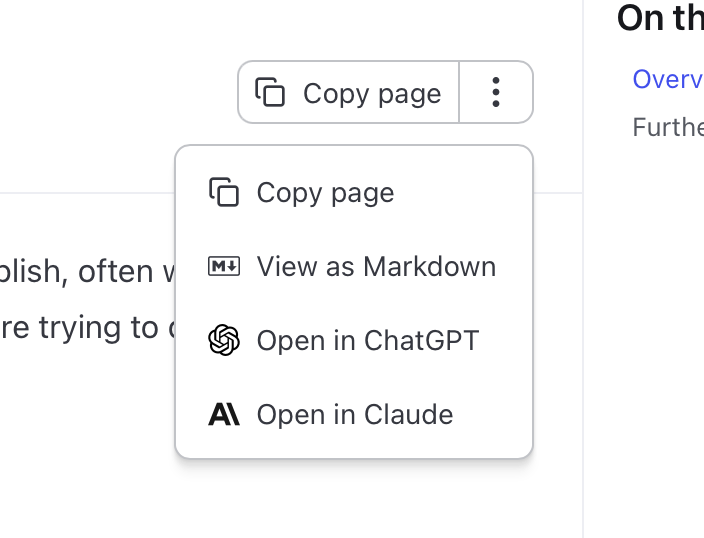
See it live on a real documentation page: https://corsfix.com/docs/cors-proxy/api
Install the plugin by running the following command:
npm i starlight-contextual-menuInside your astro.config.mjs file add the starlightContextualMenu plugin:
import { defineConfig } from "astro/config";
import starlight from "@astrojs/starlight";
import starlightContextualMenu from "starlight-contextual-menu";

export default defineConfig({
  integrations: [
    starlight({
      title: "My Docs",
      plugins: [starlightContextualMenu({
        actions: ["copy", "view", "chatgpt", "claude"]
      })],
      sidebar: [
        ...
      ],
    }),
  ],
});
There are 4 built in actions:
copy: Copy pageview: View as Markdownchatgpt: Open in ChatGPTclaude: Open in Claudelechat: Open in Mistral Le Chatgrok: Open in Grok
actions(default:['copy', 'view'])injectMarkdownRoutes(default:true) — set tofalseif another Starlight integration already adds the markdown routes to avoid duplicate route registration.hideMainActionLabel(default:false) - set totrueto hide the main action text and only show icon
By default, when not specifying actions, only copy and view will appear in the menu.