Assignment 3 - Persistence: Two-tier Web Application with Database, Express server, and CSS template
Link: Been fighting for about 2 days with the deployment of my website. Ive tried deploying to glitch and heroku. Heroku is currently giving me an Internal Server Error. And the glitch one is not showing my css. However, if I get it to work it will probably be here -> https://a3-carlos-velasuez.glitch.me/login
Dummy Account: username: admin password: pass
My application is a simple JOB Application Log that allows the user to keep track of their job applications.
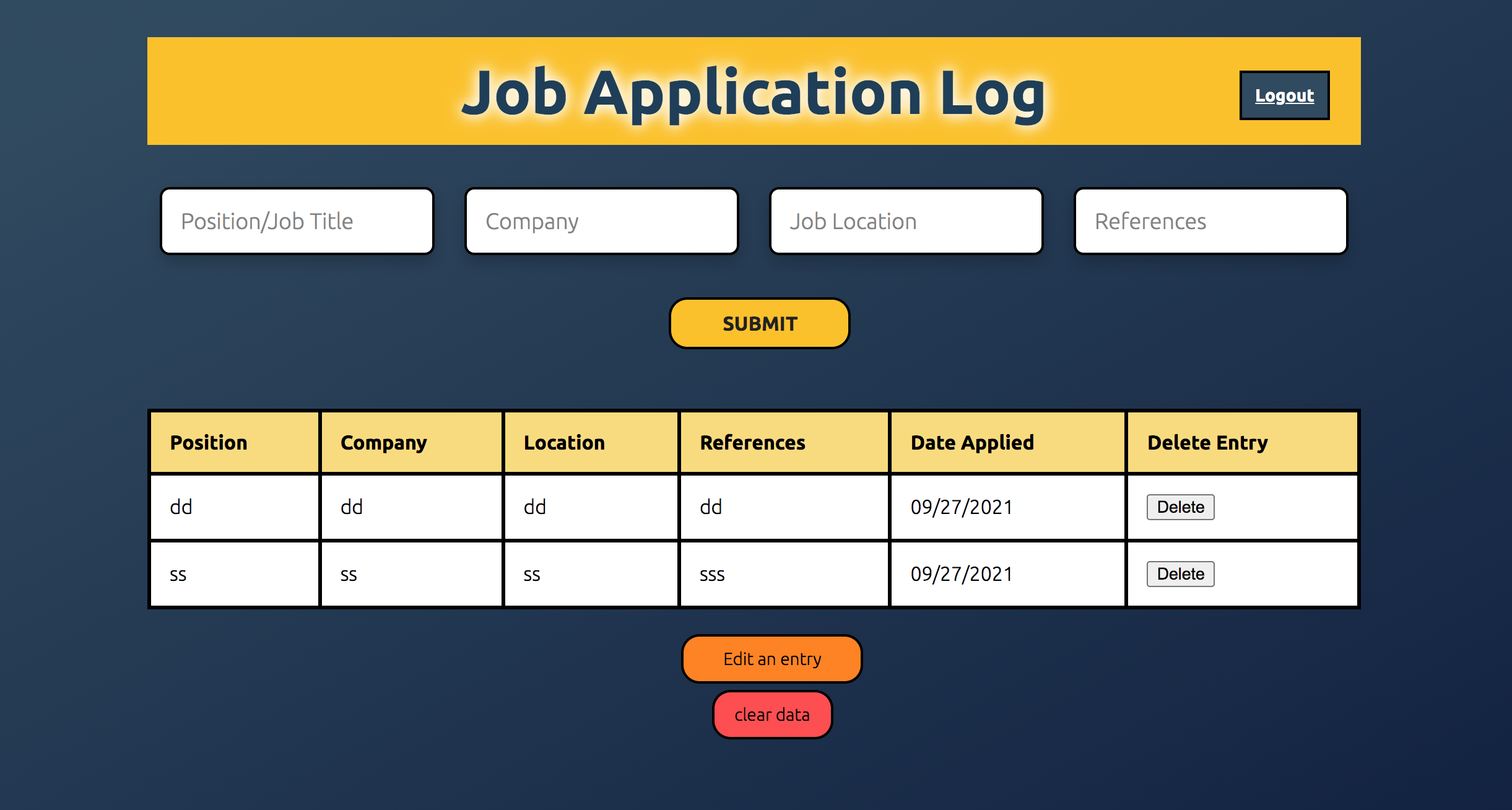
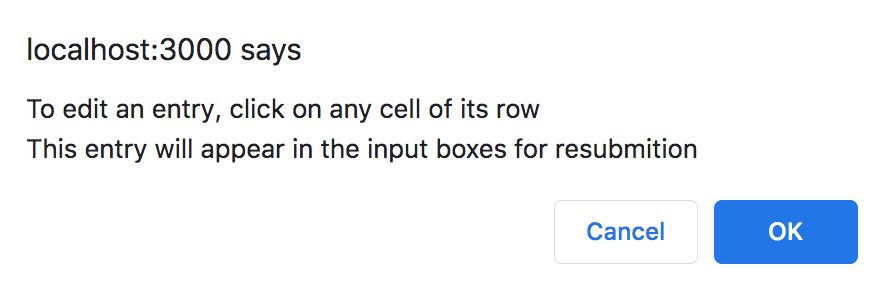
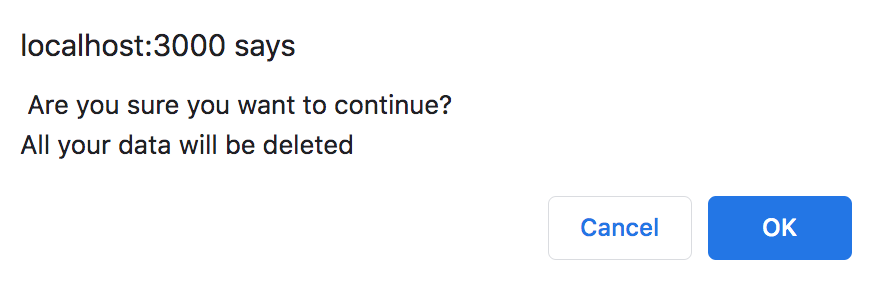
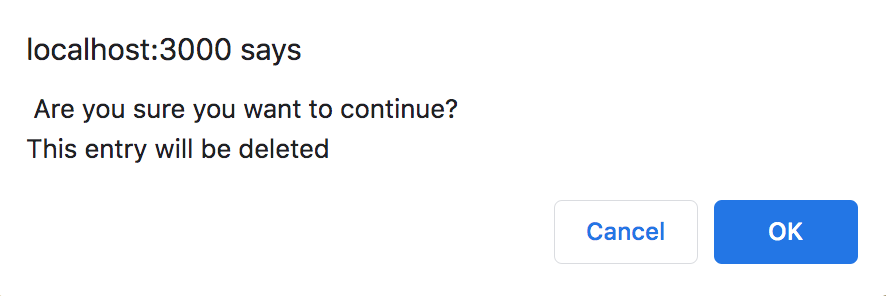
The main page allows you to insert new entries, medify old entries and delete either all of them or one in particular. All of the buttons have warning that either warn the user what is about to happen if they proceed, or the instructions for the given assignment. Below you can see the different warning signs
Edit entry:
Delete All entries:
Delete a specific entry:
Using passport and with the help of various tutorials I battled my way through to create a login system. This login systems has an admin account already registered and you should be able to see the already saved entries associated with the user once you log in. Additionally, I added warning messages indicating that the username or password are incorrect, apart from a logout button at the top right hand corner of the screen that works properly.
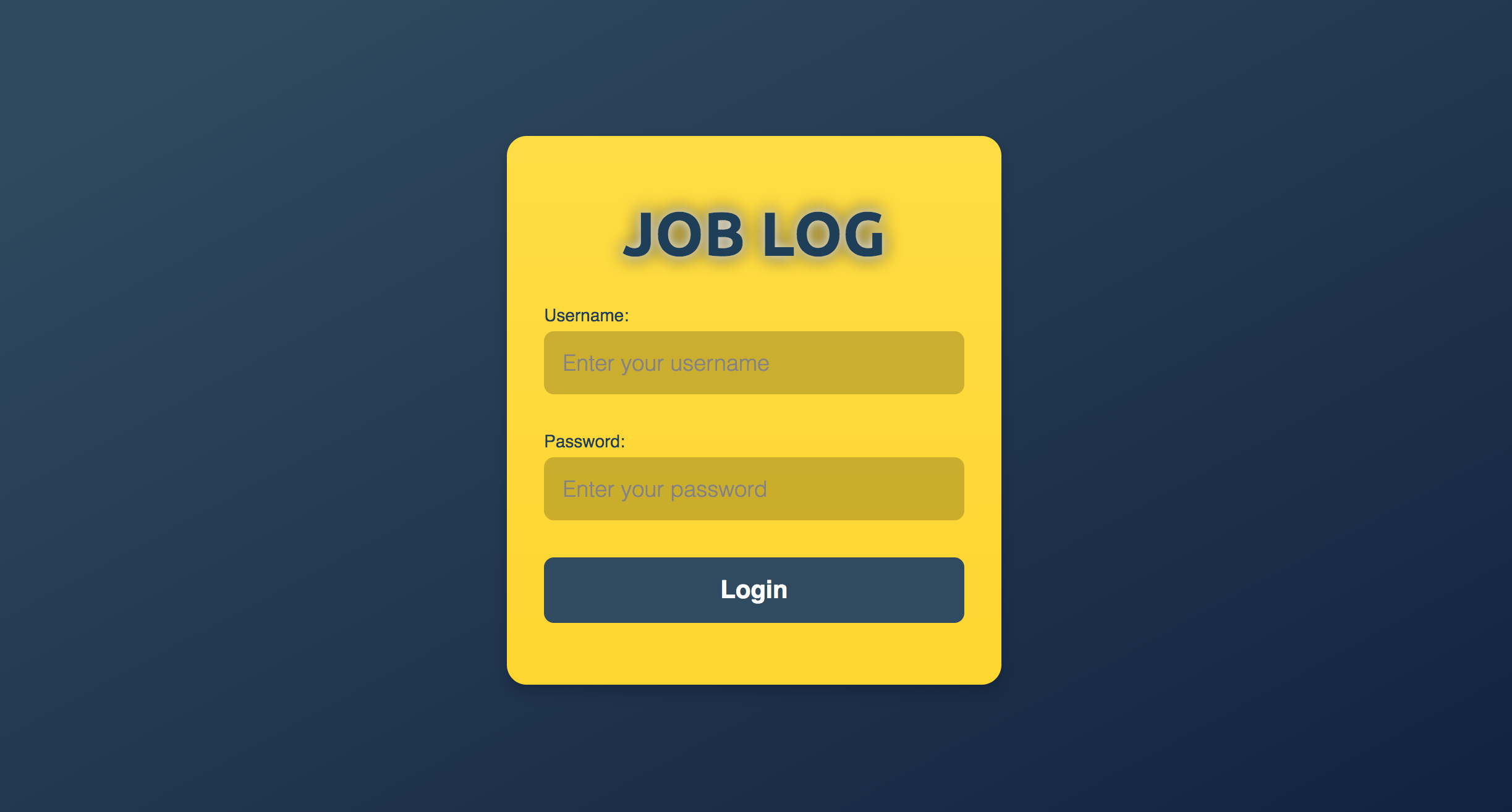
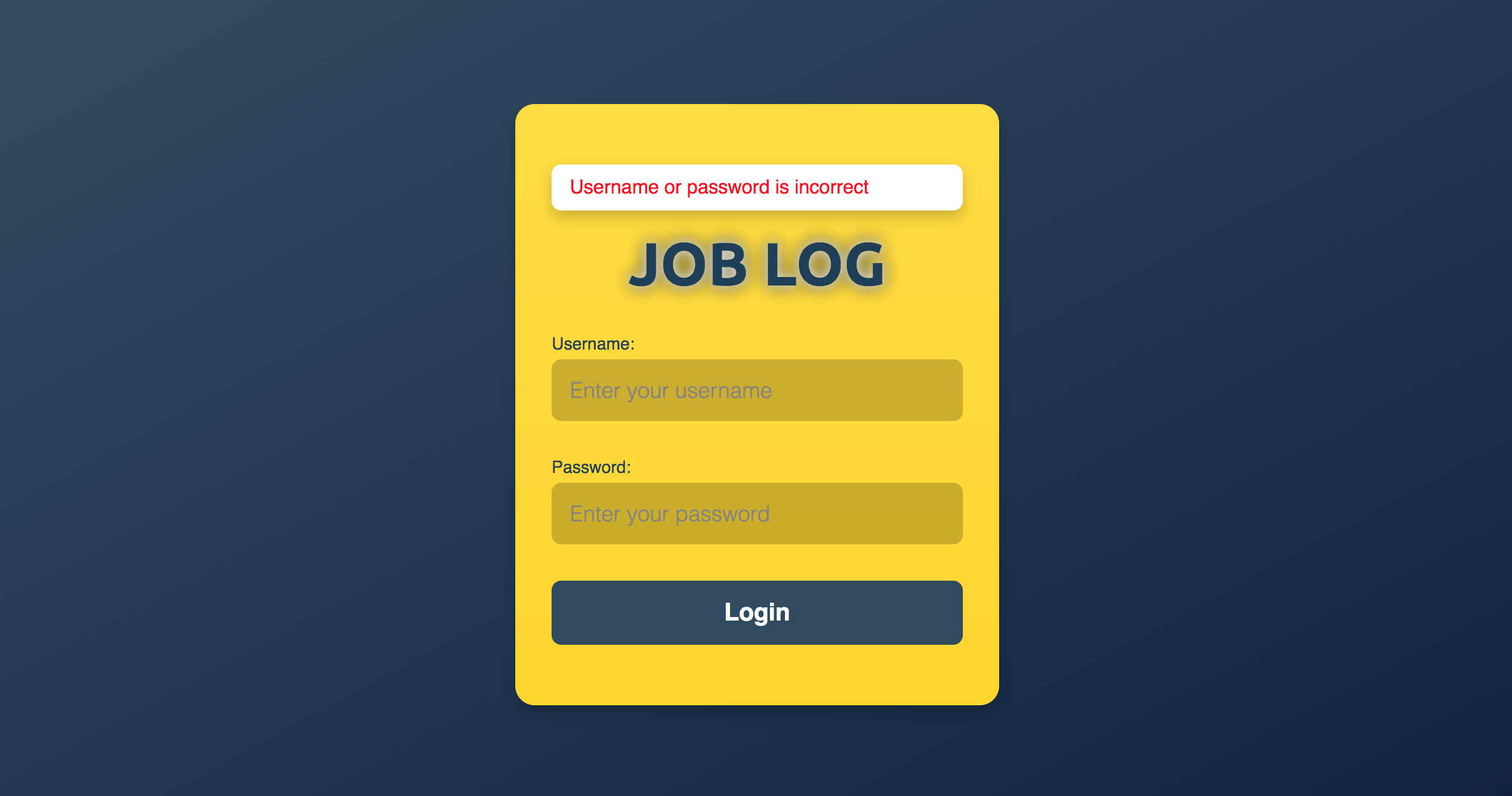
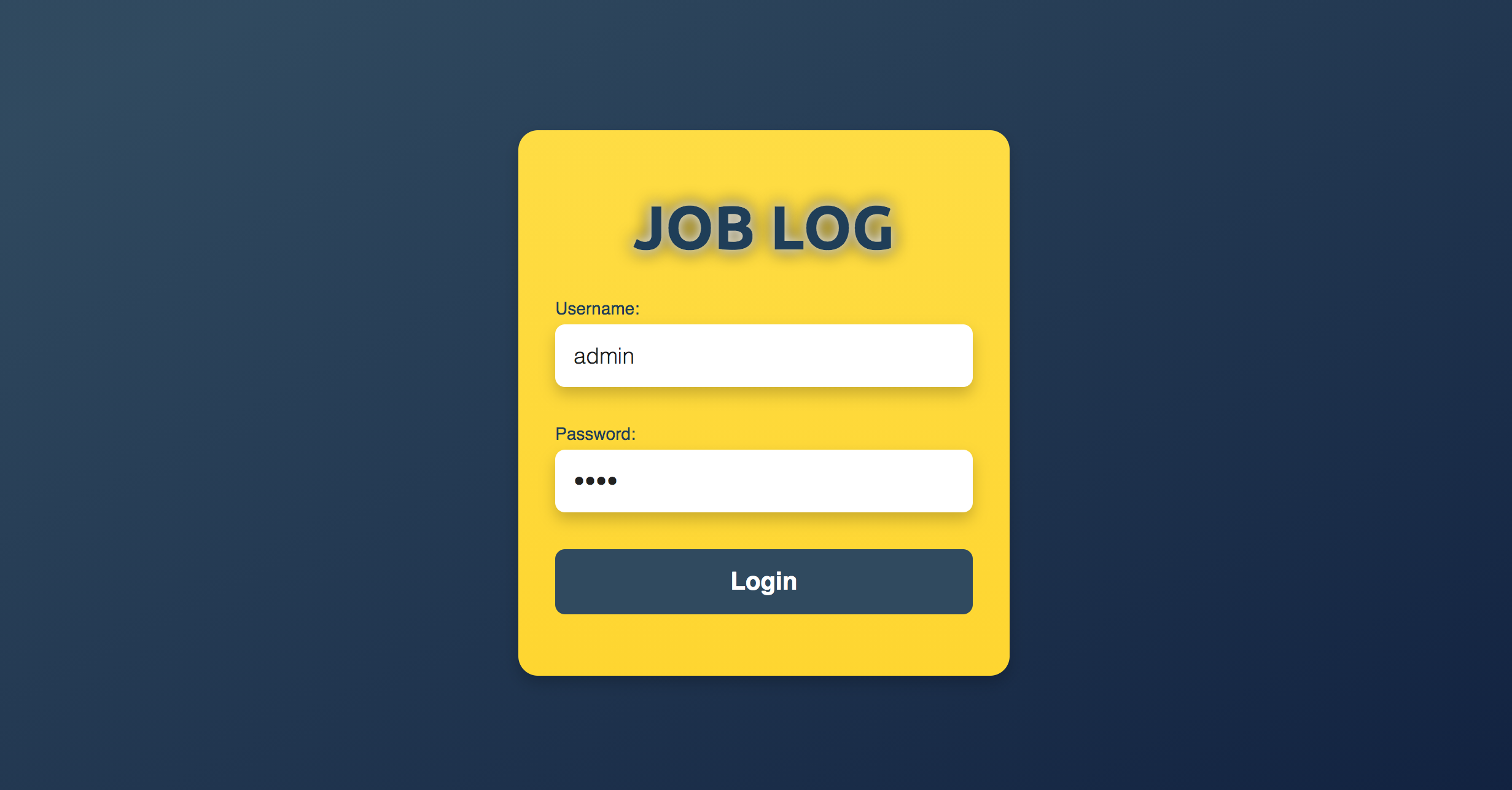
I did most of the styling myself since I did not get to see that we could be able to use a templating CSS tool. However, I very happy wth the look of my website. Besides, I asked in the discord chanel if using express handlebars would be considered here.
lighthouse report:
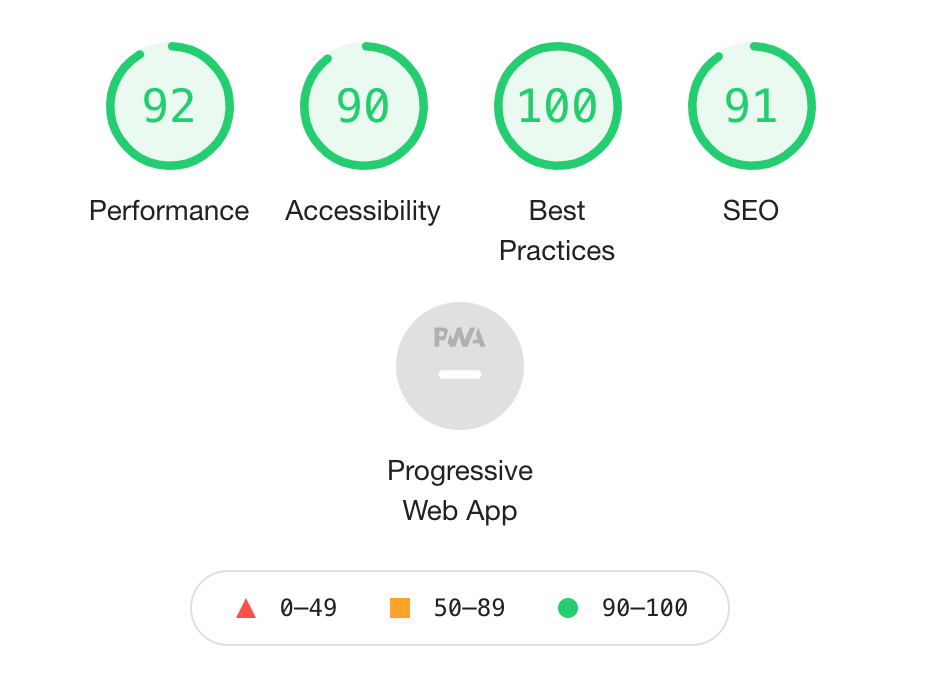
middleware packages:
- All post and get requests were done through app.get() and app.post() for easier routing
- app.use(express.json()) to automatically convert incoming requests into json.
- app.engine to enable my handllebars
- app.set to set my handllebars
- app.use(session({...})) to start a session with user interacting
- app.use(passport.initialize()) to initialize the passport used for login.
- app.use(passport.session()) to create a passport session to allow for login functionality.
- const userIsAuthorized = (req, res, next) => {...} as a to check if user is able to login or not
- app.use(express.static("public")) allows acces to the rest of my files in public
- Tech Achievement 1: I used OAuth authentication via the GitHub strategy
- Tech Achievement 2 used heroku to deploy
- Design Achievement 1: