The typical development process is to begin by working locally. Clone this repository, then run npm install in its root directory.
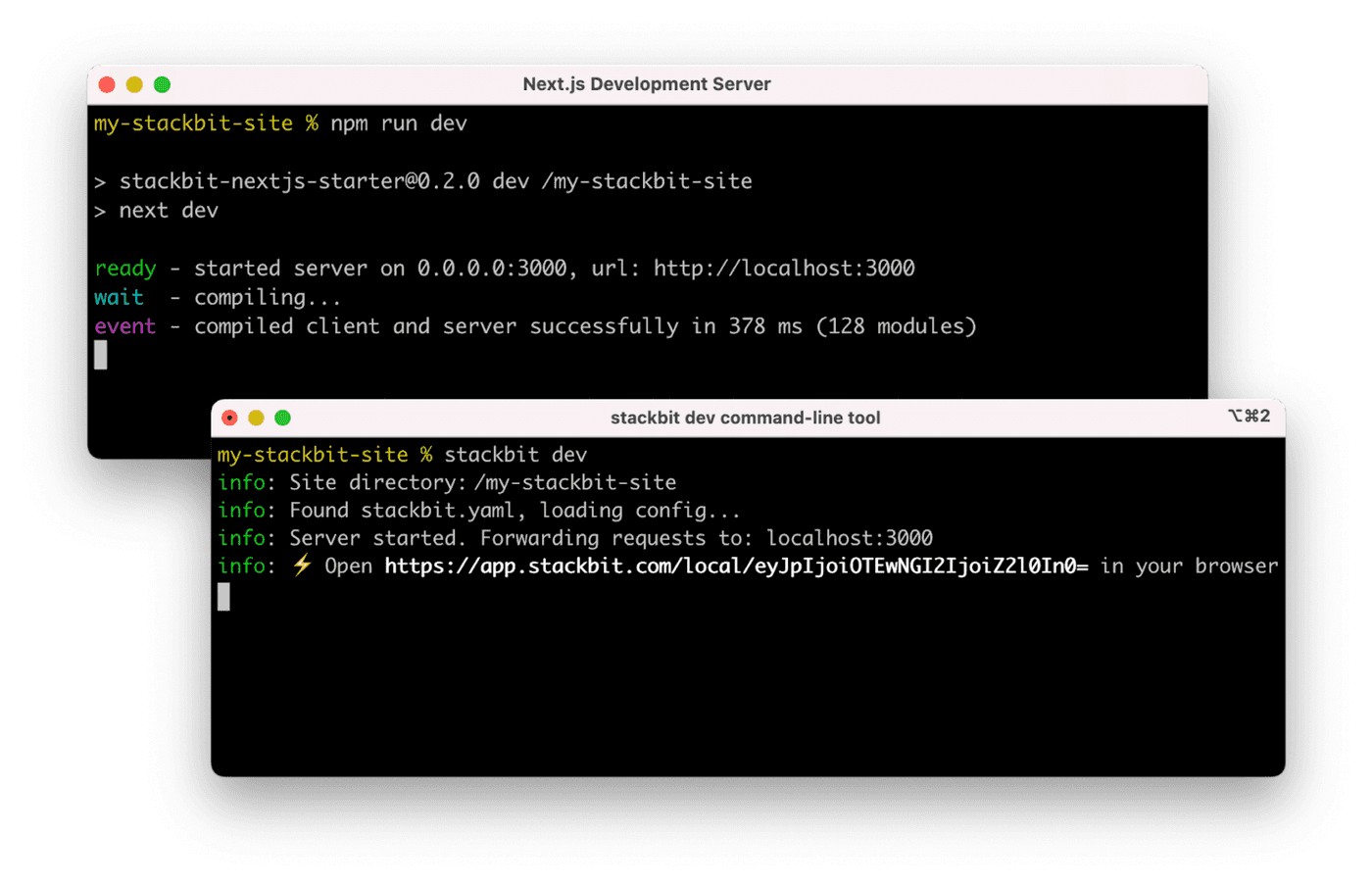
Run the Next.js development server:
cd blox.bg
npm run dev
Install the Netlify Visual Editor CLI. Then open a new terminal window in the same project directory and run the Netlify visual editor dev server:
npm install -g @stackbit/cli
stackbit dev
This outputs your own Netlify visual editor URL. Open this, register, or sign in, and you will be directed to Netlify's visual editor for your new project.
To build a static site for production, run the following command
npm run build