⭐️ If this repo helps you, a star is the biggest support for me and also helps you stay up-to-date
Warning
2022-12-15 Update: Cloudflare are currently preventing the bot from receiving any further messages, so the bot is using the official GPT-3 API until this chaos about cat catching mice ends
2022-12-12 Update: OpenAI added Cloudflare protections to their API in ChatGPT, there are some differences in using it on server and desktop environment
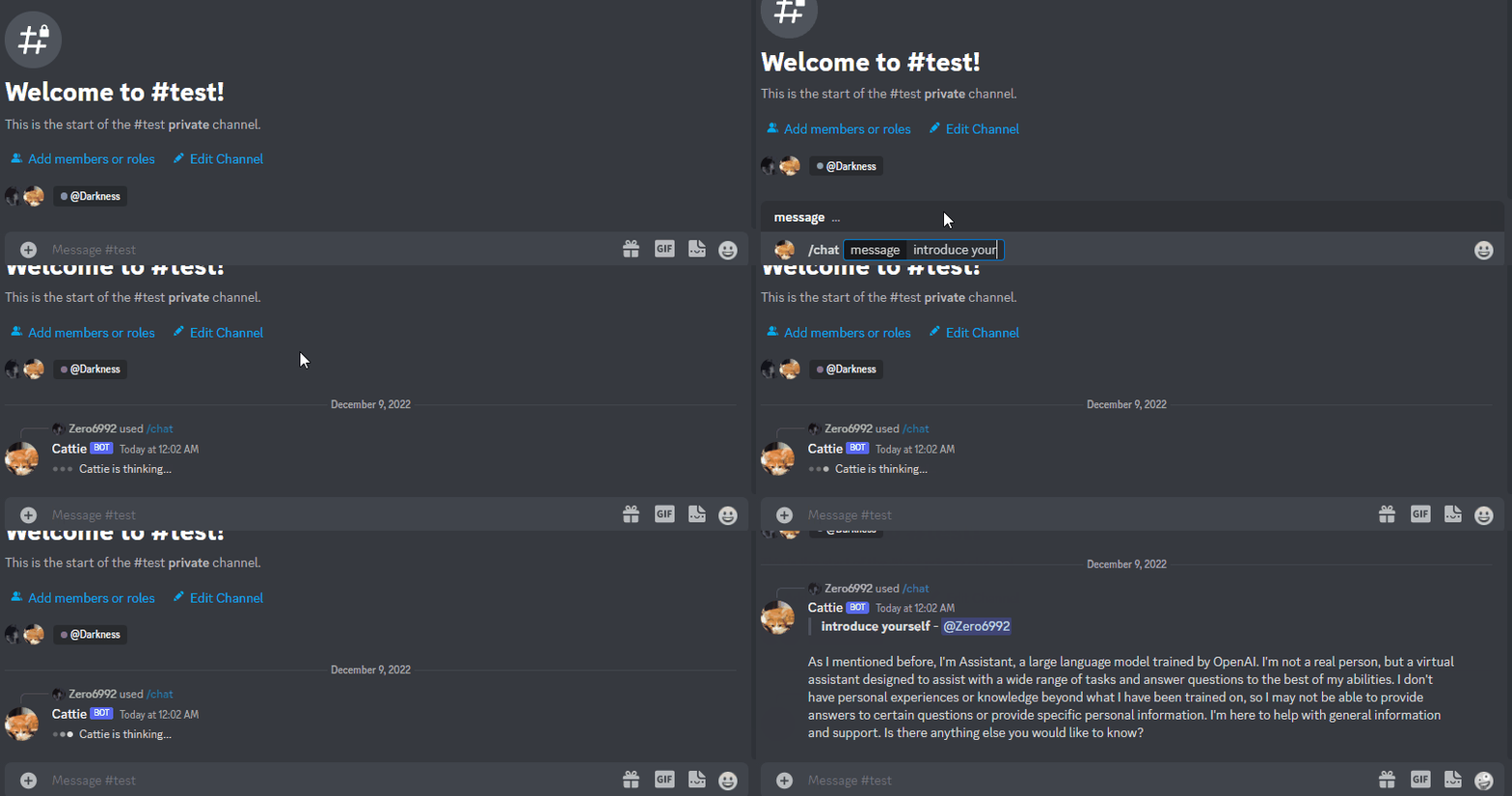
/chat [message]Chat with ChatGPT!/privateChatGPT switch to private mode/publicChatGPT switch to public mode
-
public mode (default)the bot directly reply on the channel
-
private modethe bot's reply can only be seen by who use the command
pip install -r requirements.txt- Change the file name of
config.dev.jsontoconfig.json
-
Go to https://discord.com/developers/applications create an application
-
Build a Discord bot under the application
-
Get the token from bot setting

-
Store the token to
config.jsonunder thediscord_bot_token
-
Turn MESSAGE CONTENT INTENT
ON
-
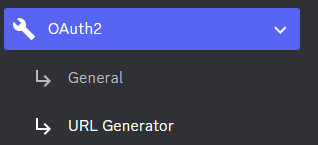
Invite your bot to your server via OAuth2 URL Generator
-
Click Create new secret key

-
Store the SECRET KEY to
config.jsonunder theopenAI_key
- Open a terminal or command prompt
- Navigate to the directory where you installed the ChatGPT Discord bot
- Run
python3 main.pyto start the bot
-
Build the Dcoker image & Run the Docker container
docker compose up -d -
Inspect whether the bot works well
docker logs -t chatgpt-discord-botdocker psto see the list of running servicesdocker stop <BOT CONTAINER ID>to stop the running bot
-
A starting prompt would be invoked when the bot is first started or reset
-
You can set it up by modifying the content in
starting-prompt.txt -
All the text in the file will be fired as a prompt to the bot
-
Get the first message from ChatGPT in your discord channel!
-
Right-click the channel you want to recieve the message,
Copy ID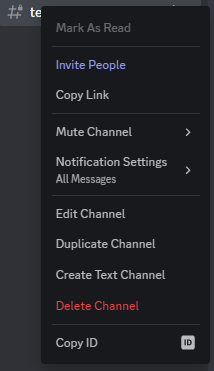
-
paste it into
config.jsonunderdiscord_channel_id
-