



EMS (Event Management System) is an open-source platform designed to streamline event organization and facility management. It offers a user-friendly, centralized solution for scheduling events, managing event details, and fostering community engagement through interactive features. Built with PHP and compatible with modern web servers and databases, EMS is ideal for organizations, communities, or individuals looking to manage events efficiently.
- Event Data Management: Store and manage event details such as date, time, location, and facilities in a centralized database.
- Online Event Scheduling: Schedule events seamlessly through an intuitive web interface.
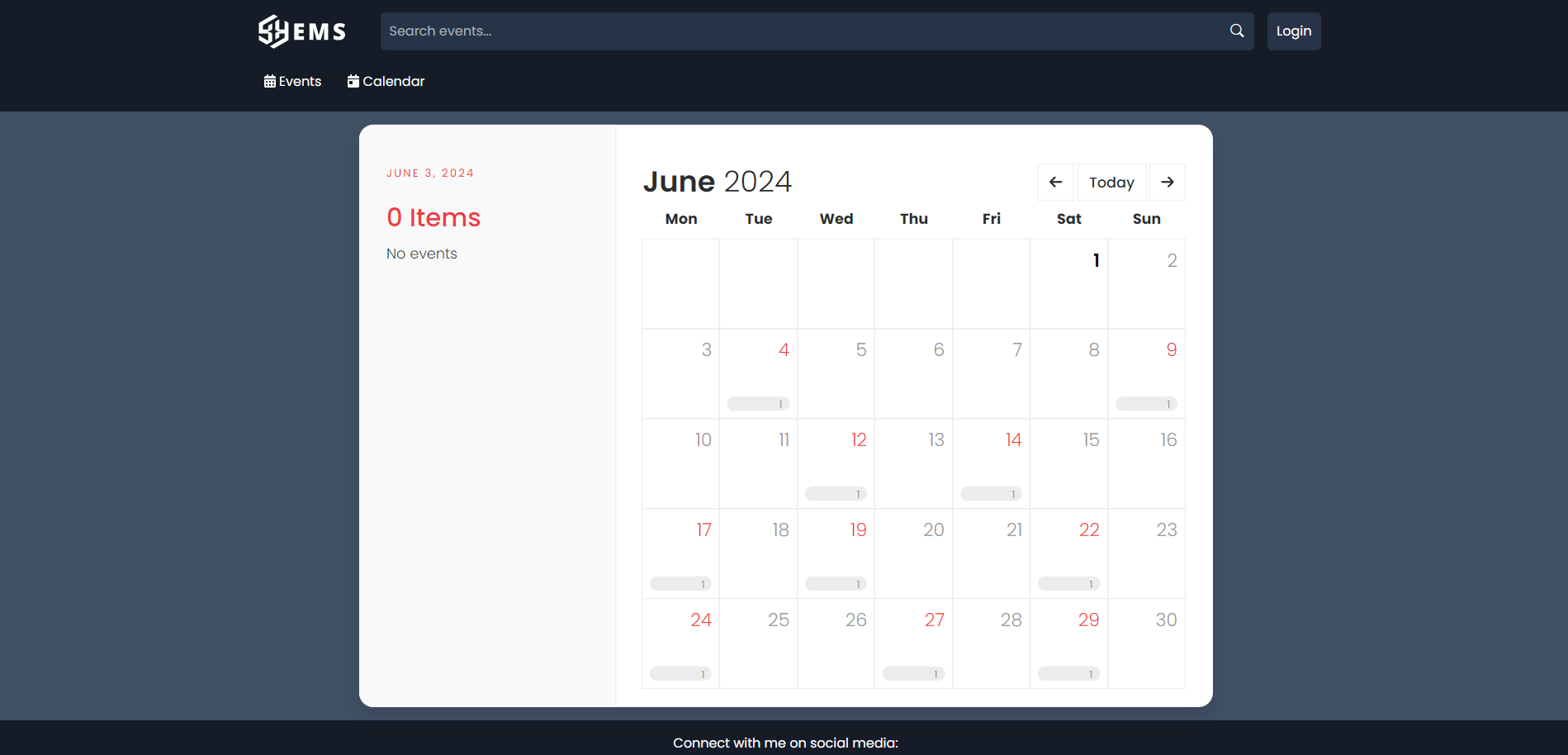
- Interactive Calendar: View scheduled events and check facility availability with a dynamic calendar system.
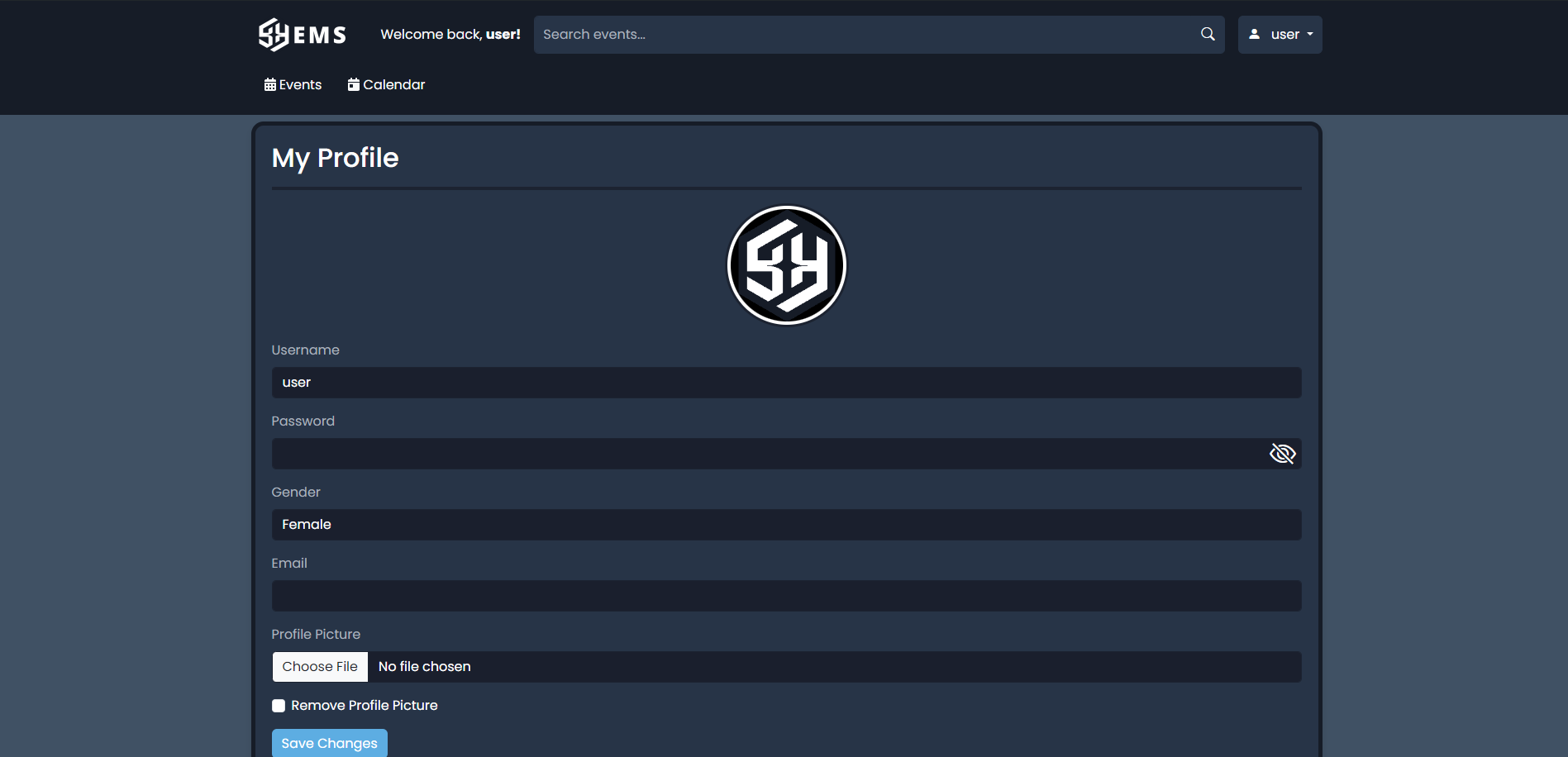
- User Profiles: Create and customize user profiles with personalized settings and preferences.
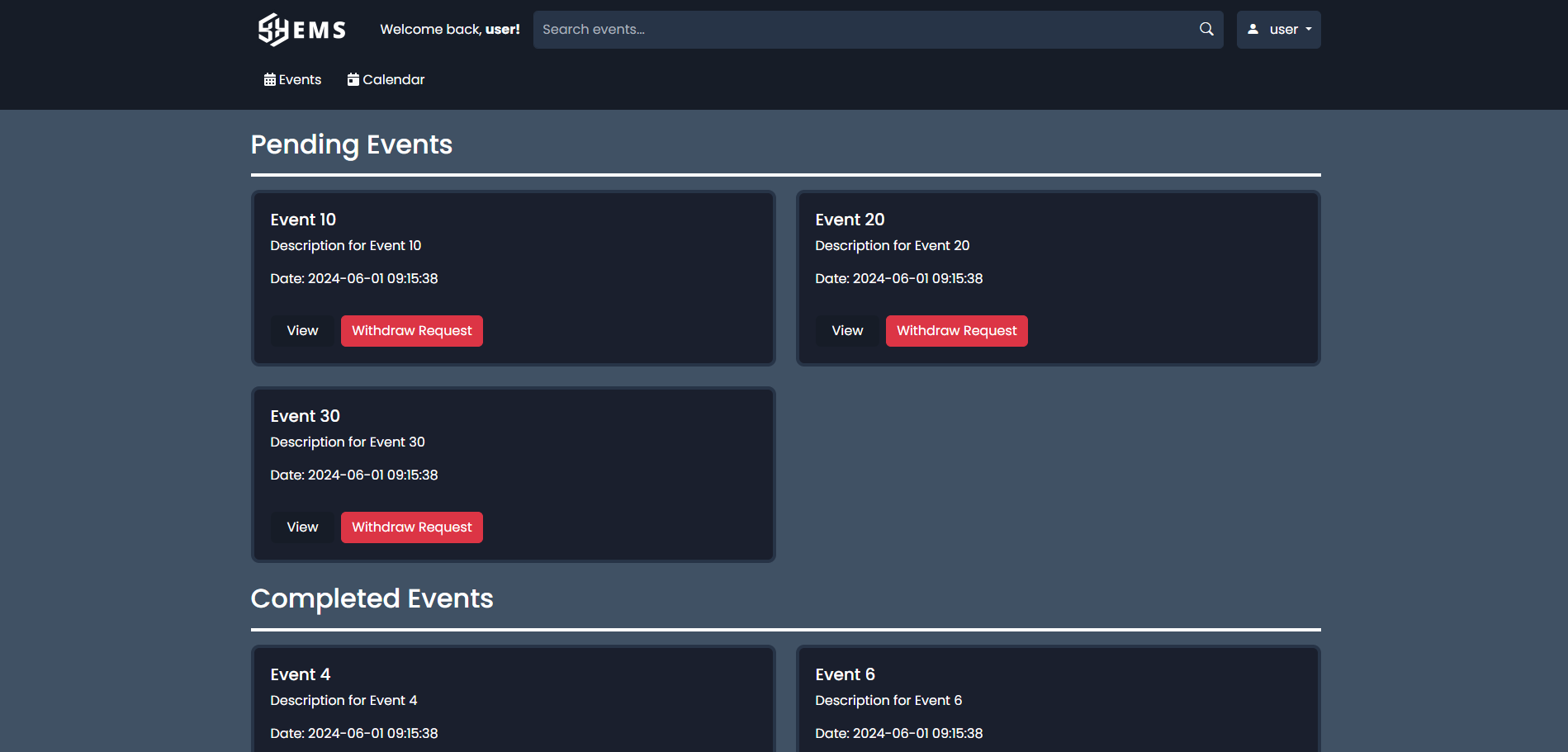
- Event Request and Approval Workflow: Users can submit event requests, which admins can approve or deny with remarks.
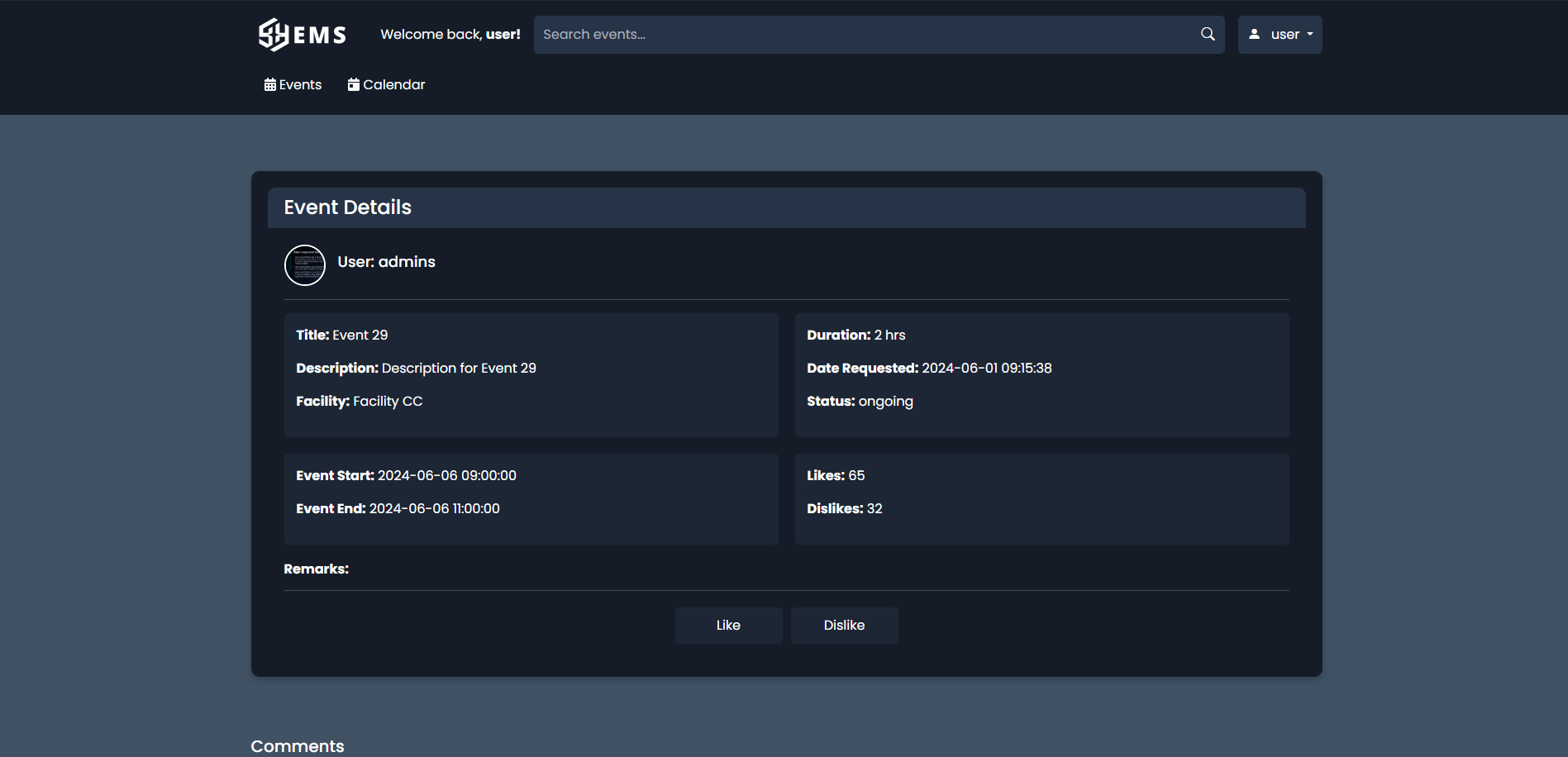
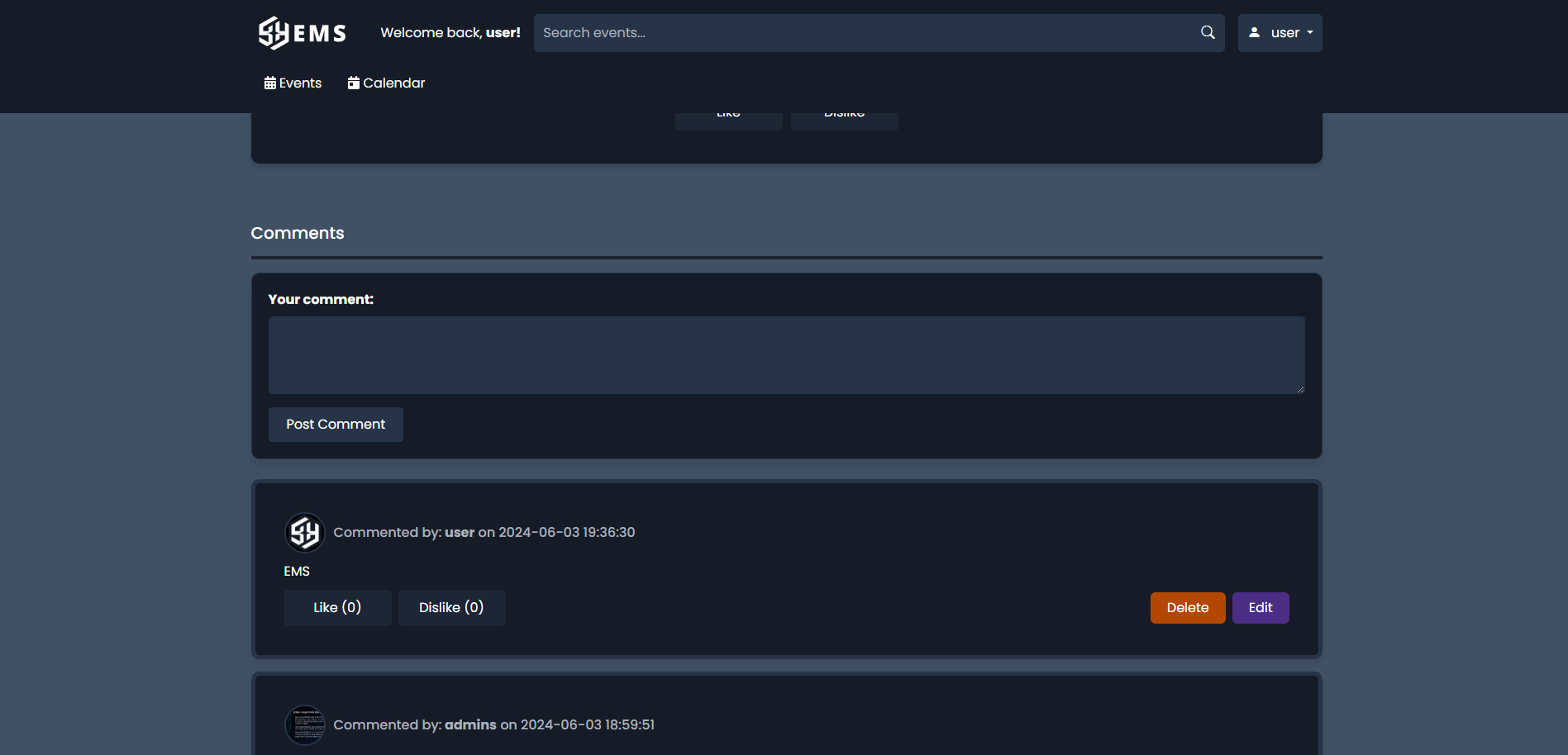
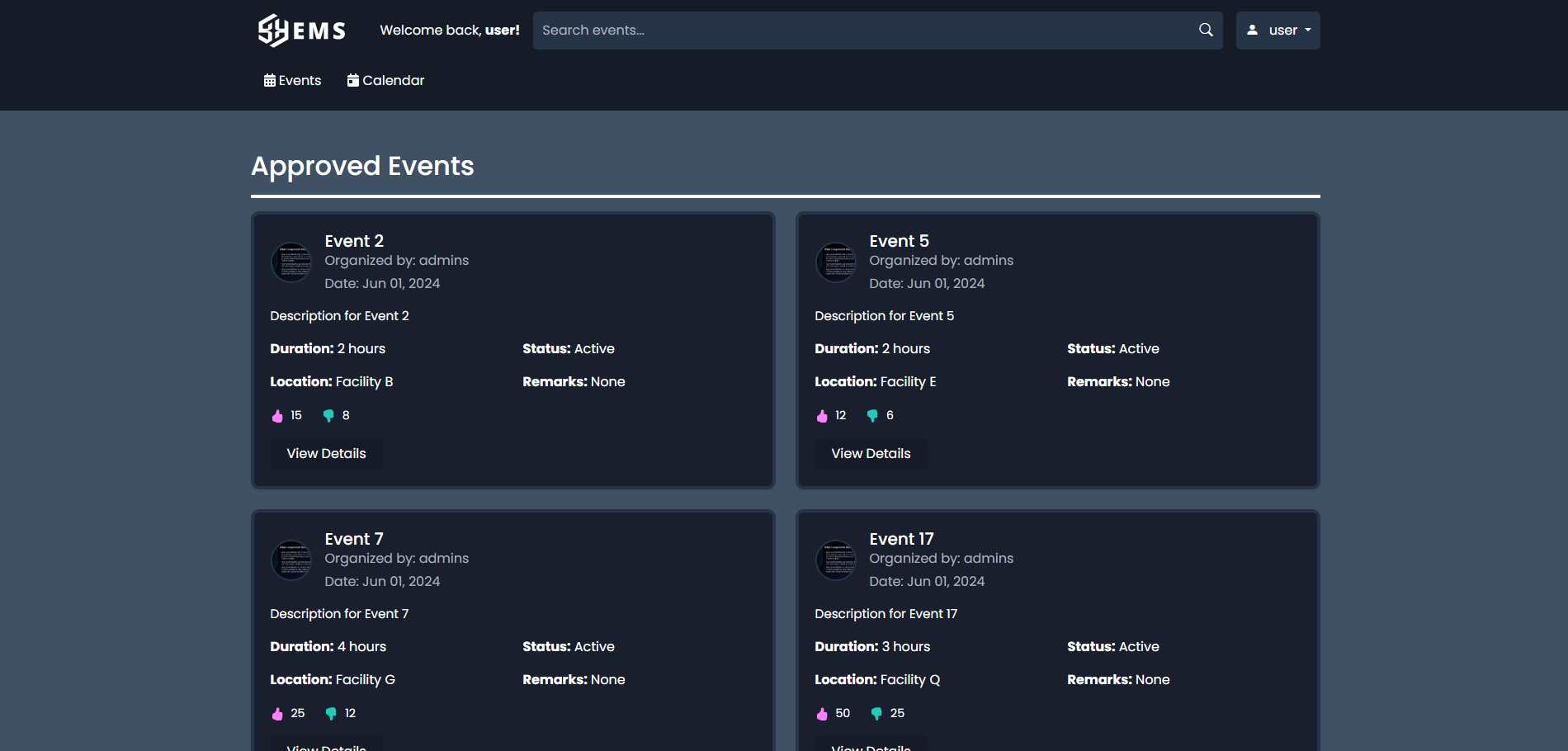
- Comment and Feedback System: Engage with events through comments, likes, and dislikes, fostering interaction between users and organizers.
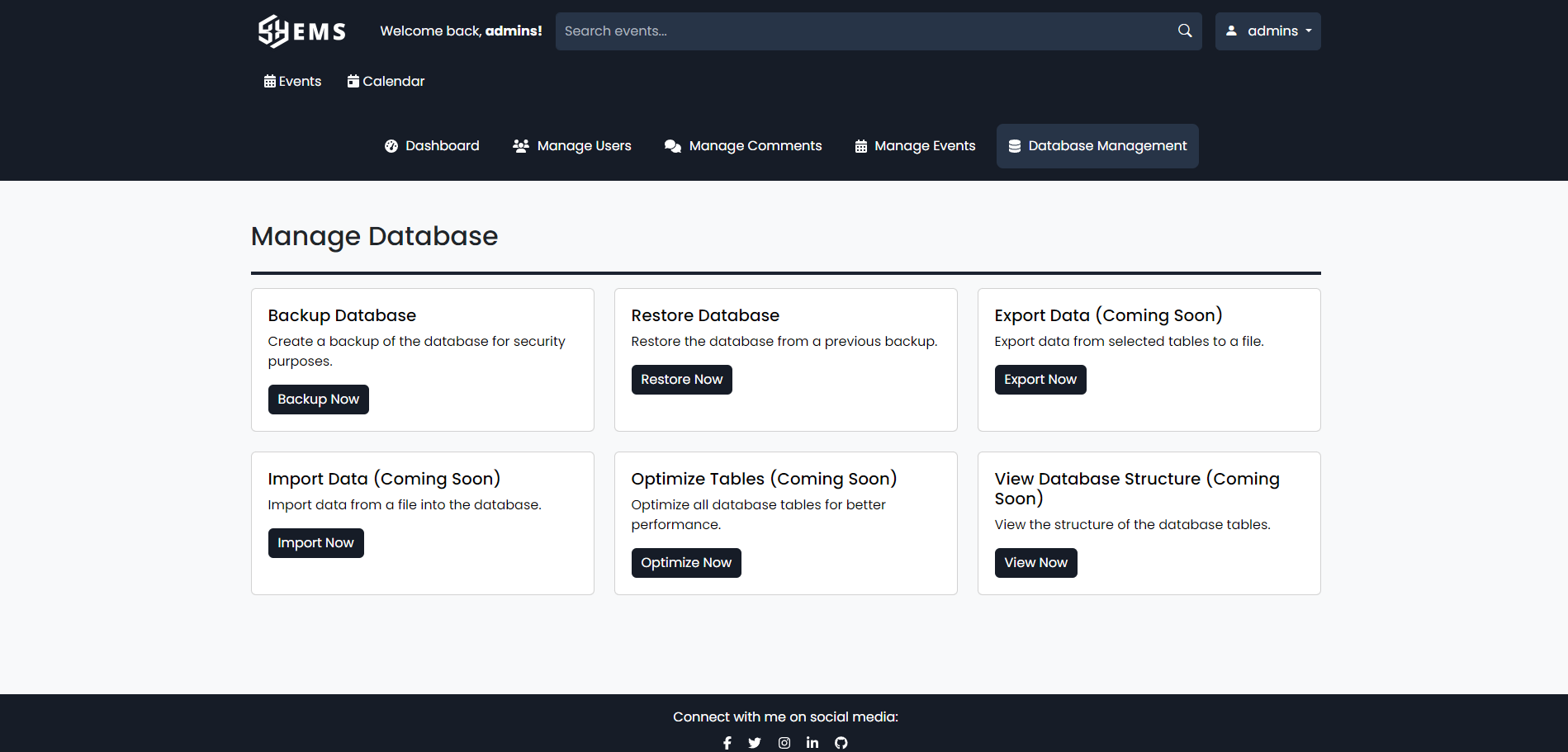
- User Management: Admins can manage user roles, permissions, and event approvals.
- Security Features: Includes secure login, password reset, user registration, and data protection mechanisms.
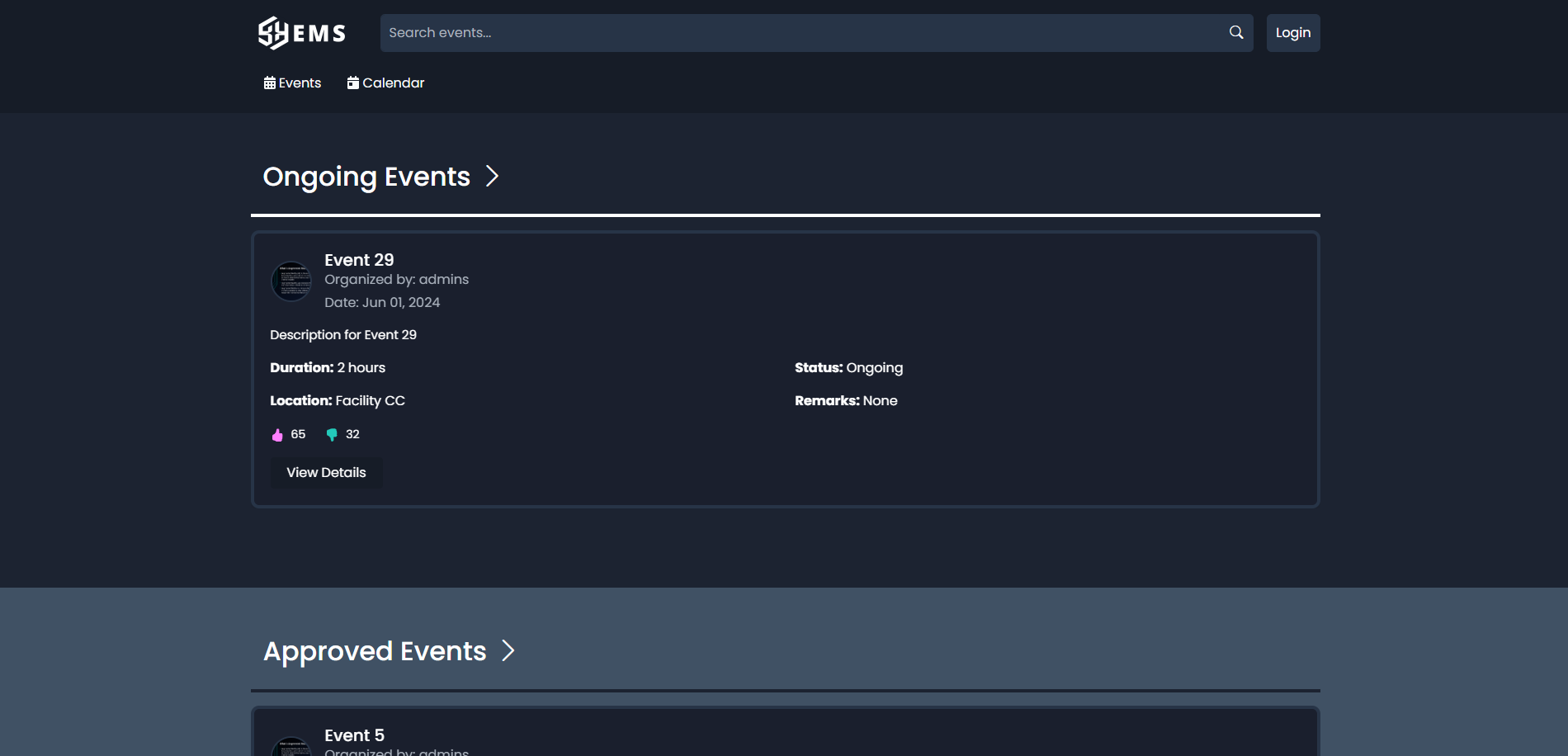
- Event Status Tracking: Monitor events through statuses like ongoing, approved, pending, completed, or denied.
- Responsive Design: Accessible on various devices with a modern, responsive interface.
Before installing EMS, ensure your system meets the following requirements:
- Operating System: Windows, macOS, Linux, or any modern OS.
- Web Server: Apache (with
mod_rewrite), Nginx, or equivalent. - Database: MySQL 5.7+, PostgreSQL 10+, or equivalent.
- PHP: Version 7.4 or higher (8.0+ recommended) with extensions:
pdo_mysqlorpdo_pgsqlmbstringjsonopenssl
- Composer: For managing PHP dependencies (optional, if using additional packages).
- Node.js and npm: For building front-end assets (if using custom JavaScript or CSS).
- Git: For cloning the repository.
- Web Browser: Latest version of Chrome, Firefox, Safari, or Edge.
Follow these steps to set up EMS on your local or production server:
-
Clone the Repository:
git clone https://github.com/VoxDroid/EMS.git cd EMS -
Configure the Web Server:
- Point your web server to the
EMSdirectory as the document root. - For Apache, ensure
.htaccessis enabled andmod_rewriteis active. - For Nginx, configure a server block (example configuration available in the docs section).
- Point your web server to the
-
Set Up the Database:
- Create a database in MySQL or PostgreSQL.
- Run the
database_setup.phpscript to initialize the database schema:php database_setup.php
- Alternatively, import the SQL schema from
database/schema.sqlif provided.
-
Configure Database Credentials:
- Copy
db_connection_settings.example.phptodb_connection_settings.php:cp db_connection_settings.example.php db_connection_settings.php
- Edit
db_connection_settings.phpwith your database credentials:<?php define('DB_HOST', 'localhost'); define('DB_NAME', 'ems_database'); define('DB_USER', 'your_username'); define('DB_PASS', 'your_password'); ?>
- Copy
-
Install Dependencies (if applicable):
- If using Composer for additional PHP packages:
composer install
- If using npm for front-end assets:
npm install
npm run build
- If using Composer for additional PHP packages:
-
Set File Permissions:
- Ensure the web server has write permissions for directories like
uploads/orcache/:chmod -R 775 uploads cache chown -R www-data:www-data uploads cache
- Ensure the web server has write permissions for directories like
-
Access the Application:
- Open your web browser and navigate to
http://your-server/EMS. - Log in with default credentials:
- Admin:
username: admin,password: admin_password - User:
username: user,password: user_password
- Admin:
- Change default passwords immediately after first login.
- Open your web browser and navigate to
-
Logging In:
- Access the EMS URL and log in with your credentials.
- Admins have access to user management and event approval features.
-
Creating Events:
- Navigate to the "Create Event" section, fill in details (title, date, duration, facility, etc.), and submit for approval.
- Admins will review and approve/deny requests.
-
Managing Events:
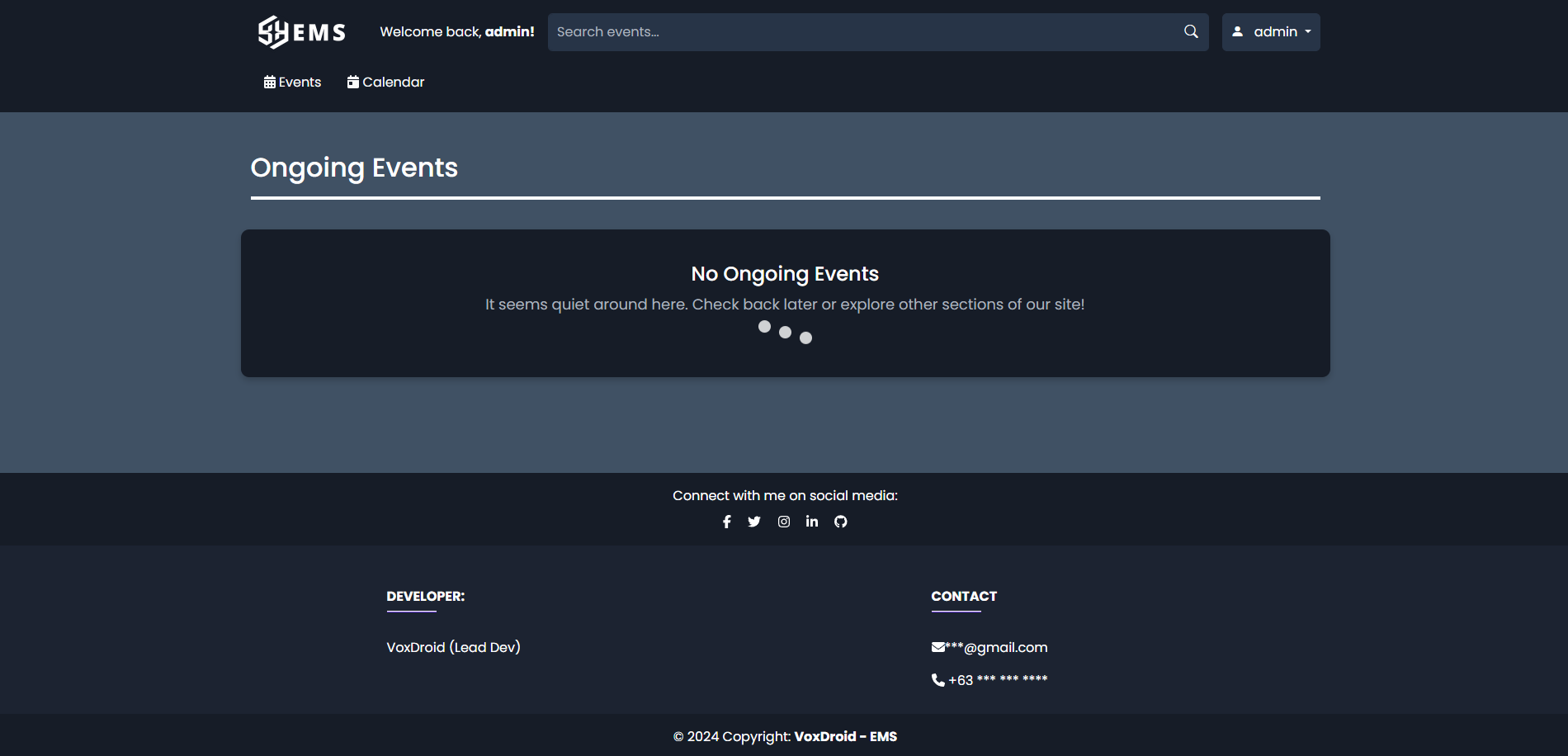
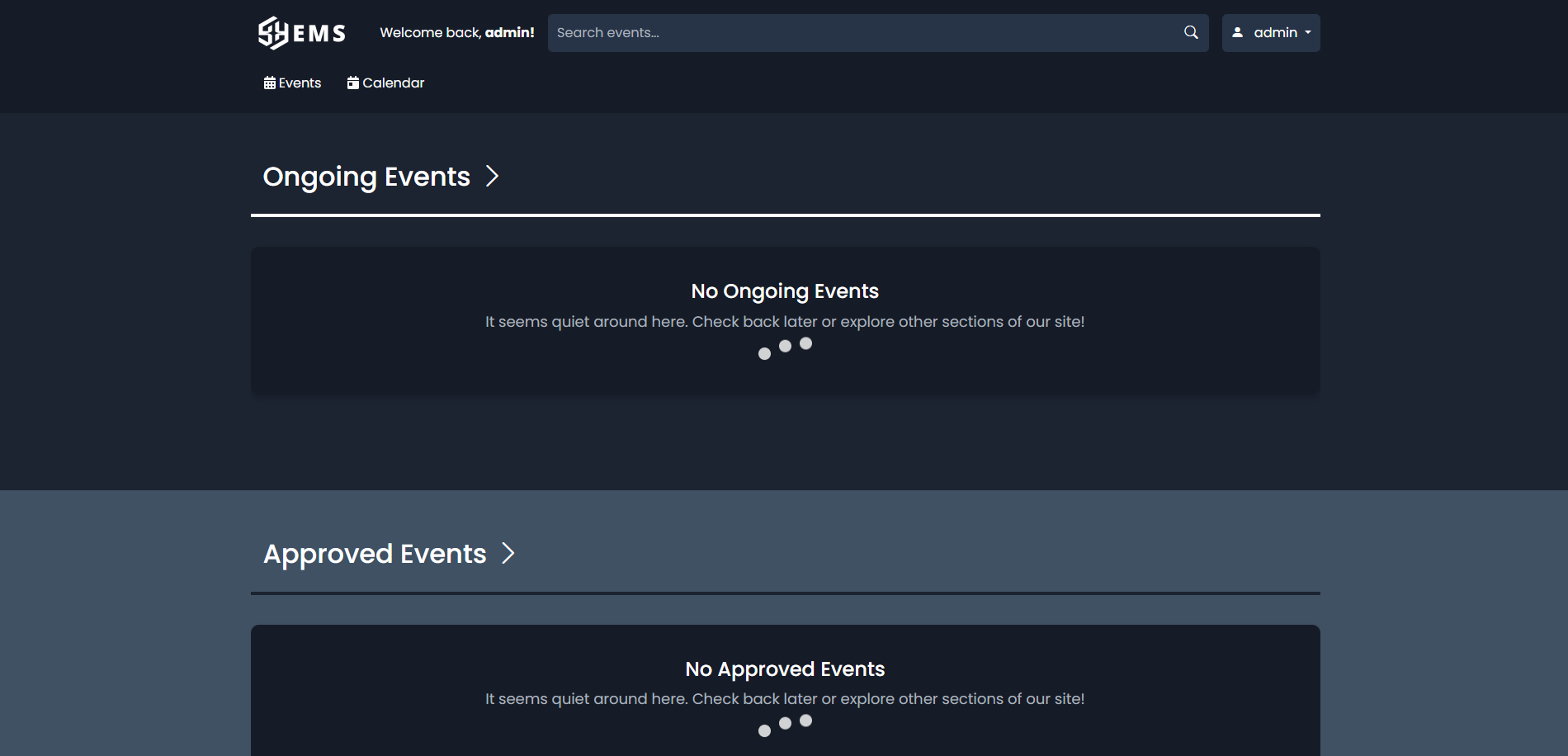
- View ongoing, approved, pending, or archived events via the dashboard or respective sections.
- Interact with events by liking, disliking, or commenting.
-
User Management:
- Admins can edit user roles, reset passwords, or deactivate accounts from the admin panel.
-
Calendar View:
- Use the interactive calendar to check event schedules and facility availability.
EMS includes a basic test suite for core functionalities:
-
Run Tests:
- If PHPUnit is set up, run:
vendor/bin/phpunit tests
- Tests cover database connectivity, event creation, and user authentication.
- If PHPUnit is set up, run:
-
Manual Testing:
- Test event creation, approval workflows, and comment systems manually through the web interface.
- Verify responsive design on mobile and desktop browsers.
- Database Connection Errors:
- Verify credentials in
db_connection_settings.php. - Ensure the database server is running and accessible.
- Verify credentials in
- 404 Errors:
- Check web server configuration and
.htaccessfor Apache. - Ensure the correct document root is set.
- Check web server configuration and
- Permission Issues:
- Confirm the web server user has write access to
uploads/andcache/directories.
- Confirm the web server user has write access to
- Slow Performance:
- Enable caching (e.g., OPCache for PHP).
- Optimize database queries or indexes (see
database/optimization.sqlif provided).
For further assistance, contact [email protected] or open an issue on GitHub.
We welcome contributions from the community! To contribute:
- Fork the repository.
- Create a feature branch (
git checkout -b feature/your-feature). - Commit your changes (
git commit -m "Add your feature"). - Push to the branch (
git push origin feature/your-feature). - Open a pull request.
Please read our CONTRIBUTING.md for detailed guidelines and CODE_OF_CONDUCT.md for community standards.
Found a security vulnerability? Please report it responsibly by emailing [email protected]. Do not disclose vulnerabilities publicly until they are resolved. See SECURITY.md for our security policy.
Additional documentation is available in the docs/ directory or online at GitHub Pages (coming soon). Topics include:
- Web server configuration (Apache/Nginx).
- Database schema and optimization.
- API endpoints (planned).
- Developer setup for contributing.
This project is licensed under the MIT License - see the LICENSE file for details.
- @VoxDroid - Project Lead
- Contribute to become a listed contributor!
For questions, feedback, or support, reach out to:
- Email: [email protected]
- GitHub: @VoxDroid
- Issues: GitHub Issues
Thank you for using EMS! We look forward to your contributions and feedback.



