




Mediarepo is a tool for managing media files. It works similar to image boards (boorus) as it allows one to assign tags to media entries and search for entries by using those tags.
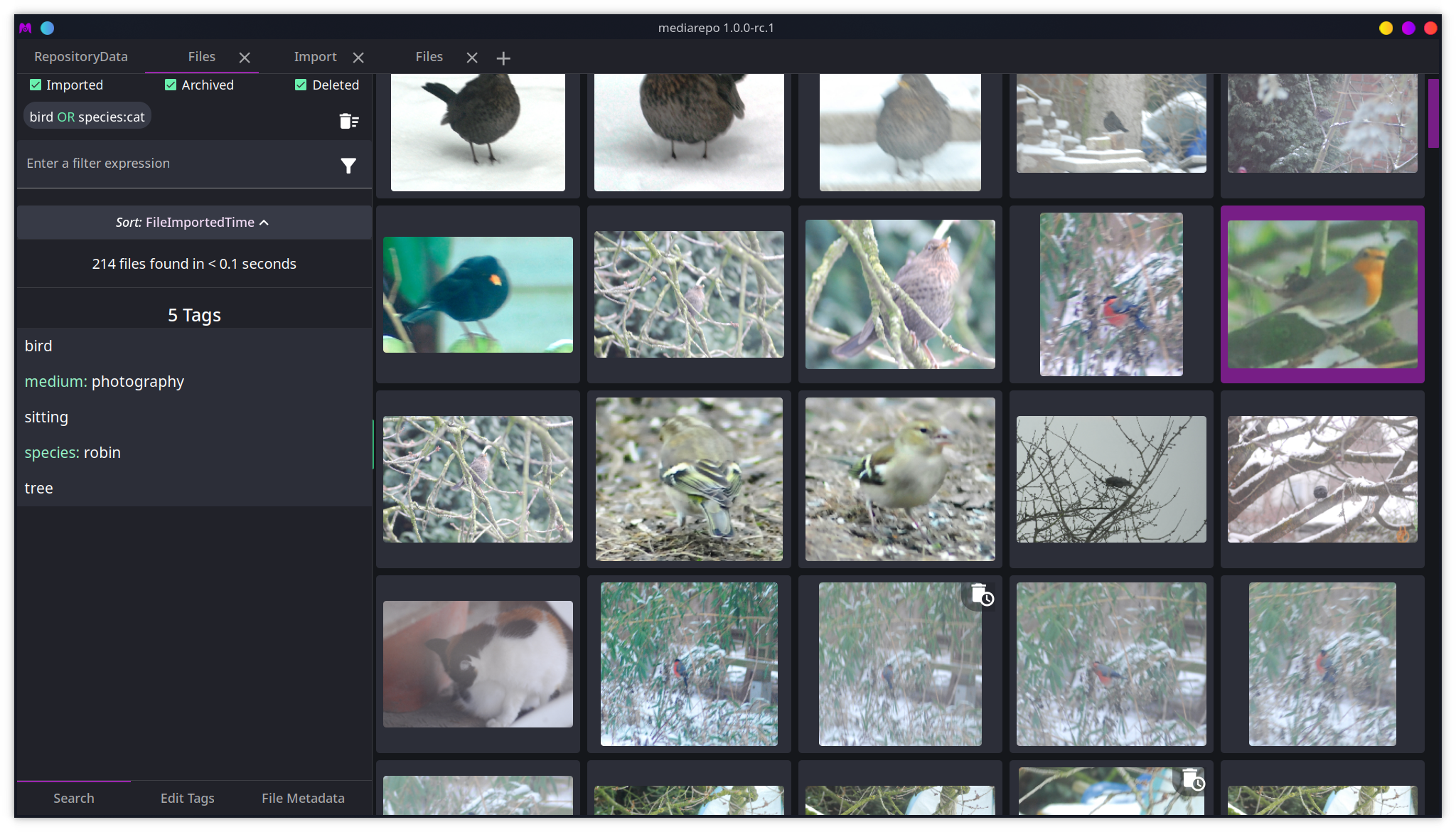
- management of multiple repositories
- running repository daemons on startup or in the background
- importing files from the file system
- assigning tags to files
- searching for files using tags and properties
- sorting files by properties and tag namespaces
- tag aliases and implications
- file collections
- importing files from URLs
- tag lookup using SauceNao and IQDB
- synchronisation between clients
In order to use mediarepo, the mediarepo daemon and UI application need to be installed. Both can be downloaded from the Releases page or the AUR.
Arch Linux:
$ yay -S mediarepo-daemon mediarepoWhen installing manually the mediarepo-daemon binary needs to be accessible in the PATH variable.
You need to have a working rust toolchain (e.g. via rustup) and node.js installed. For building the UI the required tauri build tooling needs to be installed as well. Please follow their documentation for setup information. You also need to have a working python installation on your system.
After all required dependencies are installed and tools are accessible in the PATH, you can build the project like follows:
Check (and install) required tooling:
$ ./scripts/check.py --installNote: this only installs tools that are installable via cargo or npm
All Componens:
$ ./scripts/build.py allDaemon only:
$ ./scripts/build.py daemonUI only:
$ ./scripts/build.py uiClean the output directory:
$ ./scripts/clean.pyAfter building the out directory contains all the built binaries and bundles.
For test builds the Containerfile in this repository can be used. This way no build dependencies need to be installed on the system. The Containerfile doesn't provide any artifacts and can only be used for validation.
Please consult the official website for more information.
GPL-3