3. Finalizing
If not already done Connect your D1 Mini to the Circuit and turn on the Power. The LED Strip should light up in a Rainbow Color after the boot.
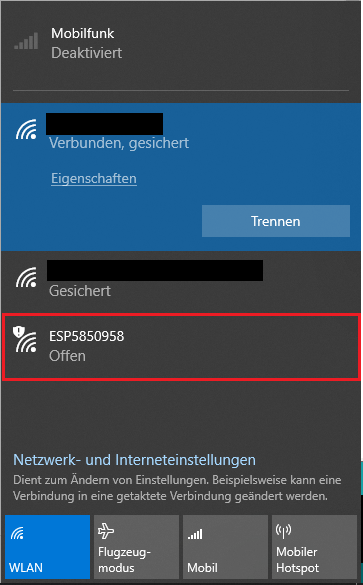
In order to Control the Colors and Modes of the Strip, get a Wificapable device and connect to the Wifinetwork of the D1 Mini.
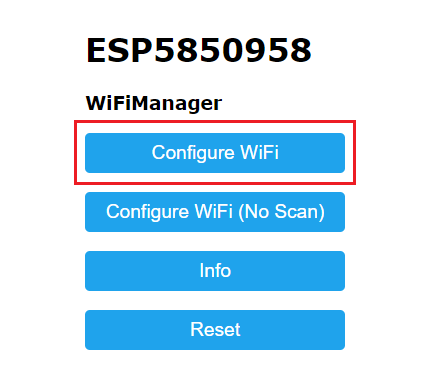
After that your Browser should open with the WifiManager Page showing. From here click on Configure Wifi
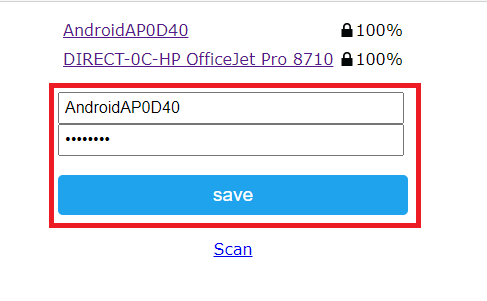
At the top you will see a list of aviable Networks that the D1 Mini can connect to. Click on the Network you wish to Connect your Device to.
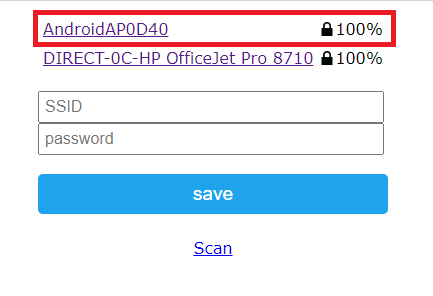
Enter your Wifi password and click on Save.
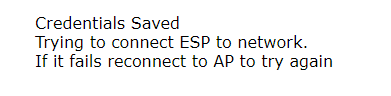
You should see this Message
Switch to the Wifinetwork you previously Connected your D1 Mini to.
Find out the IP of the D1 Mini. In our case it is 192.168.43.220
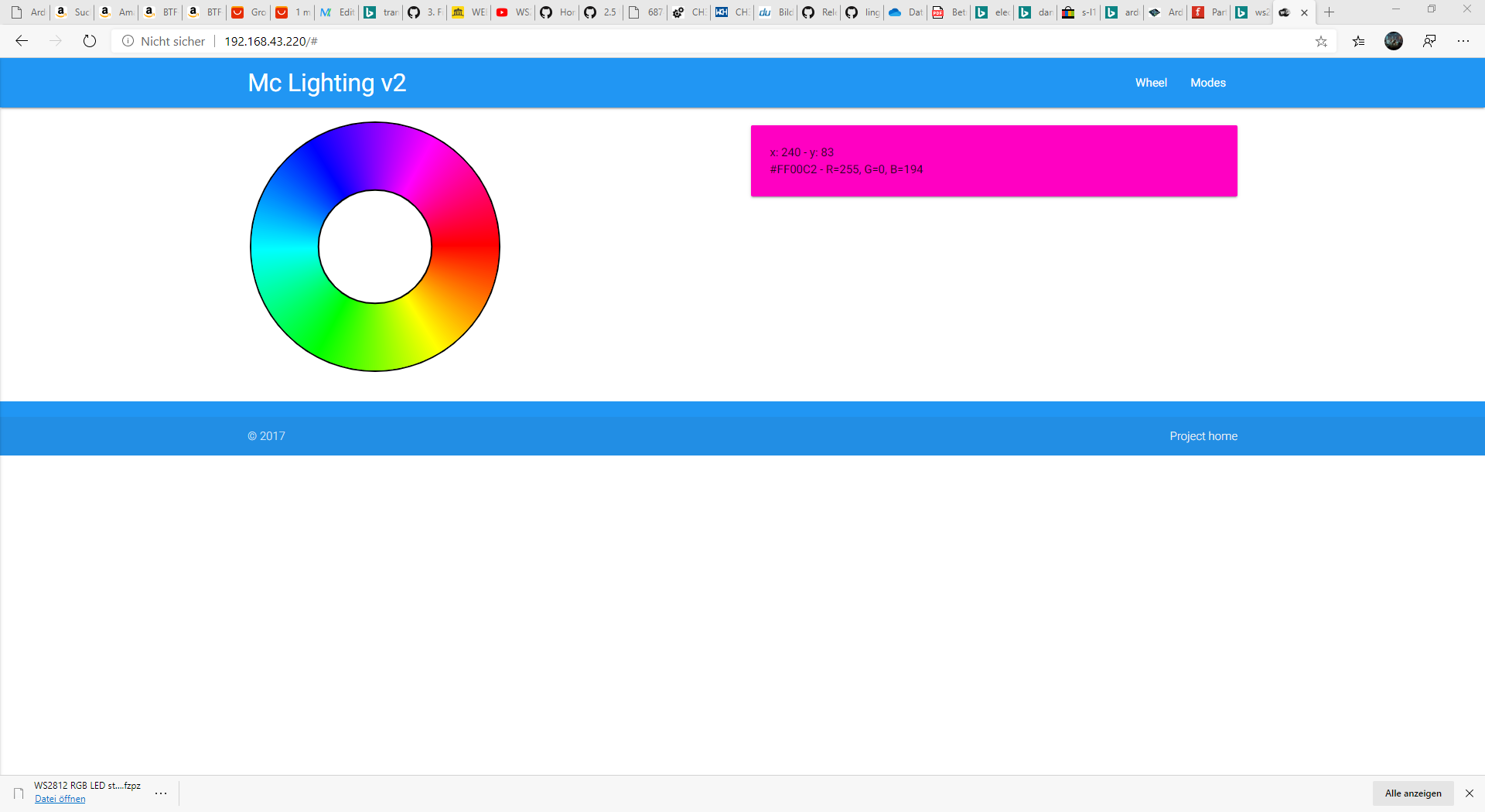
You should see this Page