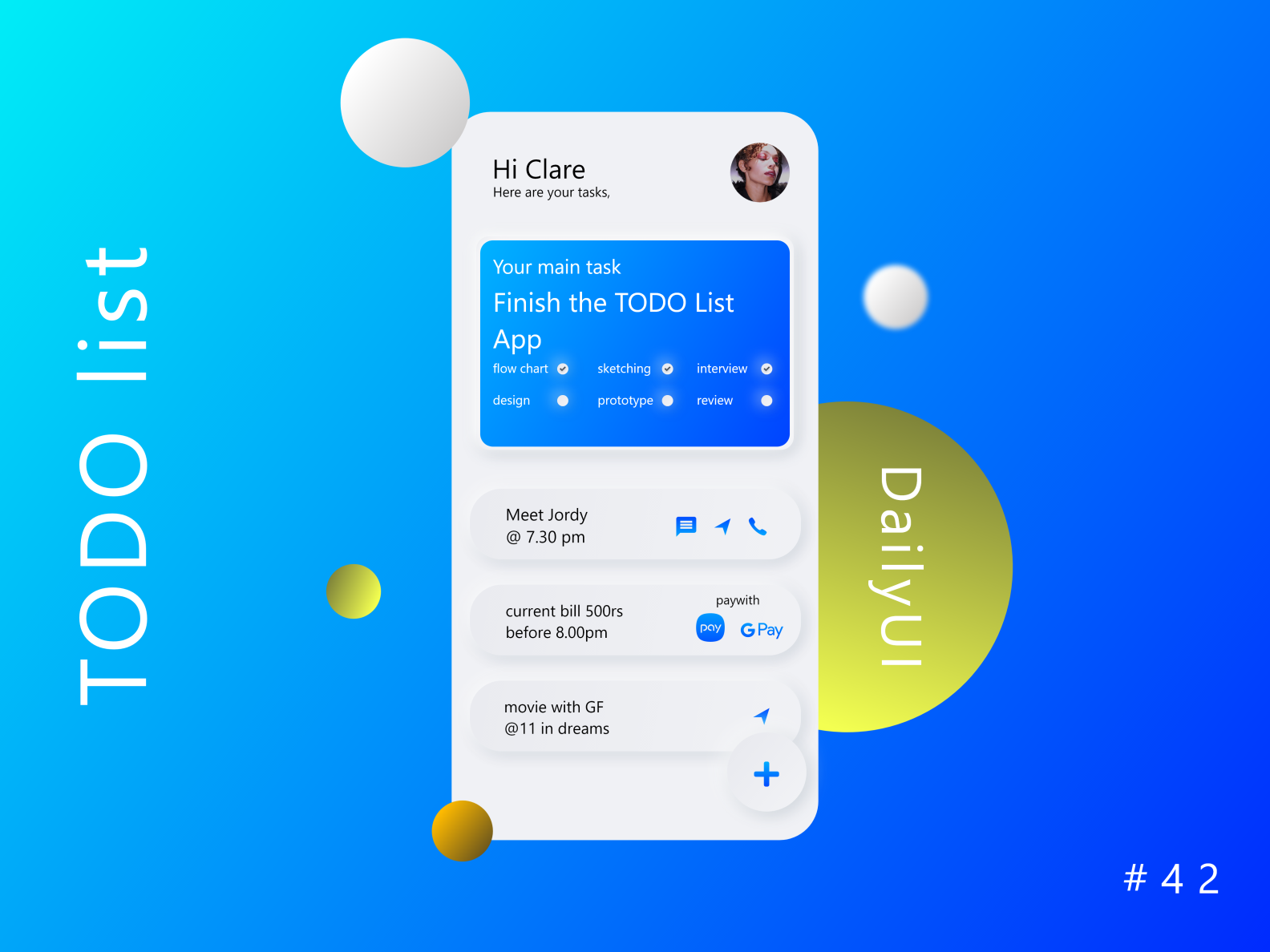
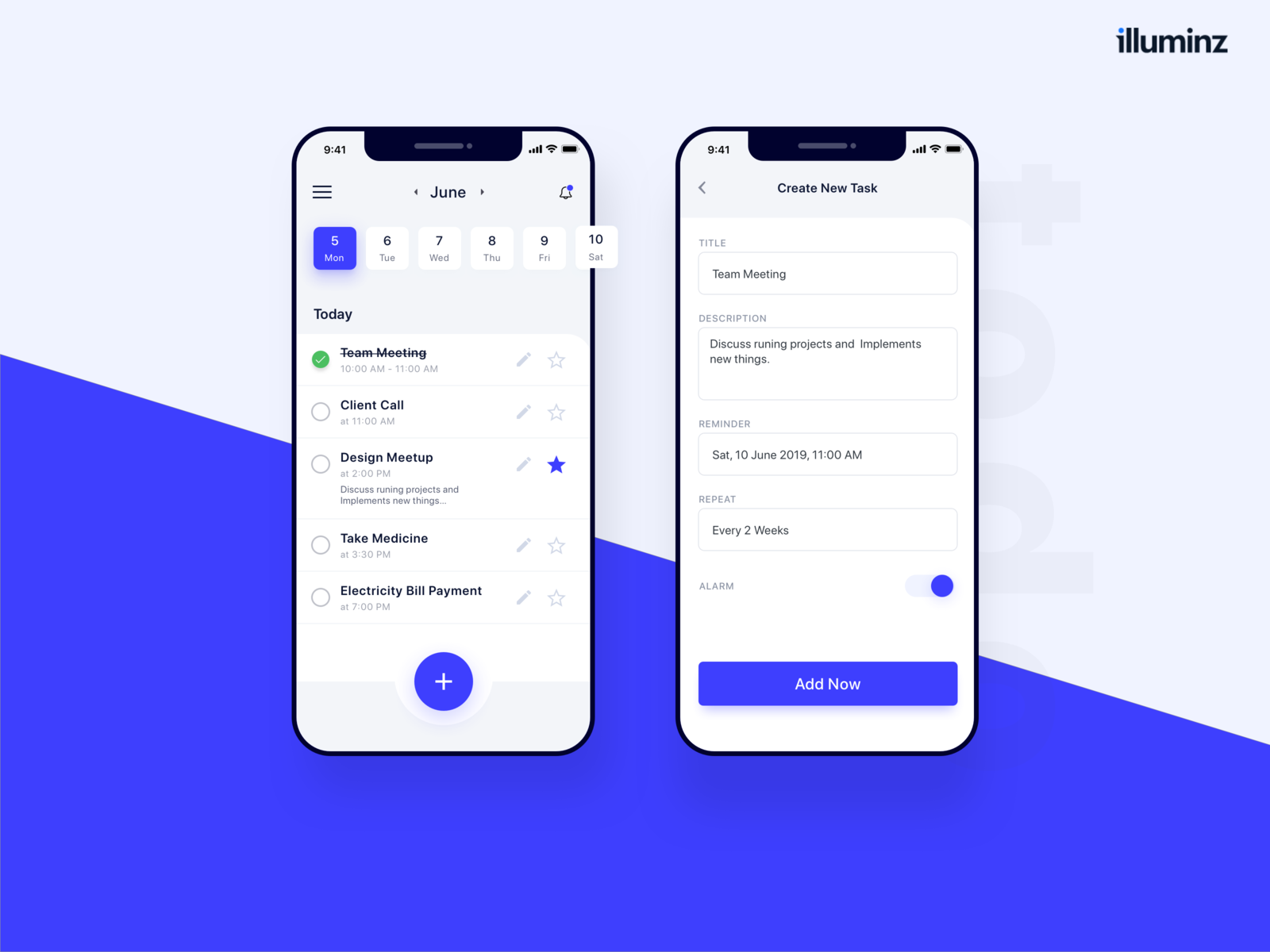
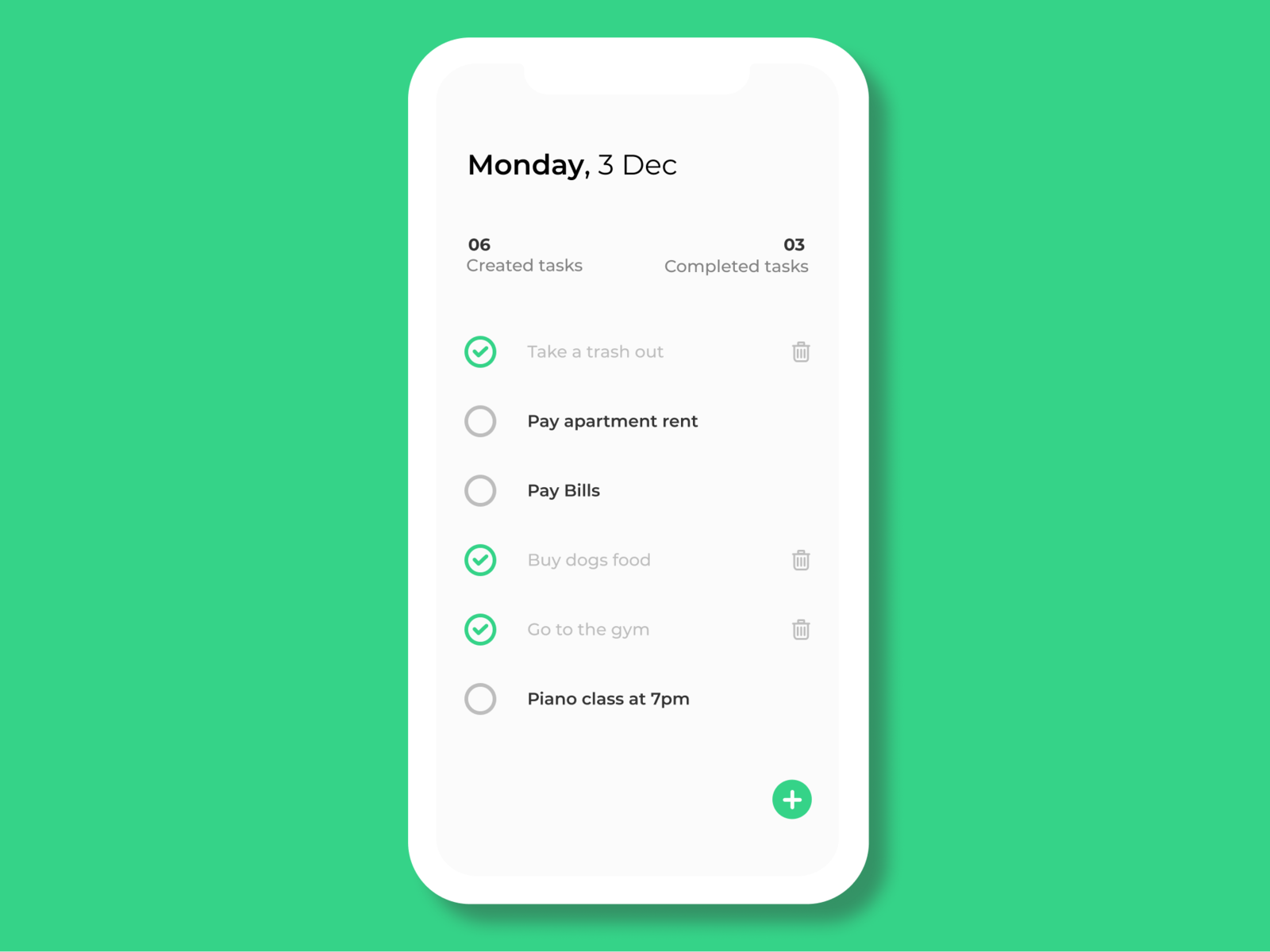
This week you will be learning about state management in Flutter. We will be focusing on the provider library and how to use it as a state management tool for your app.
- Understand the concept of state management
- Understand the difference between stateful and stateless widgets
- Understand how to use the
providerlibrary to manage state in your app
This week you will create a simple todo list app using flutter. The app must use the provider library.
To use the provider library, you must first add it to your pubspec.yaml file. You can do this by adding the following line to your pubspec.yaml file:
dependencies:
  flutter:
    sdk: flutter
  provider:
Not providing a version will automatically fetch the latest version.
To create a provider, you must first create a class that extends ChangeNotifier. This class will be the provider for your app.
class MyProvider extends ChangeNotifier {
  // ...
}To use a provider, you must first create an instance of the provider in your app. This is usually done in the main.dart file.
void main() {
  runApp(
    ChangeNotifierProvider(
      create: (context) => MyProvider(),
      child: MyApp(),
    ),
  );
}
If you have multiple providers
    void main() {
      runApp(
        MultiProvider(
          providers: [
            ChangeNotifierProvider(create: (context) => MyProvider()),
            ChangeNotifierProvider(create: (context) => MyOtherProvider()),
          ],
          child: MyApp(),
        ),
      );
}To access a provider, you must first create a Consumer widget. This widget will listen to the provider and rebuild when the provider changes.
class MyWidget extends StatelessWidget {
  @override
  Widget build(BuildContext context) {
    return Consumer<MyProvider>(
      builder: (context, myProvider, child) {
        return Text(myProvider.someValue);
      },
    );
  }
}To update a provider, you must call the notifyListeners() method on the provider. This will notify all the listeners of the provider to rebuild.
class MyProvider extends ChangeNotifier {
  String _someValue = 'Hello World';

  String get someValue => _someValue;

  void updateSomeValue(String newValue) {
    _someValue = newValue;
    notifyListeners();
  }
}This week you will be creating a simple todo list app. The app must use the provider library to manage state.
- All CRUD Operations must be applicable in the todo list (Create, Read, Update, Delete)
- The app must use the provider library to manage state
- Change the readme to document your app!
- Add a splash screen to your app
- Add a dark mode to your app
- Make a cool UI for your app