Understand task scheduling, shared memory, and the Python/C++ boundary in one single-machine runtime.
An alpha teaching runtime for tracing a call from Python into a C++ core and through local multi-process data flow—by running it yourself.


Features · Quick Start · Screenshots · How It Works · Scope · Documentation
mini-ray is a teaching project for unpacking runtime concepts, not a replacement for Ray. It starts
multiple local processes on one machine and uses POSIX shared memory so you can follow task
submission, ObjectRef values, scheduling, and object storage end to end.
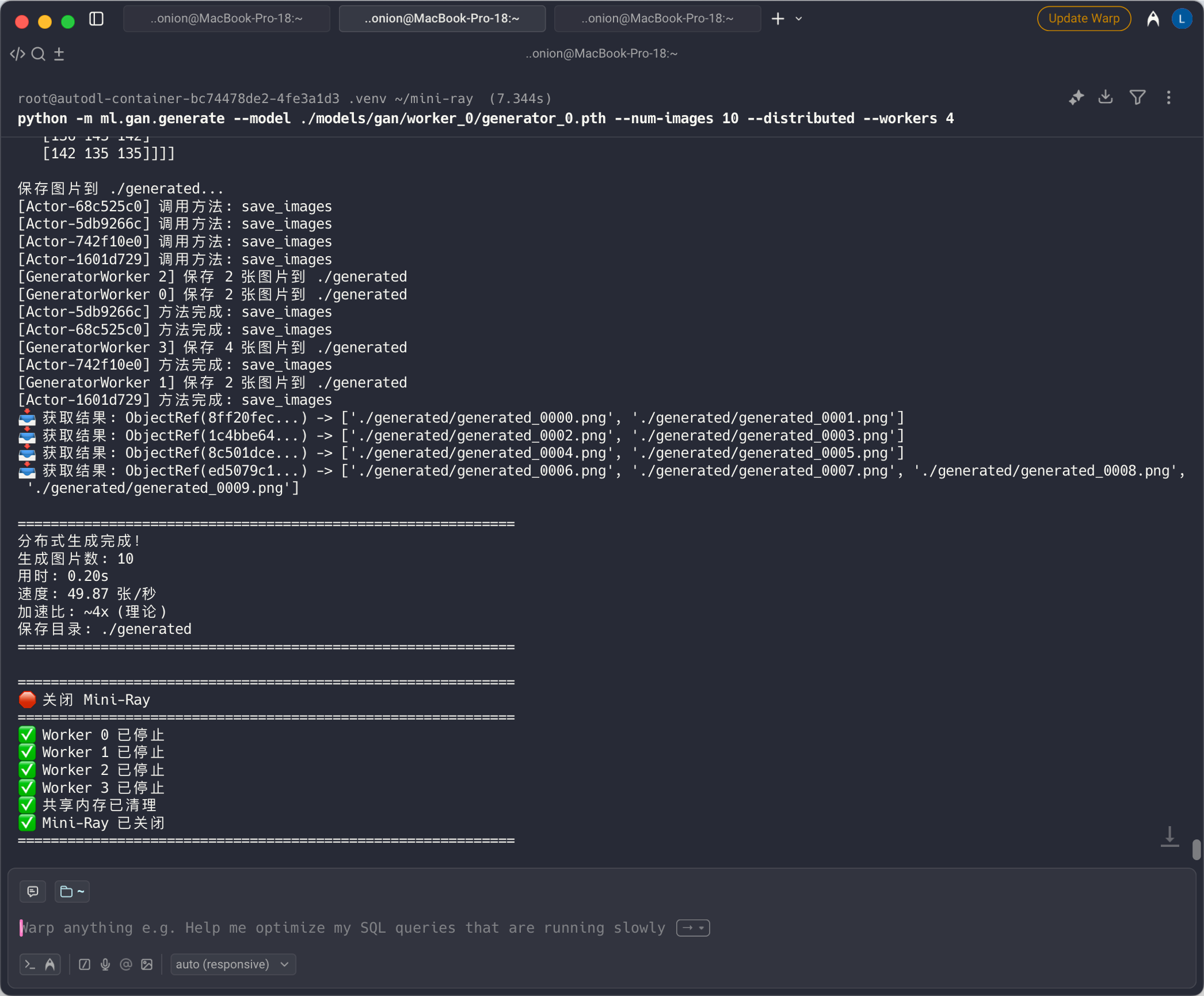
Start with one Python function, then follow the local multi-process execution path back to its result.
| What you can explore | Where it appears in mini-ray |
|---|---|
| Local task execution | Submit local multi-process work through a compact Python API and receive ObjectRef values and results. |
| ObjectRef data flow | Trace a task result into the object store and through POSIX shared memory between local processes. |
| Python / C++ boundary | Move from pybind11 bindings into the C++ CoreWorker, Scheduler, and ObjectStore. |
| Runnable learning examples | Build intuition with object-store, scheduler, task, training, tuning, and experimental Actor / Dashboard examples. |
- Linux or macOS with POSIX shared-memory support
- Python 3.8+ for the full Quick Start; the package metadata's 3.7+ minimum does not cover the dependencies in
requirements.txt - CMake 3.15+
- A C++17 compiler
git clone https://github.com/NEDONION/mini-ray.git
cd mini-ray

python3 -m venv .venv
source .venv/bin/activate
python -m pip install --upgrade pip
python -m pip install -r requirements.txt
python -m pip install -e .

python examples/03_simple_task.py
python -m pytest tests -v
pip install -e . builds the C++ extension with CMake. requirements.txt also includes dependencies
for the optional Dashboard and machine-learning examples. A GPU is optional; the GAN example falls
back to CPU when CUDA is unavailable.
import miniray

miniray.init(num_workers=2)

@miniray.remote
def fibonacci(n):
    if n <= 1:
        return n
    a, b = 0, 1
    for _ in range(n - 1):
        a, b = b, a + b
    return b

result = miniray.get(fibonacci.remote(10))
print(result)  # 55

miniray.shutdown()
For a self-contained walkthrough of task submission and result retrieval, run
examples/03_simple_task.py.
|
Multi-process training See training work completed by cooperating local processes. 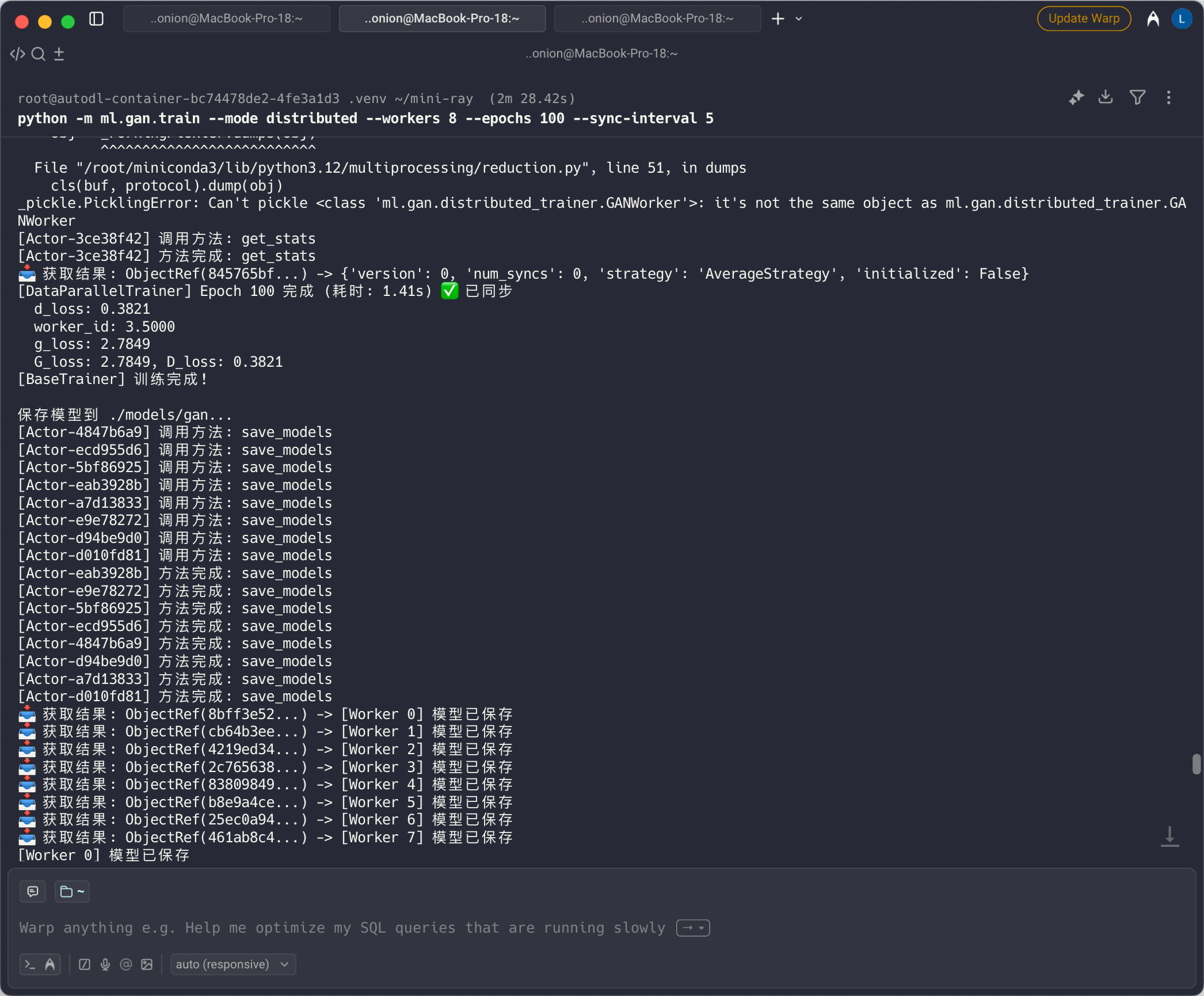
|
GAN experiment Use the teaching runtime in a visual machine-learning experiment. 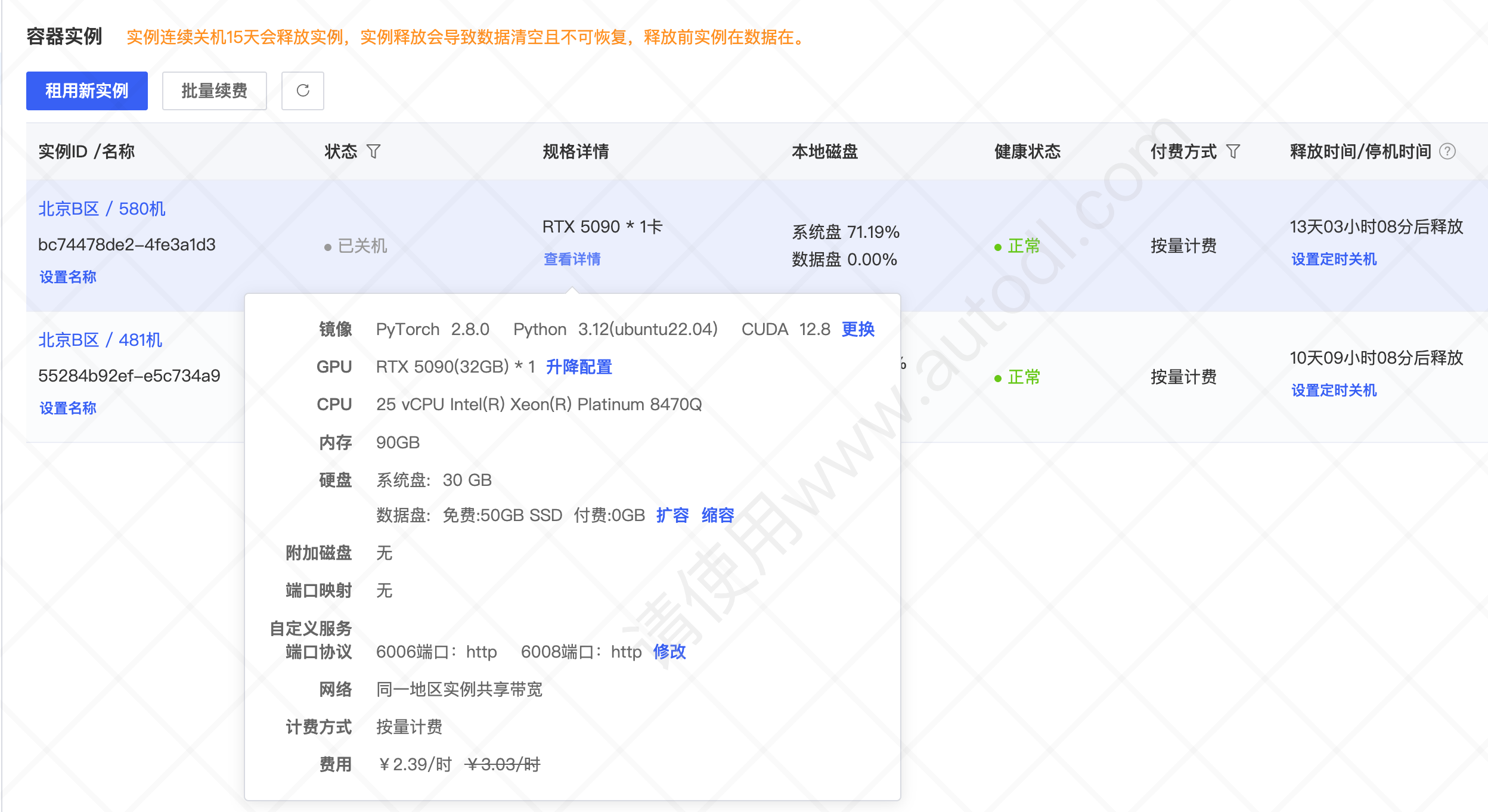
|
|
Optional GPU monitoring With CUDA available, observe GPU use during the GAN experiment. 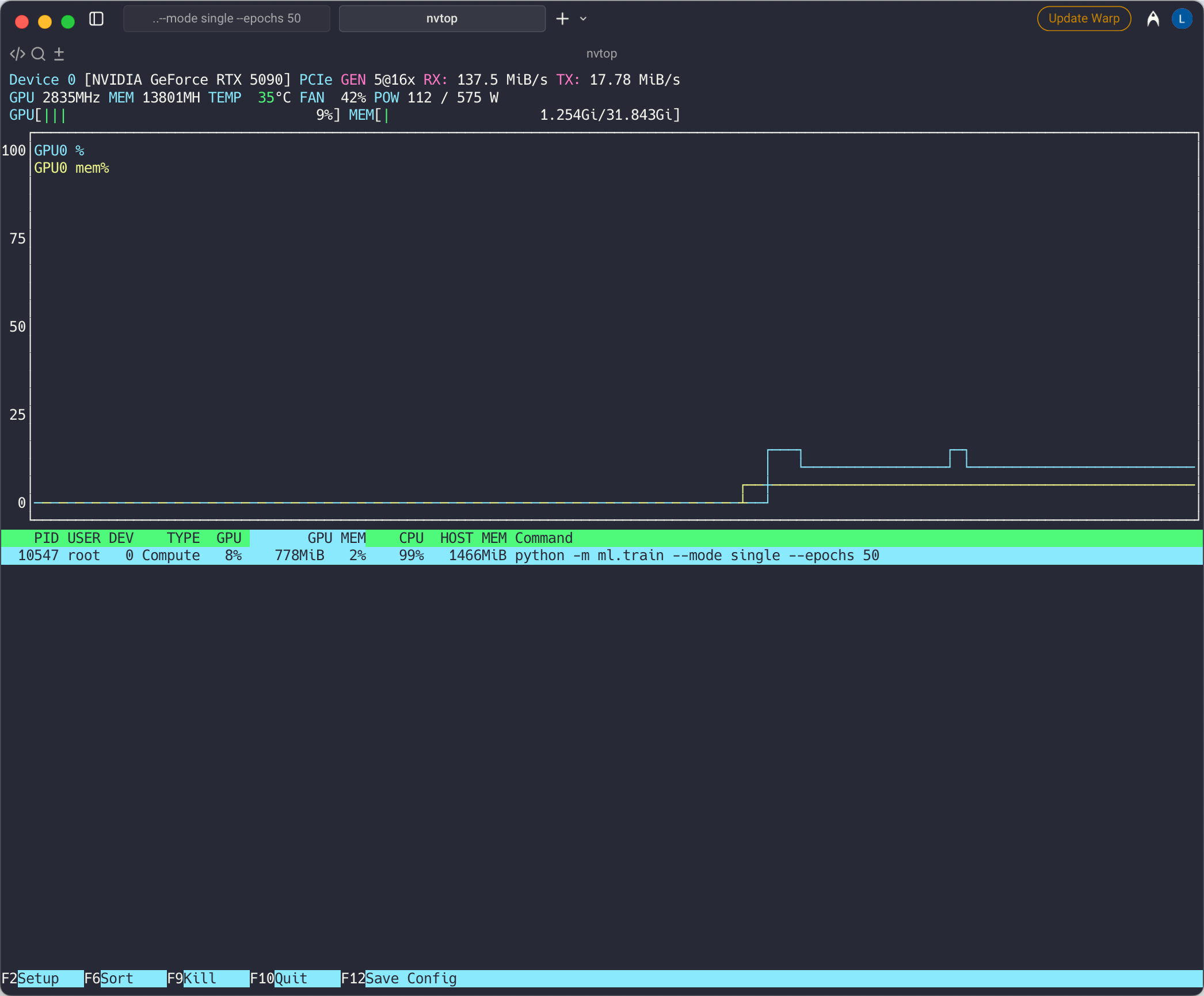
|
|
flowchart LR
    User["Python user code"] --> API["mini-ray Python API"]
    API --> Bindings["pybind11 bindings"]
    Bindings --> Worker["C++ CoreWorker"]
    Worker --> Scheduler["Scheduler"]
    Worker --> Store["ObjectStore"]
    Scheduler <--> Shared["POSIX shared memory"]
    Store <--> Shared
The C++ layer owns the scheduler and object-store primitives. The Python layer provides the learning-oriented API and starts local worker processes. This is a single-machine execution path, not a distributed cluster architecture.
| Area | Included in the repository | Start here |
|---|---|---|
| Runtime core | ObjectStore, Scheduler, CoreWorker, and shared-memory primitives |
doc/DESIGN.md |
| Python API | init, remote, get, and shutdown |
python/miniray/api.py |
| Core examples | Object-store, scheduler, and task demos | examples/ |
| Extended experiments | Actor, Tune, Train, Parameter Server, and Dashboard modules | python/miniray/ |
- mini-ray is an alpha, educational project for a single host and multiple local processes.
- It does not provide cluster execution, distributed fault tolerance, autoscaling, or Windows support.
- Its APIs and internals draw on Ray concepts, but it is not Ray-compatible.
- Treat the machine-learning and Dashboard code as experiments, not as a general-purpose or production runtime.
| Document | Contents |
|---|---|
| Examples guide | Entry points from object storage through training and tuning examples |
| Architecture and design notes | Core components, call paths, and design trade-offs |
| Project structure | Directory responsibilities and source-map overview |
| CMake build guide | Building and troubleshooting the C++ extension |
| Actor and workflow design notes | Experimental Actor and workflow modules |
Issues, learning notes, focused improvement proposals, and small Pull Requests are welcome at Issues. Before submitting, run at least:
python -m pytest tests -v