Knowing DashApp
DashApp is the web application version of Mixture. This offers a simply & intuitive interface thus you can process and analyze your data.
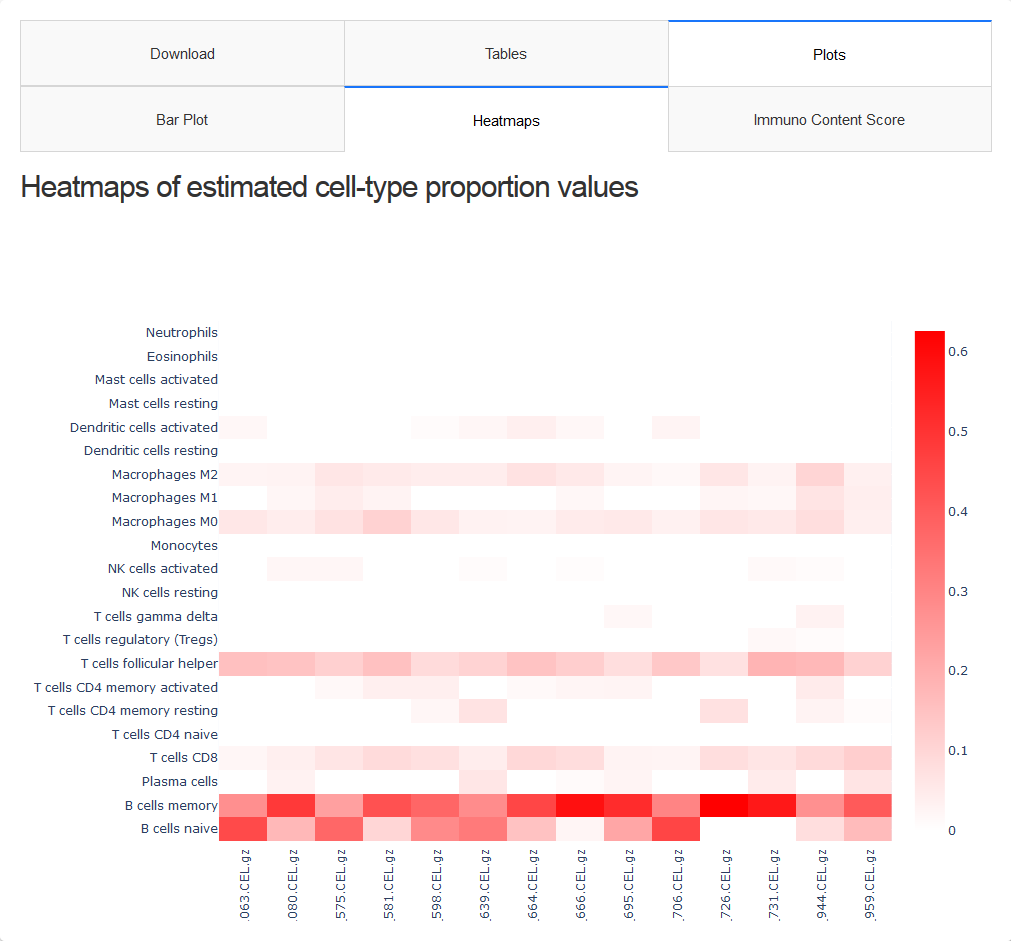
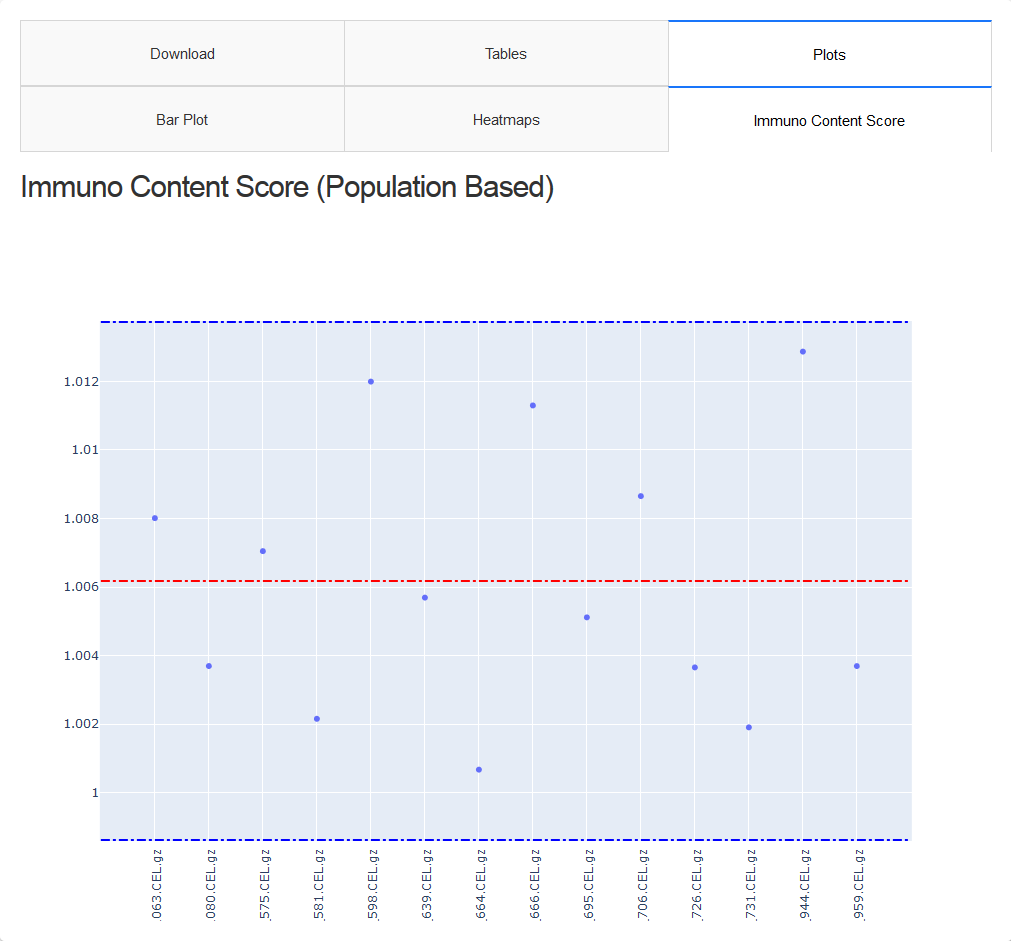
DashApp have a viewer that you can view both tables and plot
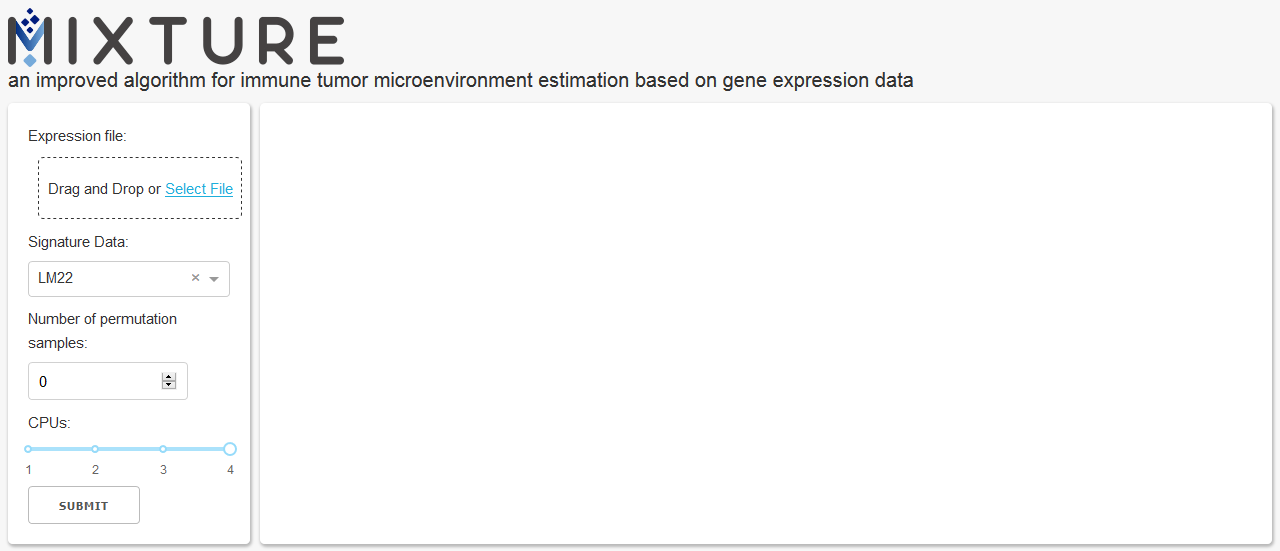
DashApp have a side panel with all user input.
You can select or drag and drop file.
You can select wich signature to use LM22 or TIL10.
Number of population will be created to analyze and calculate P values.
Number of CPUs core you will be use
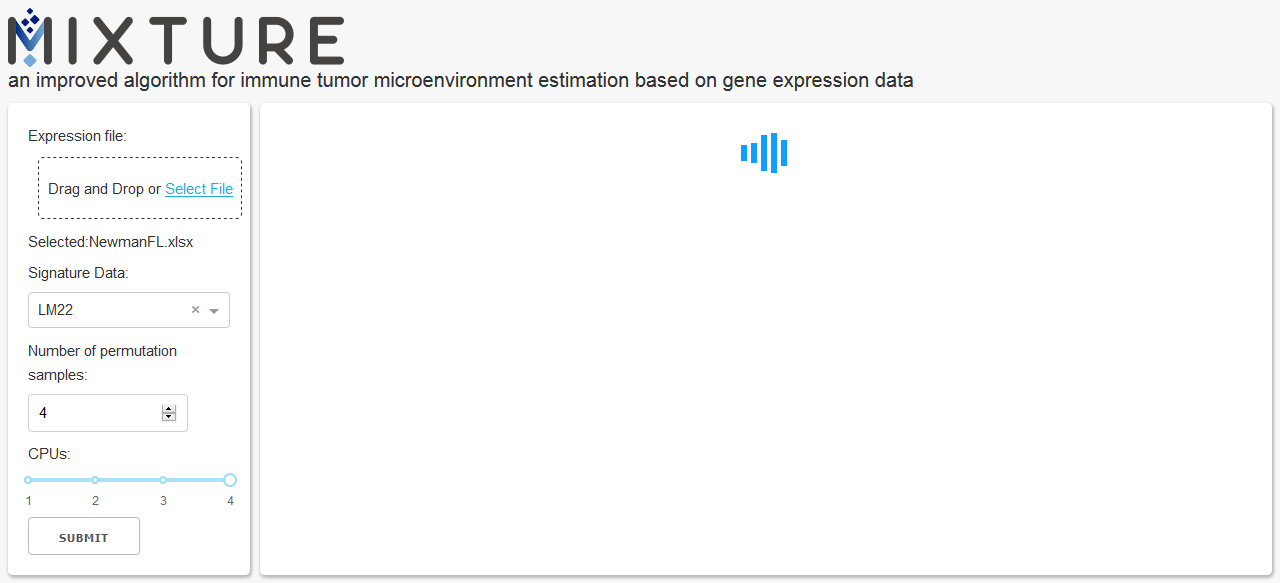
When you running Mixture, you can see a loader
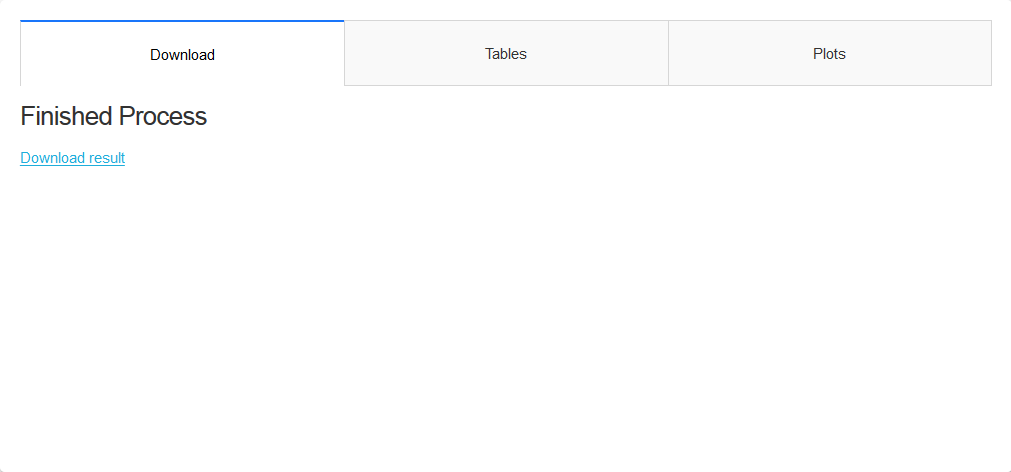
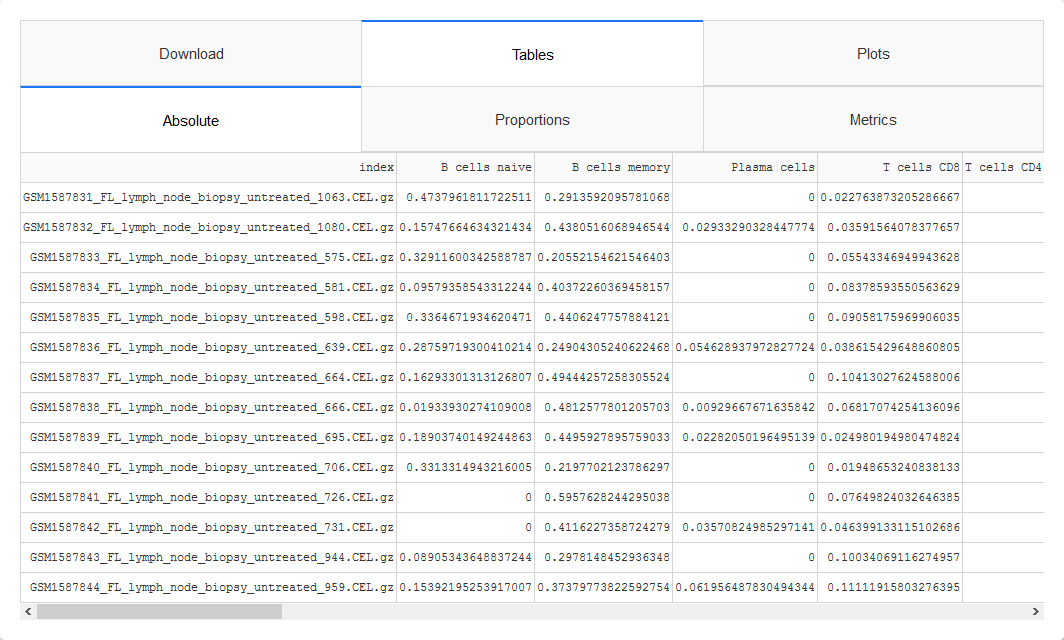
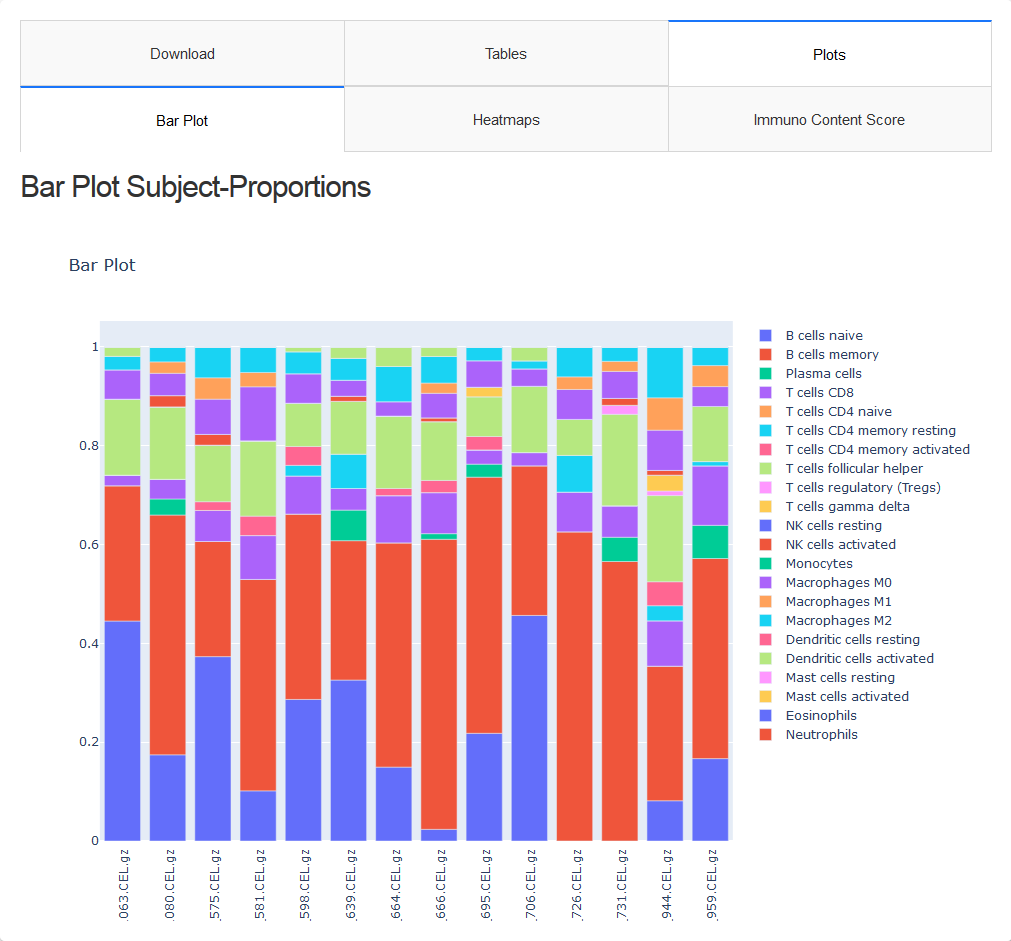
Once finished processing you can see three tabs:
- Download
- Tables
- Plots
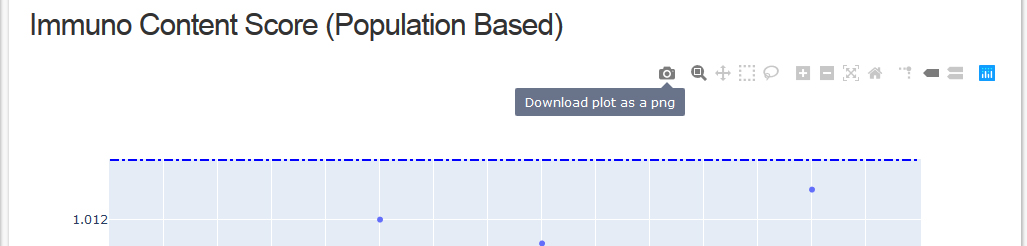
The plots have a toolbar with tools, i.e. snapshot the plot, zoom, autoscale, etc...