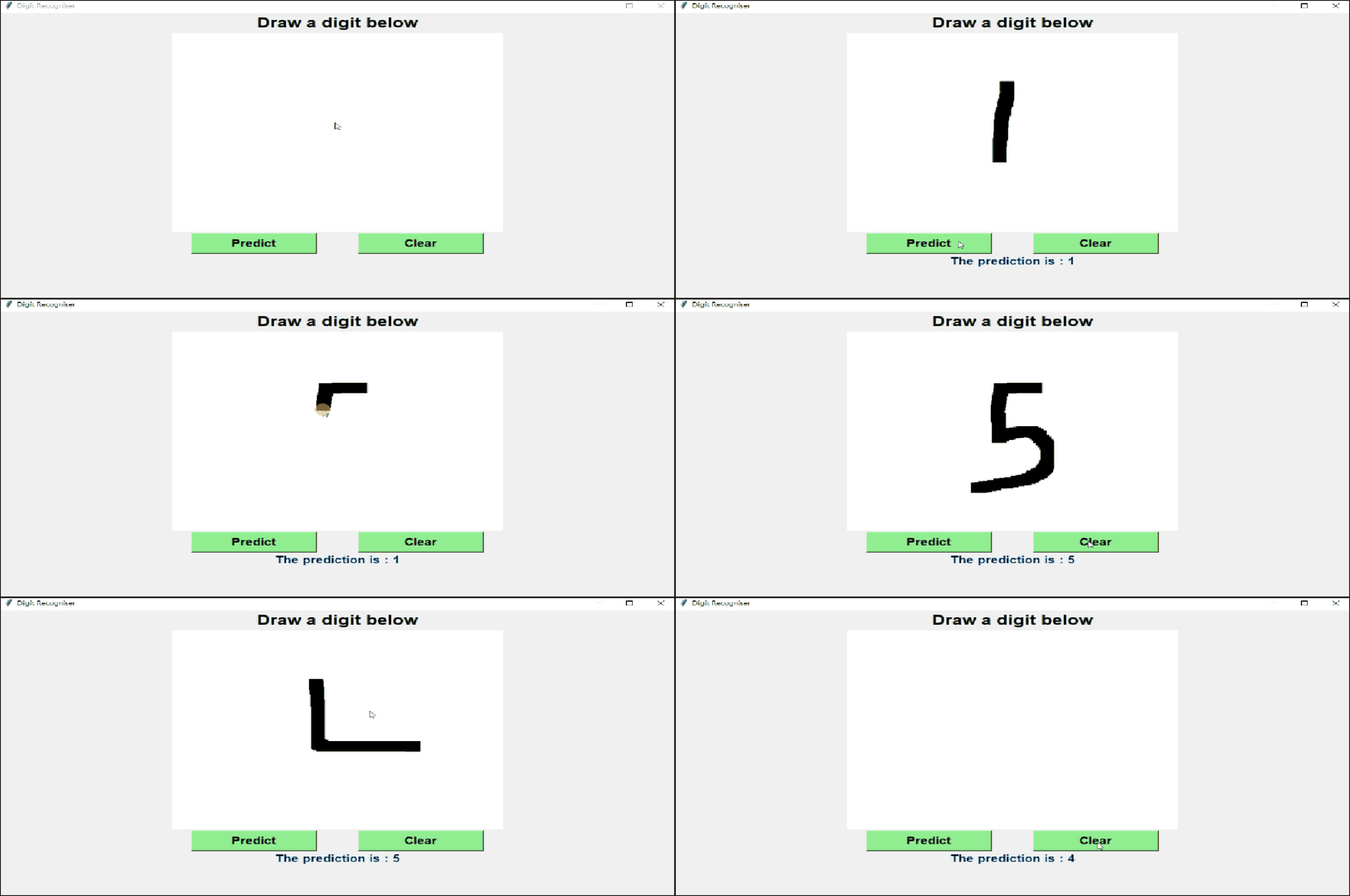
A standalone application that makes use of Machine Learning to try and recognise a hand-drawn (or rather, mouse-drawn) digit. I also made a web implementation of this app (basically a web app) using Gradio and Hugging face in case you simply want to try it out. Here's the link to it: https://huggingface.co/spaces/Mr00Magician/Handwritten-Digit-Recogniser
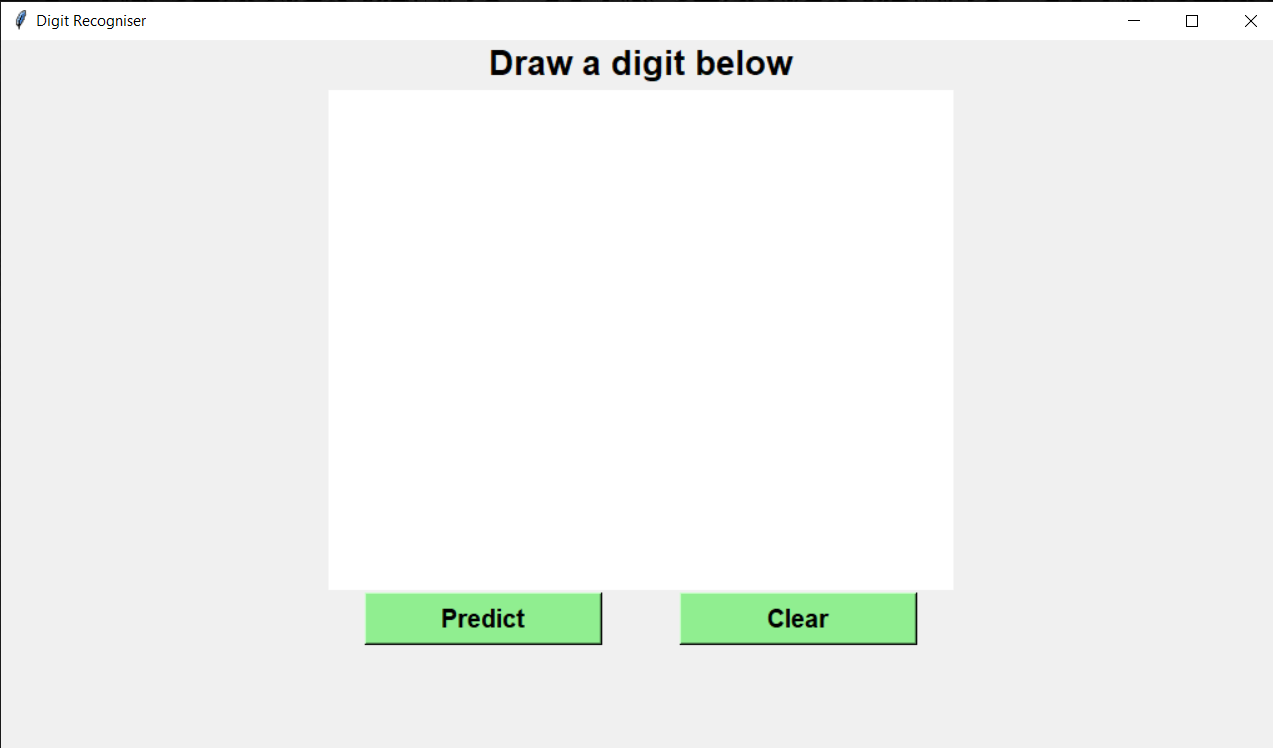
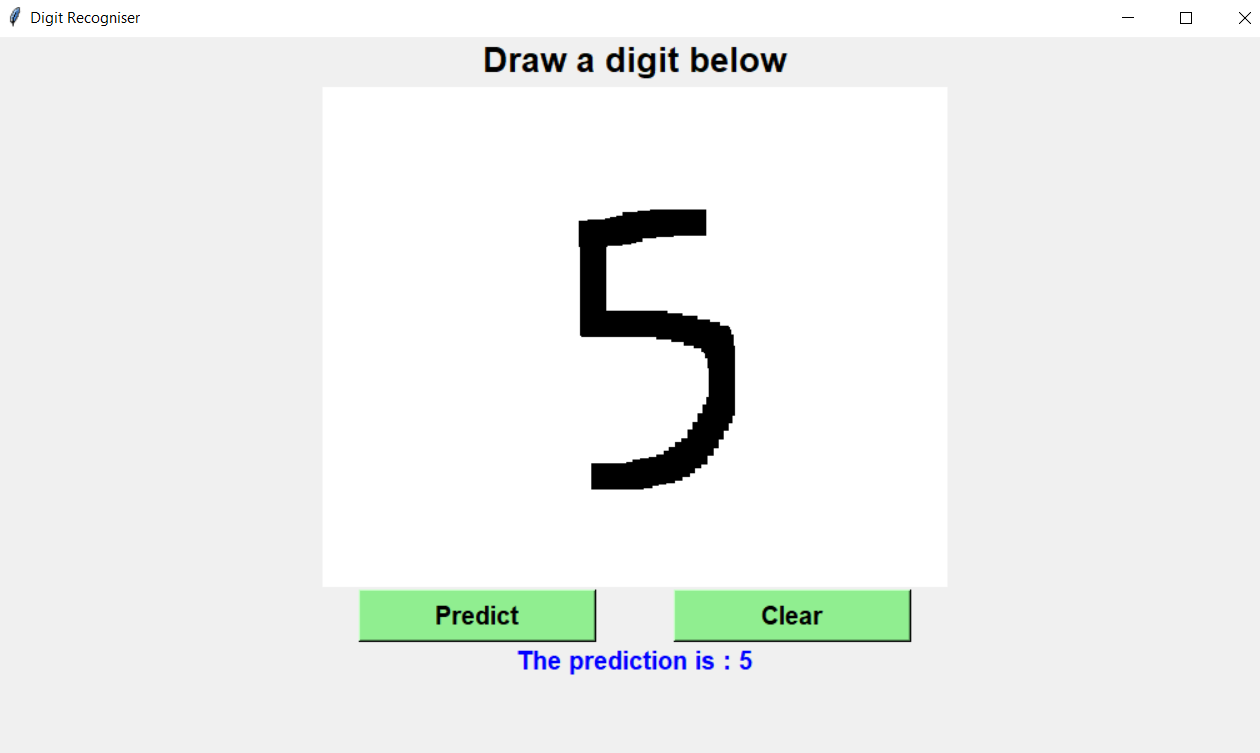
Upon running, the app will provide you with a blank white interface on which you can draw a digit with your mouse, by clicking and dragging. The app will then capture an image of the digit drawn and pass it to a neural network which will predict which digit has been drawn.
To run this app, follow these simple steps:
- See that you have
Pythoninstalled. - Clone this repository.
- Create a new Python environment and install the dependencies in it. This can be done as follows:
- Open
command promptandcdto the directory where you have cloned the repo. - Run the command
Python -m venv envto create a new virtual environment namedenv - Activate the enviroment by running the command
env\Scripts\activate.bat - Install depencies by running the command
pip install -r requirements.txt
- Open
The above steps will create a python virtual environment and install the required depndencies in it. Now whenever you want to run the app, follow these steps:
- Open
command promptandcdto the directory where you have cloned the repo. - Activate the python environment by running the command
env\Scripts\activate.bat. - Run the app by the command
Python digit_recog_GUI.py.
 |
|---|
| Application Window |
 |
| :--: |
 |
| :--: |