A comprehensive tool for personal productivity featuring an advanced habit tracker, a Notion-style block editor, an automated daily journal, and an integrated AI Assistant.
Live App: (((https://bee-well.netlify.app)))
I built Bee-Well as my first major solo project to learn full-stack development and solve a personal need: integrating daily planning with deep self-reflection. Developed initially in 2024, it served as the foundation for all my subsequent work and has recently been upgraded into an AI-powered workspace.
This project proves my ability to architect and ship a feature-rich, user-focused application from concept to launch. It was the "training ground" where I made mistakes, learned, and grew into the developer I am today.
Specifically, building Bee-Well taught me the importance of:
- Scalable State Management: Adopting tools like Zustand and React Query to manage complex app states efficiently.
- TypeScript: Managing a growing codebase with TypeScript for building robust, maintainable applications.
- AI Integration: Designing structured systems to bridge LLMs (Google, Groq, Ollama) with application logic using customized tools safely.
- Advanced AI Assistant: A customizable, context-aware AI chat client (supporting Google, Ollama, and Groq models) that dynamically aids in task management and incorporates model thinking blocks and tool utilization.
- Progressive Web App (PWA) Support: Installable as a native-like app across devices for a seamless experience.
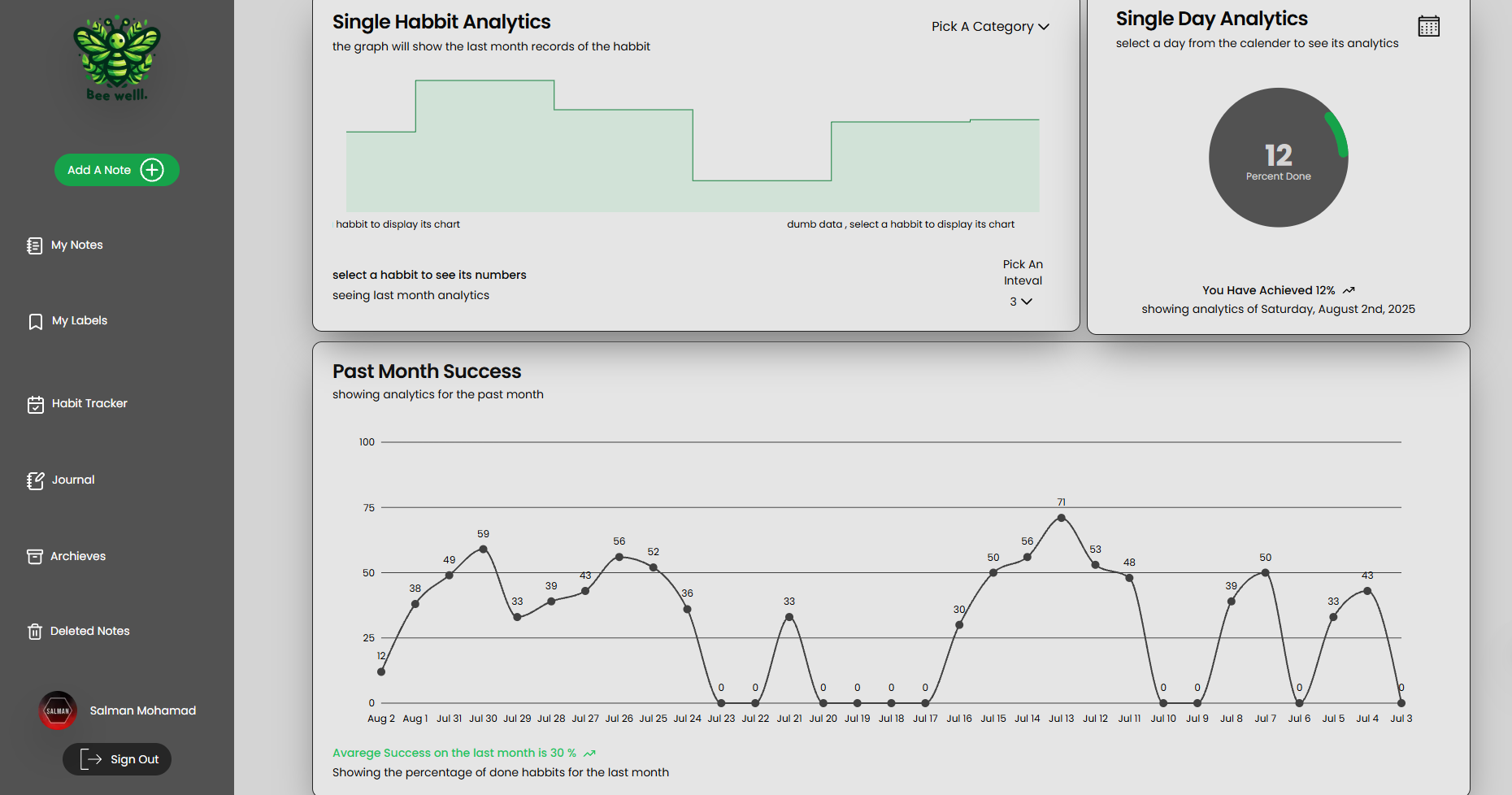
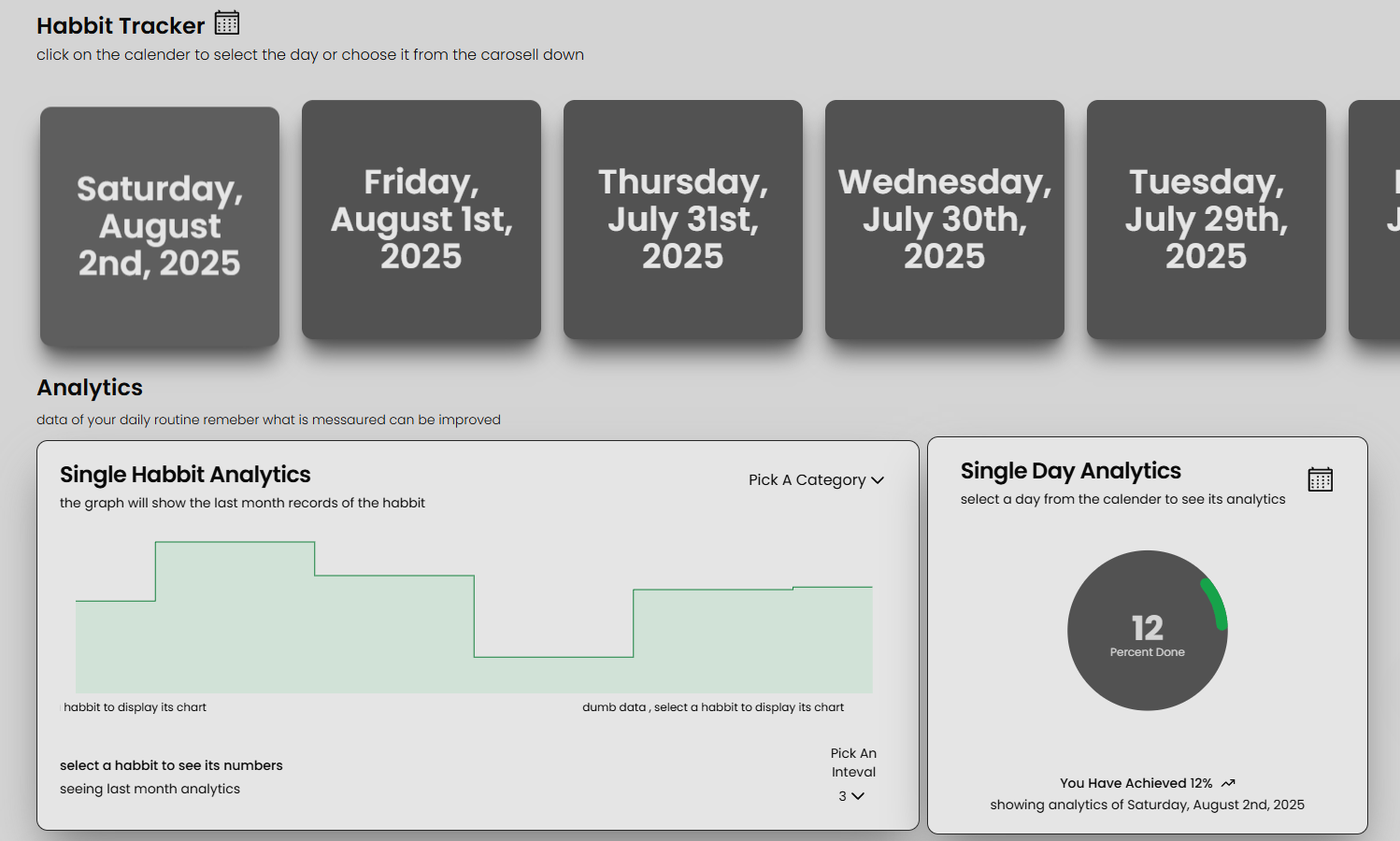
- Advanced Habit Tracking: Go beyond simple checkboxes with a system designed for consistency and progress.
- Custom Analytics Engine: Visualize your habit data over time to identify patterns and stay motivated.
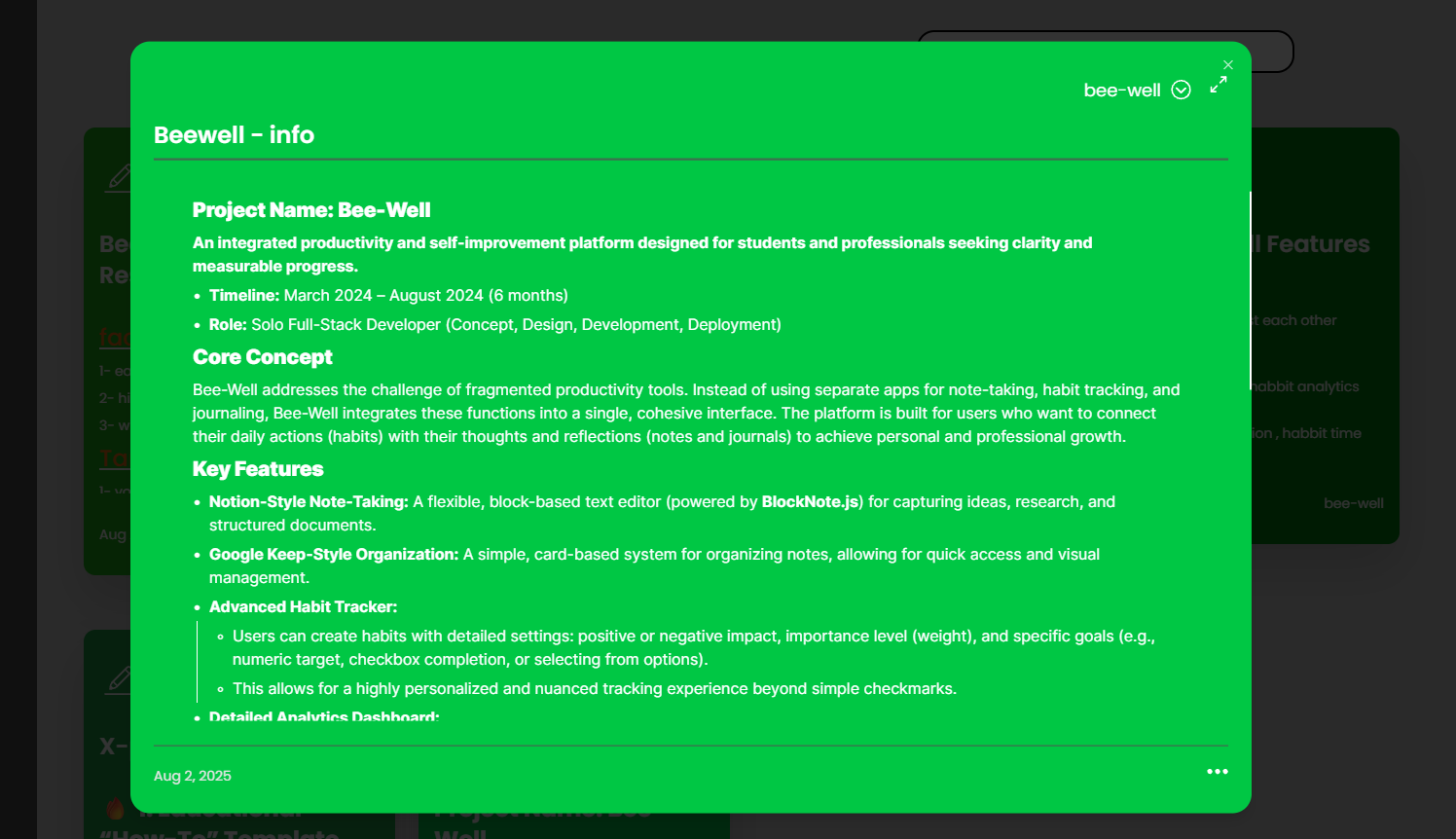
- Notion-Style Block Editor: A flexible, powerful editor for capturing notes, ideas, and journal entries.
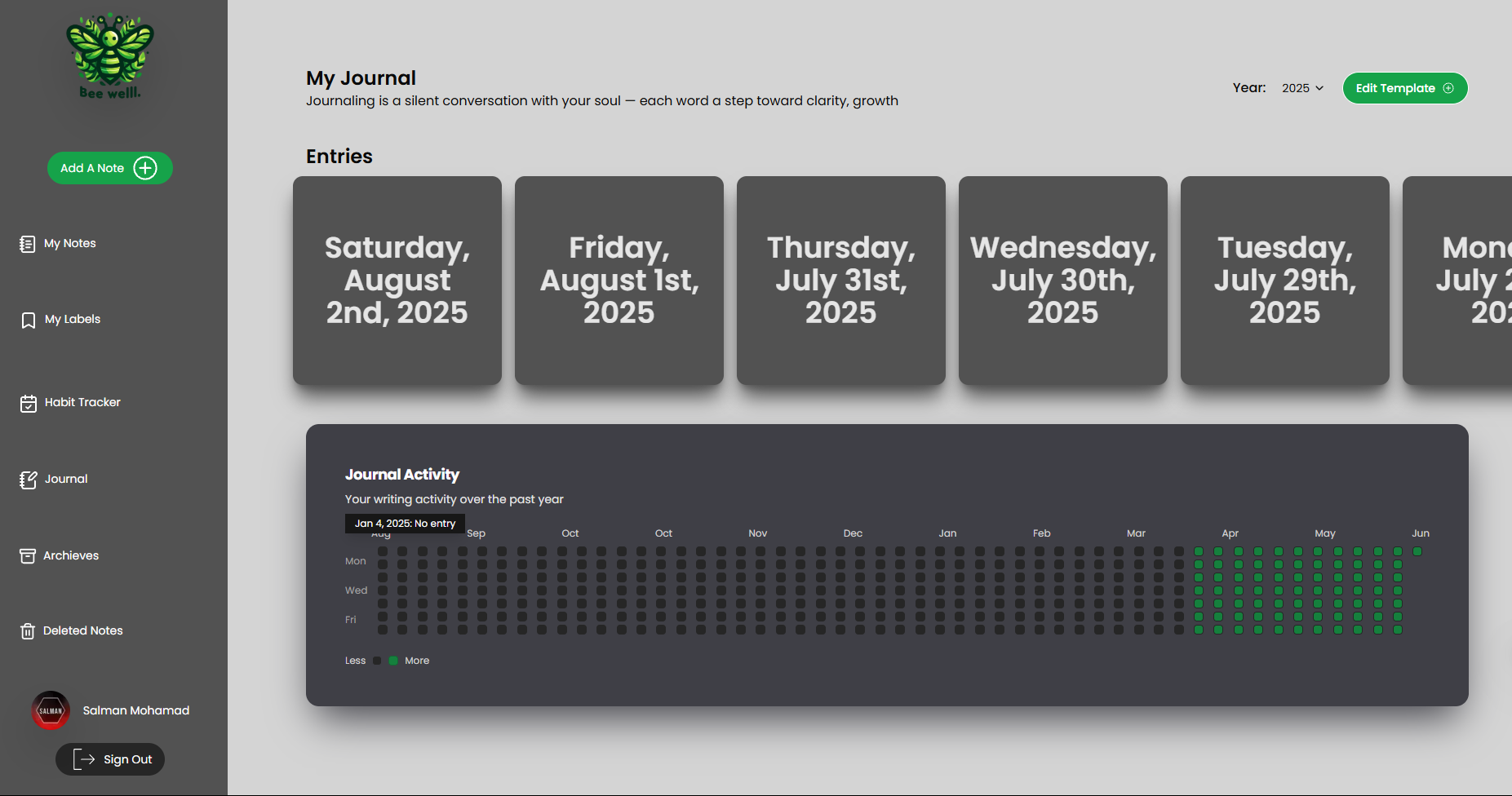
- Automated Daily Journal: Prompts and templates to encourage consistent self-reflection.
- Framework: Next.js (App Router)
- AI Interoperability: Vercel AI SDK, Ollama, Google Gen AI SDK
- Database: MongoDB
- Authentication: NextAuth.js
- UI: Shadcn/UI, Tailwind CSS, Lucide Icons
- Editor/Markdown: BlockNote.js, react-markdown, remark-gfm
- State Management: Zustand, React Query
- Deployment: Vercel (PWA Enabled)
- Clone the repository:
git clone https://github.com/BraaMohammed/Bee-Well/
- Install dependencies:
npm install
- Set up environment variables:
Create a
.env.localfile and add the necessary environment variables (e.g., MongoDB connection string, NextAuth secret).MONGODB_URI=... NEXTAUTH_SECRET=...
- Run the development server:
npm run dev
Bee-Well supports 100% private, free AI by connecting the live web app directly to your local Ollama instance. Because modern browsers strictly block public websites from accessing local networks, you must make two quick one-time configurations:
You need to tell Ollama it is allowed to accept requests from Bee-Well.
- Windows: Open CMD and run
setx OLLAMA_ORIGINS "*" - Mac/Linux: Run
export OLLAMA_ORIGINS="*" ⚠️ CRITICAL: You must completely quit the Ollama app from your system tray/menu bar and restart it for the changes to take effect.
By default, Chromium-based browsers (Chrome, Edge, Brave) kill background requests to localhost.
- Paste this exact URL into your browser's address bar:
chrome://flags/#local-network-access-check - Change the highlighted setting to Disabled.
- Click the Relaunch button at the bottom of the browser.
Once done, simply select Ollama in the Bee-Well chat settings and it will instantly connect.
This project continues to evolve as my personal workspace and testing ground for new technologies like client-side AI integration.