ClawMetry can gate risky tool calls behind a manual sign-off, from the dashboard or from your phone. Approvals and policies are a Pro feature (see ENTITLEMENTS.md).
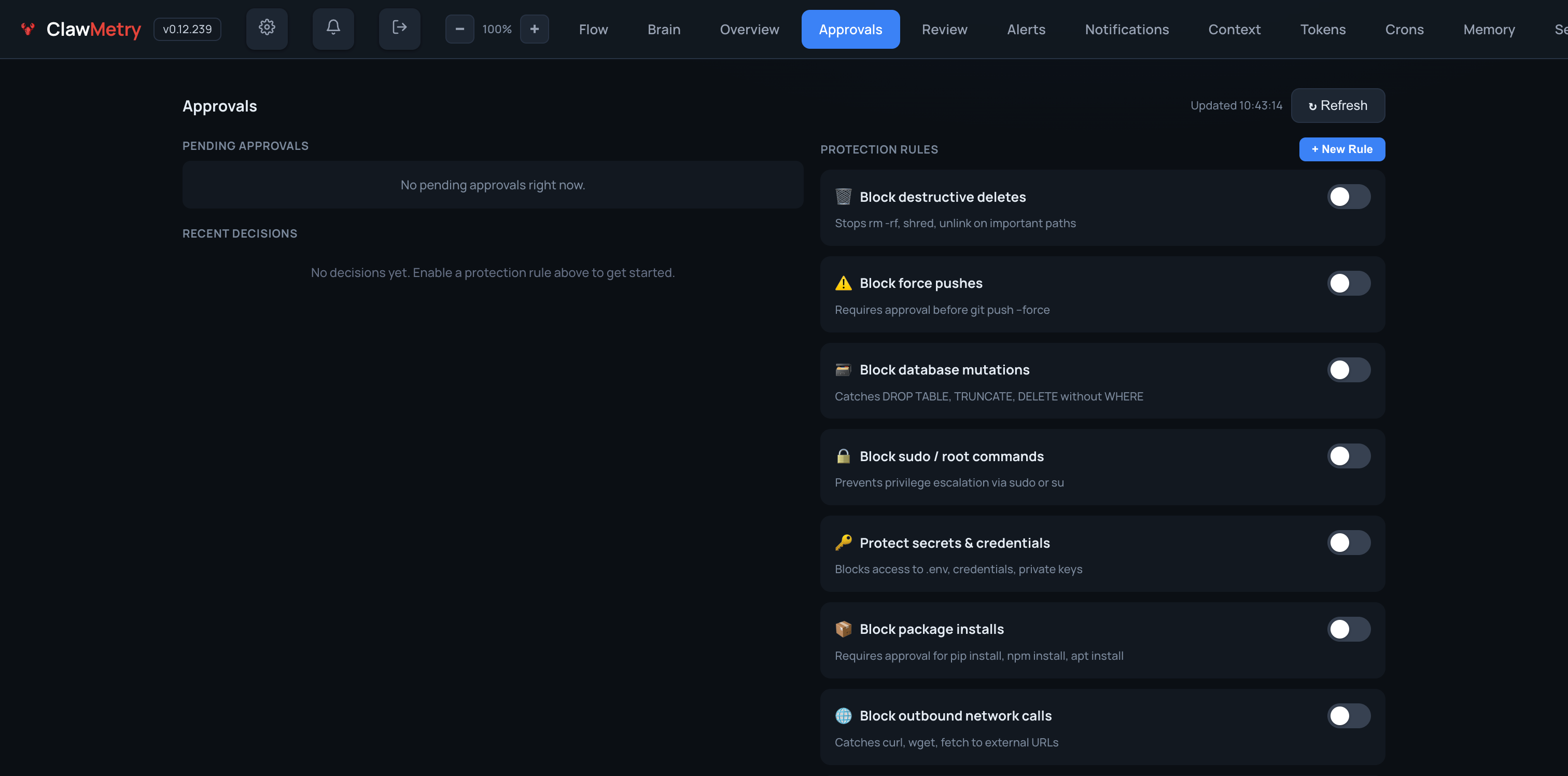
Pre-execution blocking for Claude Code — one command installs a PreToolUse hook that pauses matching tool calls before they run and waits for your decision (one tap from your phone with cloud push notifications enabled):
clawmetry hooks install     # writes ~/.claude/settings.json (idempotent)
clawmetry hooks status      # what's wired + how many policies are active
clawmetry hooks uninstall   # removes only ClawMetry's entries
A deny blocks just that one tool call — the agent keeps its session and can
try another approach. Approving on your phone skips Claude Code's own
permission prompt (you already answered). Unmatched tools cost ~40ms and
fall through to Claude Code's normal permission flow. You also get a phone
push when Claude Code itself is waiting on you (permission_prompt /
idle_prompt notifications).
Risk-based policies — ClawMetry scores every tool call
low / medium / high / critical from what the call actually touches
(recursive deletes, force pushes, sudo, credential files, reverse shells,
cloud metadata endpoints, and more), across every supported runtime. One
rule gates all of it:
# ~/.clawmetry/policies.yml
- name: 'Require approval for high-risk actions'
  min_risk: 'high'          # low | medium | high | critical
  action: 'require_approval'
  timeout: 604800
  on_timeout: 'deny'
min_risk composes with tool / match.command_regex and works in the
policy replay eval, the reactive watcher, and the Claude Code pre-execution
hook alike. Pending approvals and the audit feed show the risk level with
the reasons. When you approve, you can also Approve for session (skip
the prompt for this exact command for the rest of that session) or
Always allow (writes a visible action: approve rule you can revoke
in the Approvals tab).