


| User Manual | API Reference | Blog | Forum |
The PlayCanvas Editor is a visual editing environment for building WebGL/WebGPU/WebXR apps. It can be accessed at https://playcanvas.com.
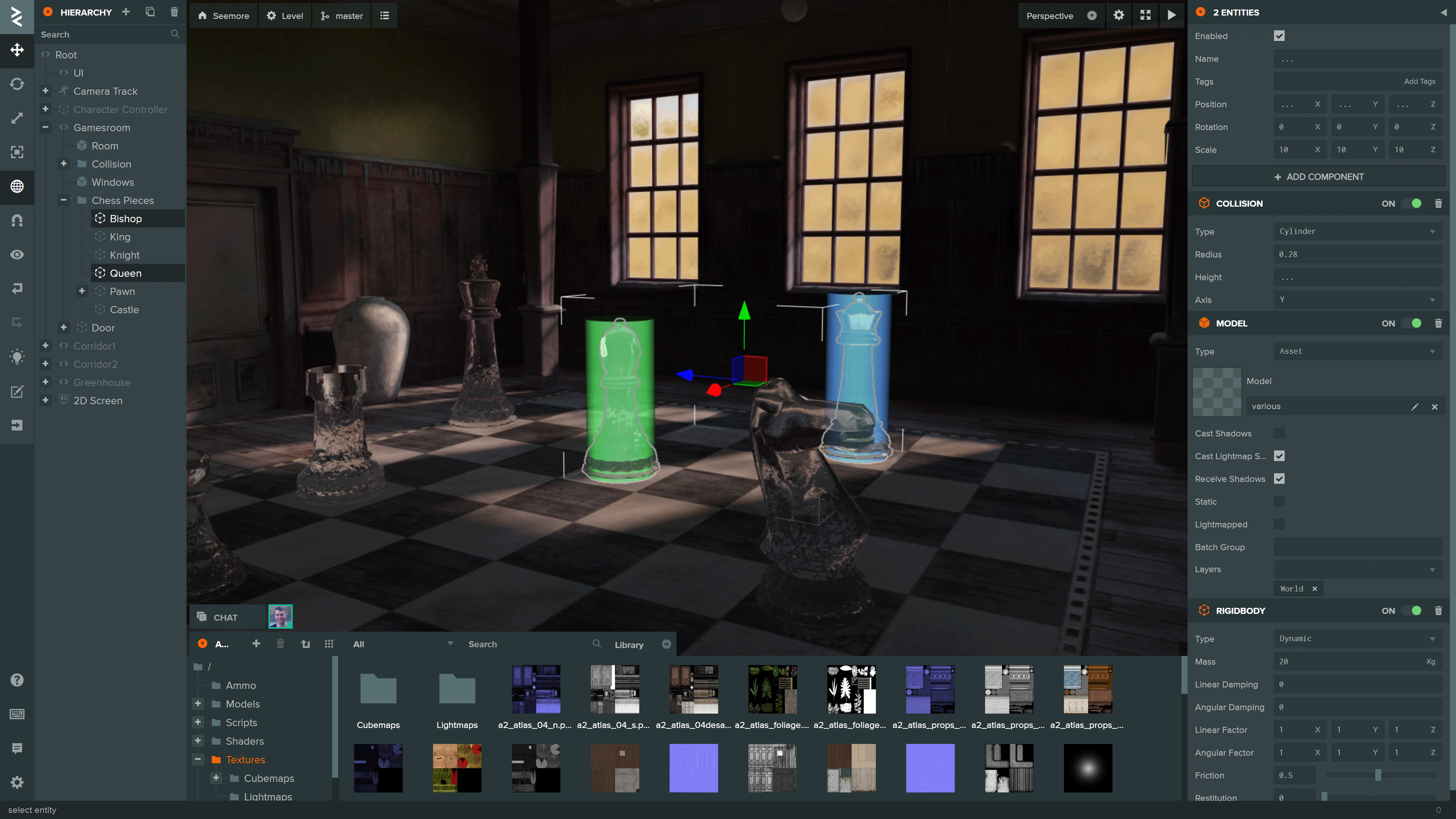
You can see more projects built using the Editor on the PlayCanvas website.
To initialize a local development environment for the Editor Frontend, ensure you have Node.js 18 or later installed. Follow these steps:
-
Clone the repository:
git clone https://github.com/playcanvas/editor.git cd editor -
Install dependencies:
npm install
-
Build the Editor frontend and start a local web server:
npm run develop
-
Open the Editor at playcanvas.com and append the query parameter
use_local_frontendto load the development build:https://playcanvas.com/editor/scene/<YOUR_SCENE_ID>?use_local_frontendThis will load the Editor frontend from
http://localhost:3487instead of the production build.
Note
This query parameter is also supported in the code editor and launch page
The Editor is built on the following open source libraries:
| Library | Details |
|---|---|
| PlayCanvas Engine | Powers the Editor's 3D View and Launch Page |
| Observer | Data binding and history |
| PCUI | Front-end component library |
| PCUI-Graph | PCUI plugin for rendering node-based graphs |
To test the integration of these libraries, use npm link. Follow these steps:
-
Create a global link from source
cd <library>
npm link
-
Create a link to the global link
cd editor
npm link <library>


![@renovate[bot]](https://avatars.githubusercontent.com/in/2740?s=64&v=4)


![@dependabot[bot]](https://avatars.githubusercontent.com/in/29110?s=64&v=4)

