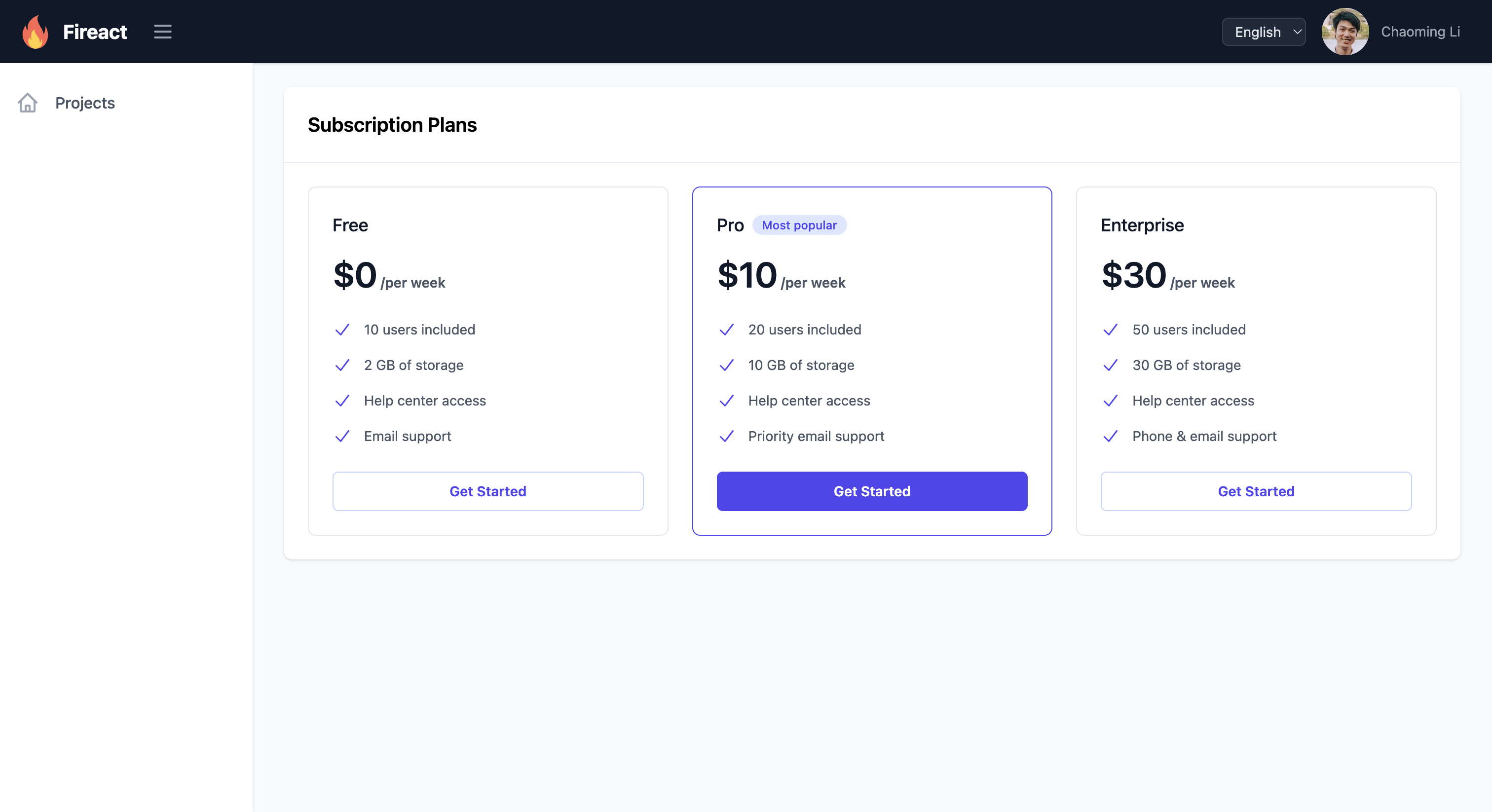
Fireact SaaS is a comprehensive React-based Software-as-a-Service (SaaS) framework that provides essential features for building subscription-based web applications. Built with TypeScript, TailwindCSS, and Firebase, it offers complete solutions for user management, subscription handling, and multi-tenant architecture.
Instead of forking this repository, we recommend using our npm packages in your web application:
- @fireact.dev/saas: The main package containing React components and client-side functionality
- @fireact.dev/saas-cloud-functions: The package containing Firebase Cloud Functions for handling subscriptions and other server-side operations
Please refer to our official documentation for detailed installation and usage instructions for both packages.
We welcome contributions from the community! Here's how you can help:
We are committed to providing a welcoming and inclusive experience for everyone. We expect all participants to adhere to our Code of Conduct:
- Be respectful and inclusive of differing viewpoints and experiences
- Use welcoming and inclusive language
- Be collaborative and constructive in your communication
- Focus on what is best for the community
- Show empathy towards other community members
- Fork the repository
- Create a feature branch (
git checkout -b feature/amazing-feature) - Make your changes
- Commit your changes (
git commit -m 'Add some amazing feature') - Push to the branch (
git push origin feature/amazing-feature) - Open a Pull Request
Please ensure your PR:
- Includes a clear description of the changes
- Updates relevant documentation
- Adds tests if applicable
- Follows the existing code style
- Passes all tests
To develop Fireact SaaS locally, follow these steps:
- Node.js (v14 or later)
- npm (Node Package Manager)
- Firebase account
- Stripe account
-
Clone the repository:
git clone https://github.com/fireactjs/saas.git cd saas -
Install the dependencies:
npm install
Create a config.json file in the src directory with your Firebase configuration:
{
  "firebase": {
    "apiKey": "YOUR_API_KEY",
    "authDomain": "YOUR_AUTH_DOMAIN",
    "projectId": "YOUR_PROJECT_ID",
    "storageBucket": "YOUR_STORAGE_BUCKET",
    "messagingSenderId": "YOUR_MESSAGING_SENDER_ID",
    "appId": "YOUR_APP_ID"
  },
  "stripe": {
    "publicKey": "YOUR_STRIPE_PUBLIC_KEY"
  }
}-
Install Firebase CLI:
npm install -g firebase-tools
-
Log in to Firebase:
firebase login
-
Initialize Firebase in your project:
firebase init
Select Firestore, Functions, and Hosting, and follow the prompts.
You have two options for local development:
For rapid development with hot reloading:
npm run devOpen your browser and navigate to http://localhost:5173.
For testing with Firebase services:
-
Build the application:
npm run build
-
Start the Firebase emulators for Authentication, Firestore, Functions, and Hosting:
firebase emulators:start --only auth,firestore,functions,hosting
This will serve the built application through Firebase Hosting emulator while providing local Authentication, Firestore, and Cloud Functions services.
For detailed information about developing components for the @fireact.dev/saas and @fireact.dev/saas-cloud-functions packages, please visit our official documentation.
Create a production build:
npm run buildThis project is open source and available under the MIT License.