with Wanjun, Amanda, Ashlee, Chris, Shaun
A little bit of prep before the session:
- listened to this podcast on Dynamicland
- found a good, affordable projector mount that we should be able to mount for next time (pointing down from the wall, not ceiling)
- went through the Paper API and realized it was missing some things we could add:
- detecting auxiliary objects (with OpenCV): like the popsicle stick controller here
- reading live camera image (with Canvas): like this kaleidoscope program
We got started pretty late because we forgot we needed a webcam and had to do some driving to get one!
Shaving the yak: While waiting for the webcam, we also looked at a bunch
of different ways to use a phone as a webcam just for kicks. Tried a bunch of
apps. Something called "IP Webcam" I think allowed us to stream camera video
from our phone to our laptop browser very smoothly. Upon inspecting the video
on the page, it was being displayed by an <img> tag, somehow streaming
video. We couldn't figure out how to turn it into a selectable device in time
before our webcam arrived.
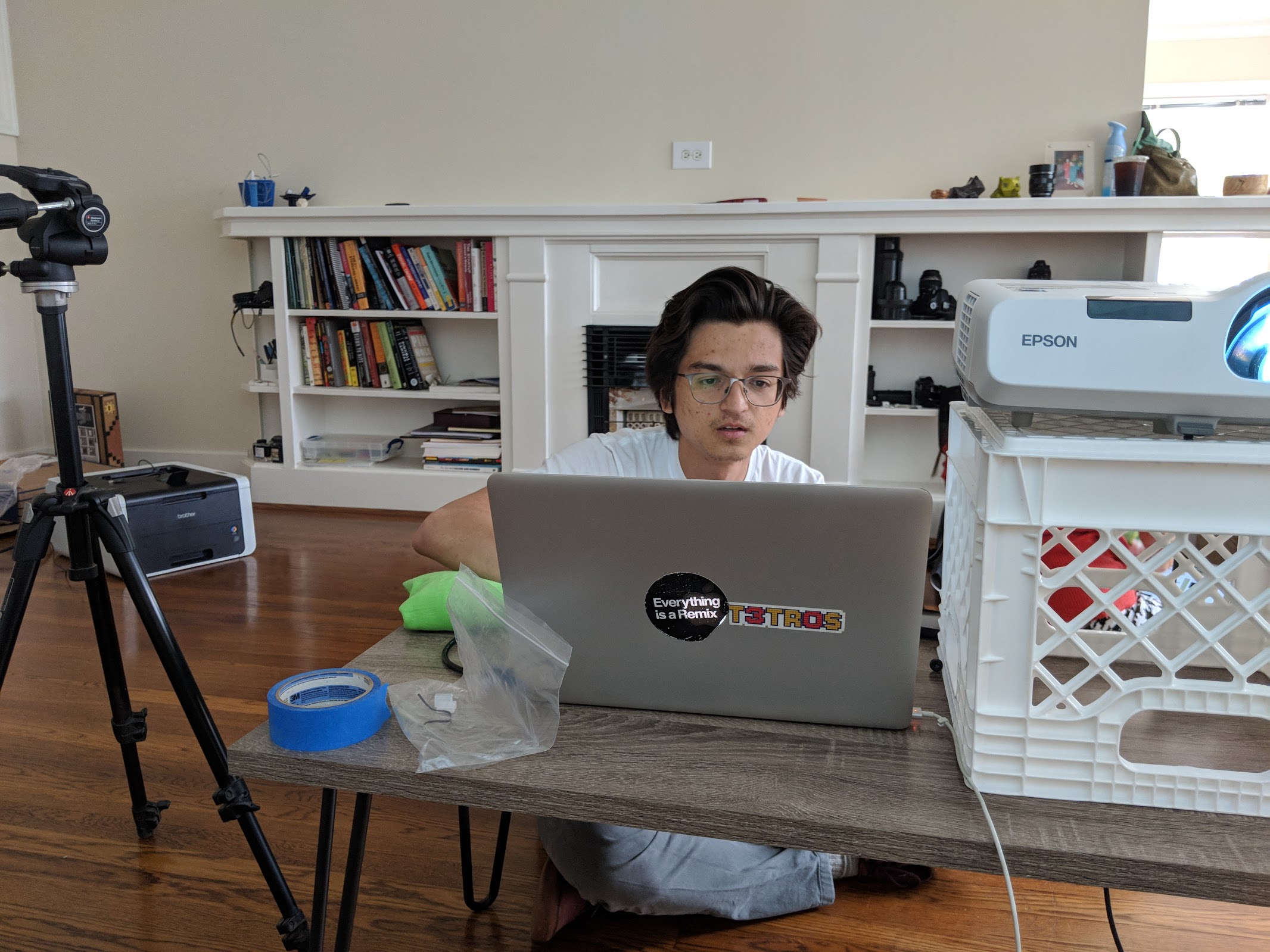
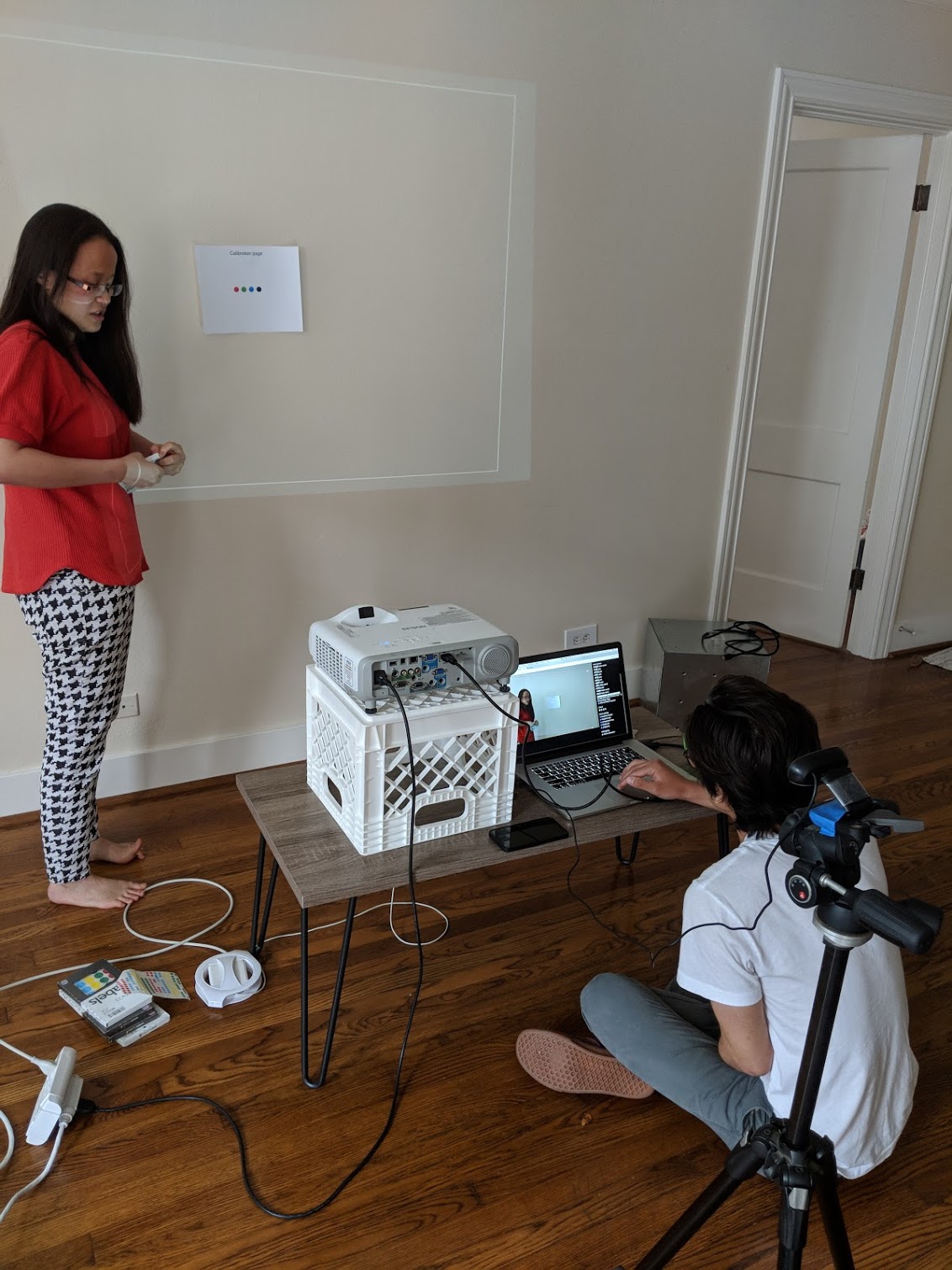
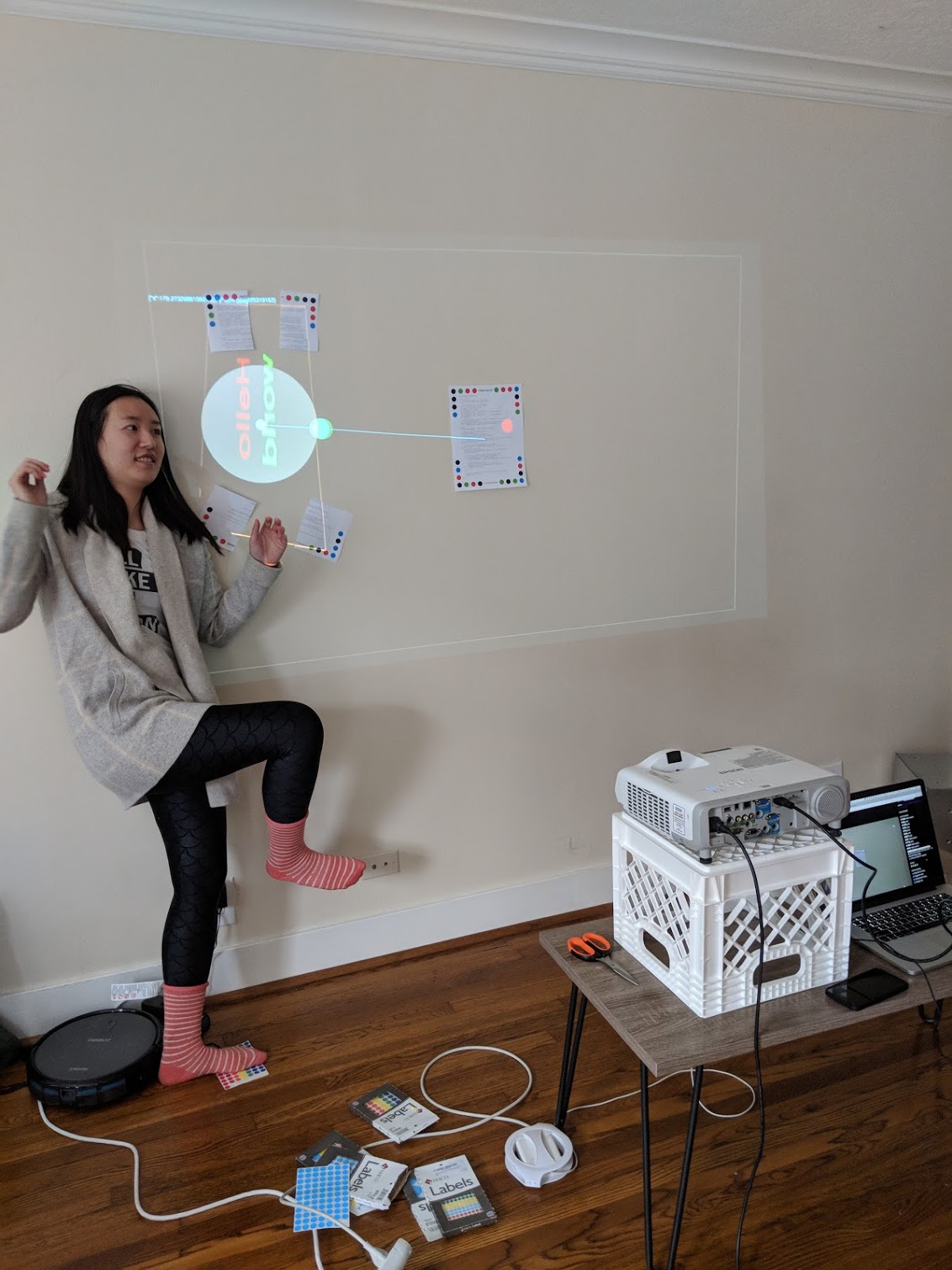
Once we got the camera, we got setup quickly. We pulled up our old programs from last session to test that things were working as expected. We also deleted some of the old programs directly using the postgres command line tool, to declutter our camera screen for the session.
We spent some time catching Chris up on what we learned last session, and played a bit with the old programs:
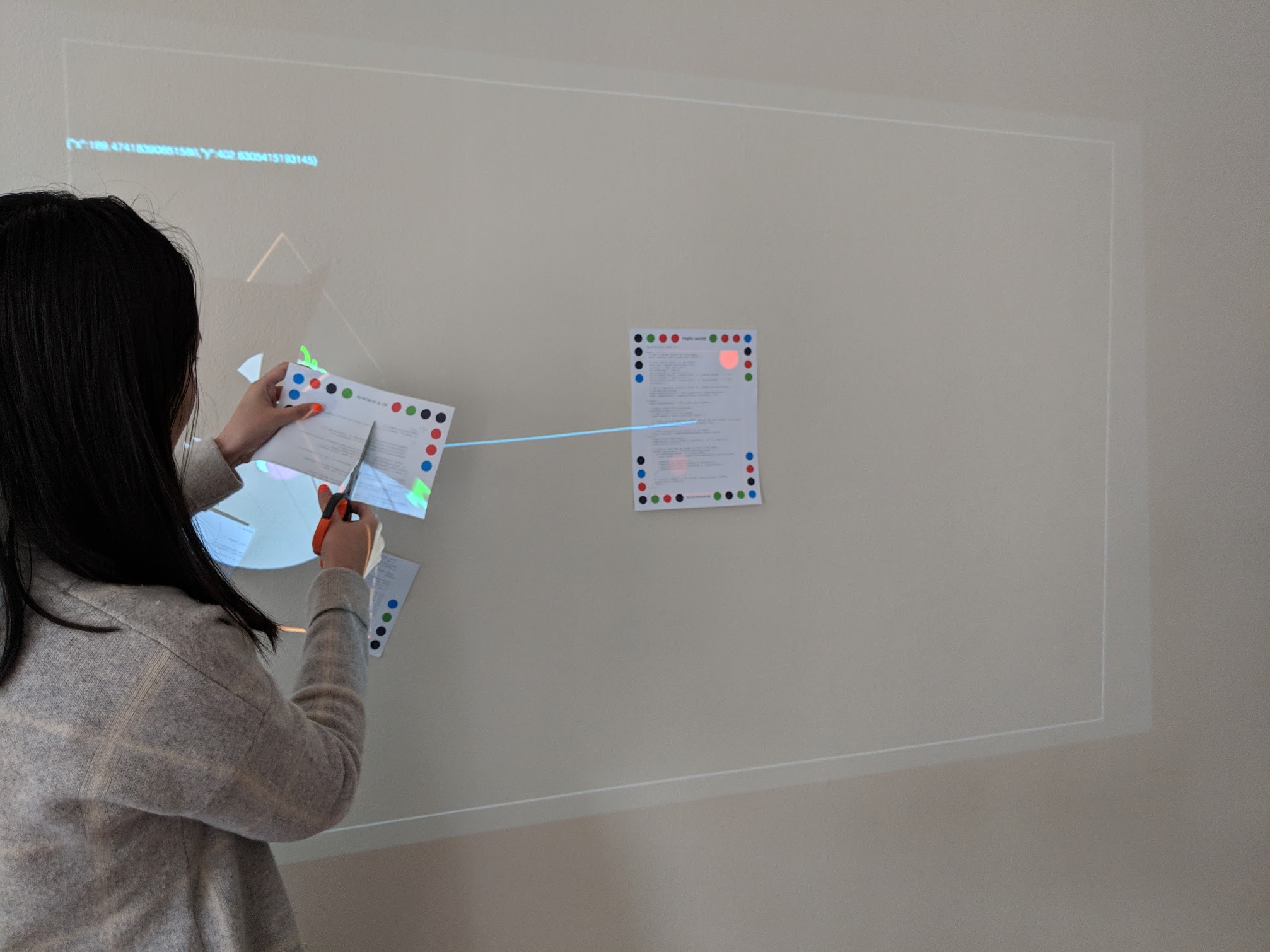
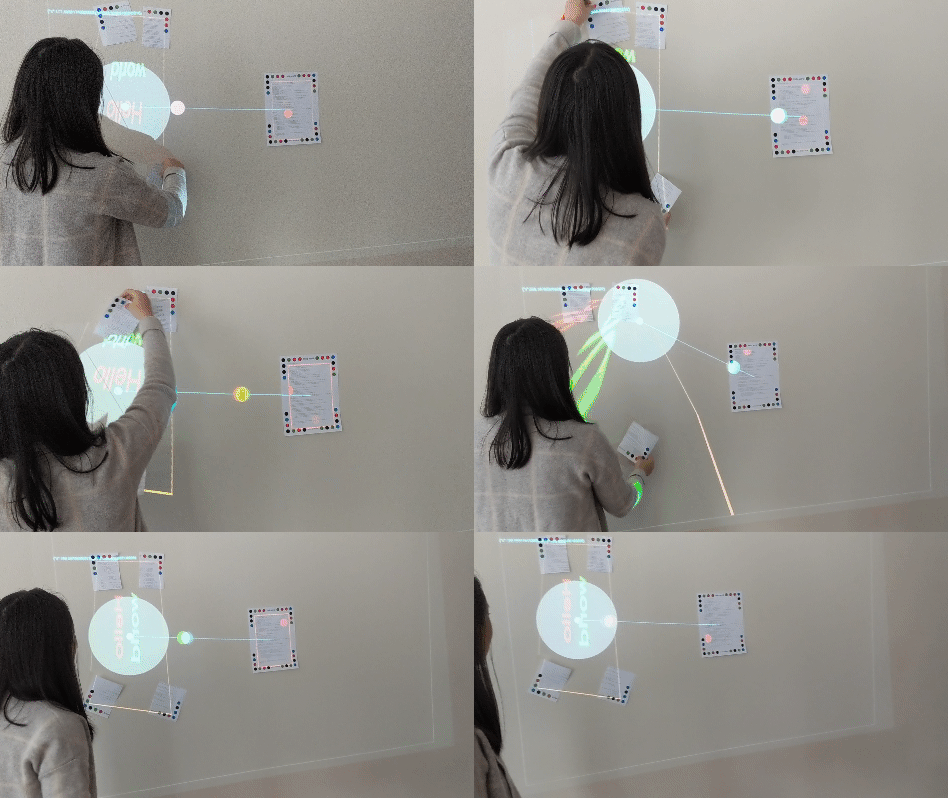
When swapping the opposite corners, the image flips, as if turning on its face:
When only two corners are present, the other two corners are projected somehow:
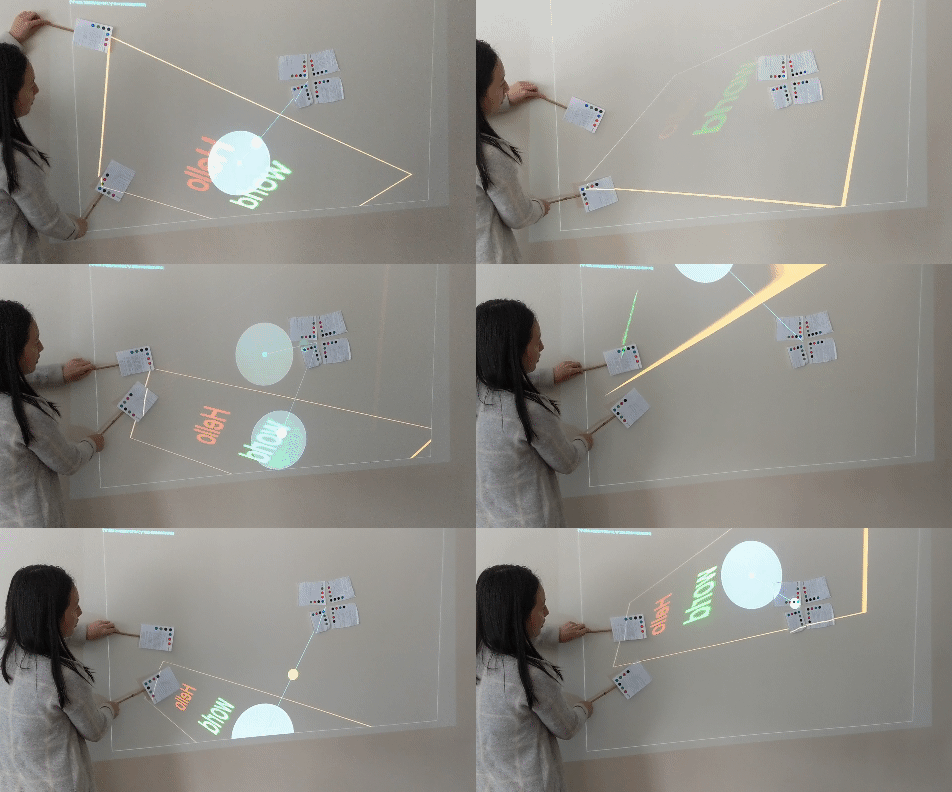
Some discussions on:
- naming programs
- version controlling programs
We had fun brainstorming on what we could do. This is sort of a cleaned up narrative of how our ideas evolved:
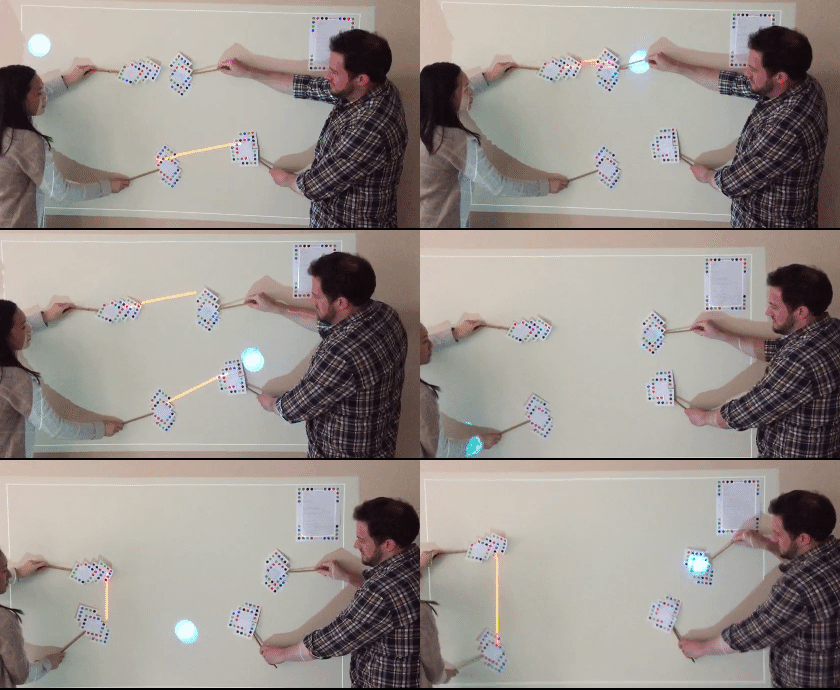
Idea #1 Make Pong, where each paddle could be drawn between two dotted paper corners that we would move around.
Idea #2 Uh, maybe the object detection latency is too slow for this to work well. Let's do it anyway...
Idea #3 Obviously, we don't want paddles to be stretched to cover the whole wall since that would be cheating, so we will make it disappear if the endpoints are too far apart.
Idea #4 Huh, maybe the paddle "handles" should be interchangeable, so a paddle is drawn between any two handles in close proximity.
Idea #5 This could make the game more cooperative, so the objective could be to keep the ball from flying out of bounds by making ad-hoc paddle placements with the person adjacent to you.
There was a lot of initial paralysis about how to do this.
Should a paddle be its own program? Who controls where to draw them? What controls and draws the ball?
We determined the following:
- one dummy clone program for each paddle handle (see code)
- it does nothing but set its data to
isPaddle:true
- it does nothing but set its data to
- a "Ball Escape" program will do the rest (see code)
- it will find all programs with
isPaddle:true - draw paddles in between them
- manage the bouncing ball
- it will find all programs with
This setup was cool because it meant we could swap out the "Ball Escape" program for another one that made use of the handles in a different way.
Drawing paddles: We coded up the initial version of the BallEscape program to detect the paddle handles, then draw a paddle between any two of them that were close enough together.
Limiting one paddle per handle: When we put four handles close together on the wall, we saw a paddle "mesh" drawn between them, so we limited it to only draw one per handle—with priority placed on handles closest to each other.
Bouncing ball: Added a simple bouncing ball that collided with the projector boundaries.
Colliding ball and paddles: Uh, this is hard. After lots of googling of collision math, and finally finding a simple example from a github search on "ball line collision". Not sure how to just import JS libraries to help us here, and we ran out of time before we could finish implementing this part.
Some discussions on:
- simulated environment for dev
- probably defeats the purpose of the physical setup?
- annotation program for displaying information over each paper
- e.g. as soon as you place a paper in front of the project, a temporary annotation could tell you what program it is (useful for when we cut the corners off papers when stretching them out)
- When light shines over the dots, it can turn off the program, creating lots of confusion over why the programs were flashing on and off.
- We could not disable the colored borders around some of the papers, but realized that they denote special states:
- red borders denote programs that have been modified after printing
- other borders denote programs that are currently open in editors (each editor is assigned a random color)
- We wanted to get away from the limitation of having control points attached to papers, since we felt silly having to create an entire dummy program for a single paddle.
Another fun session that left us with ideas on making this better:
- would be nice to be able to detect things outside papers, instead of using papers to track them. Dynamicland seems to do this by tracking colored cubes as auxiliary points.
- would be nice to pull in external libraries for doing hard stuff like collision. Looking forward to getting this working to complete our simple "Ball Escape" concept
- would be nice to draw images from the camera back onto the projected surface to give us more to play with
- work happening here: janpaul123/paperprograms#38